
Picnic complete
Practice on screen
Math practice you can do on screen
Pick a short sheet, tap the answers, and retry only the tricky ones.
- No printer needed
- Big number buttons
- Retry only missed questions
Start here
Pick a sheet
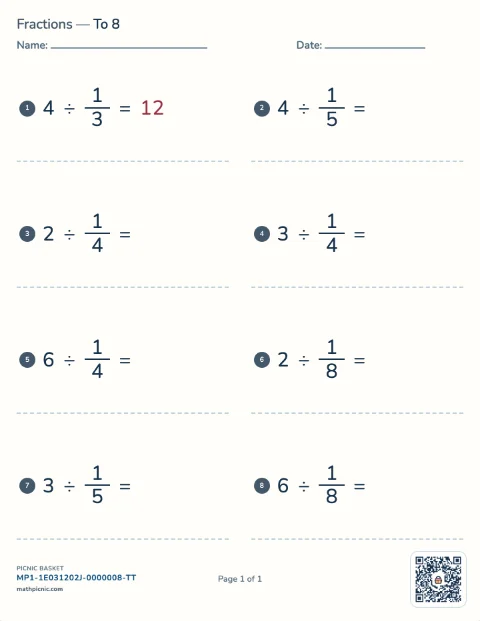
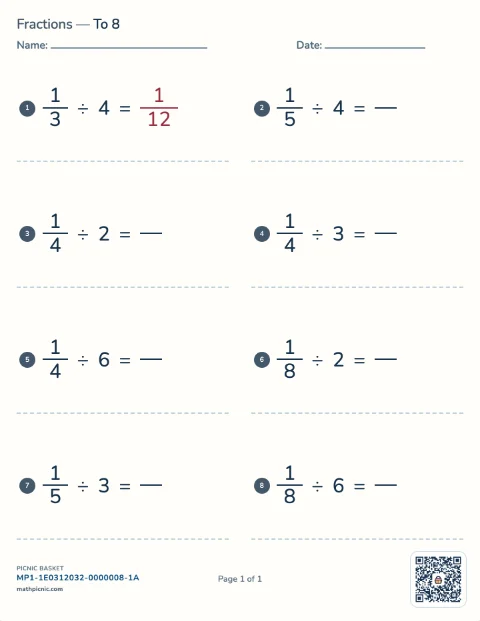
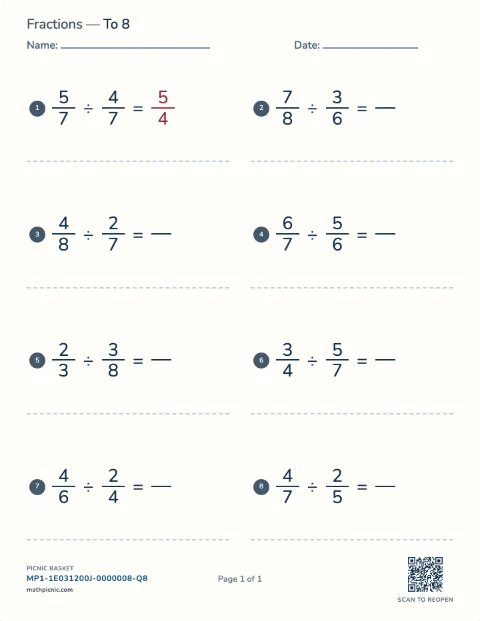
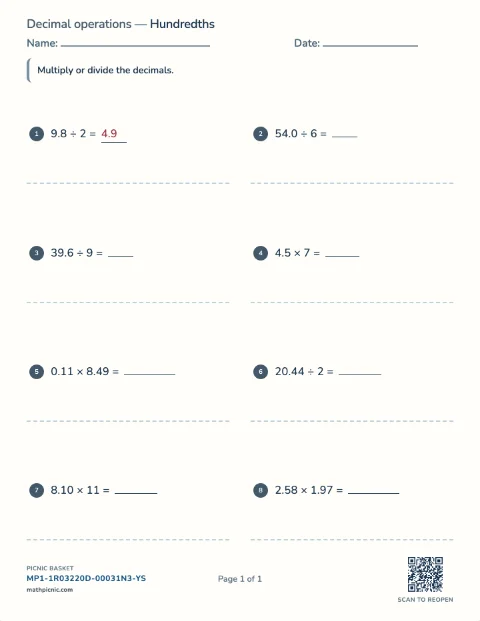
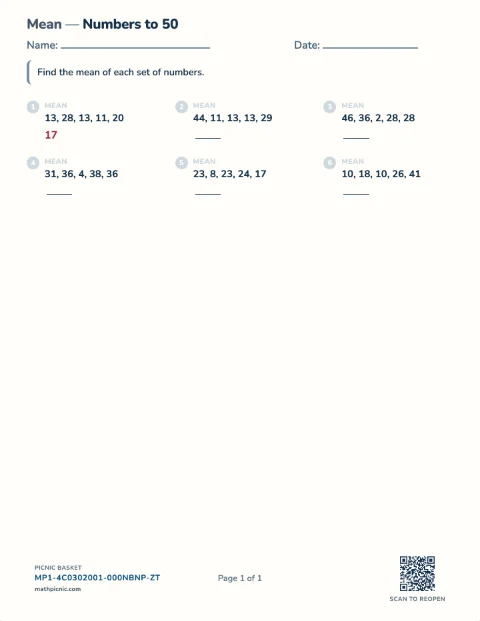
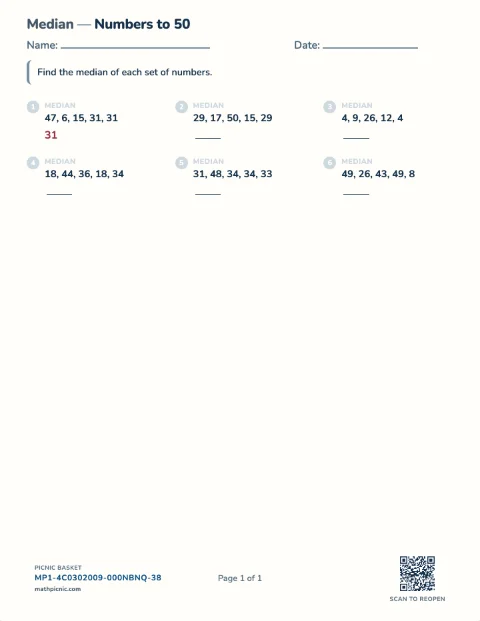
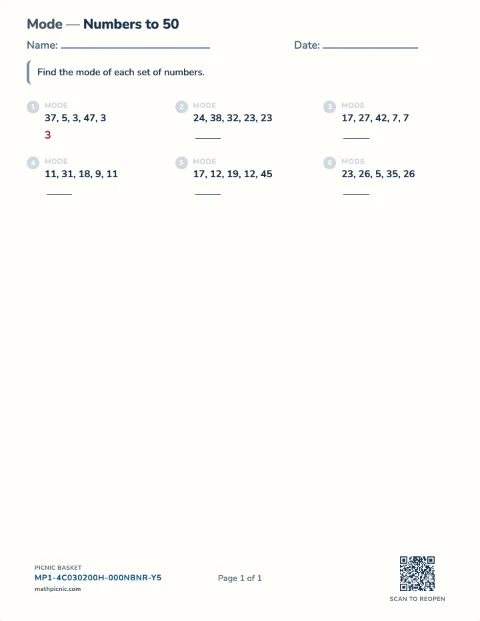
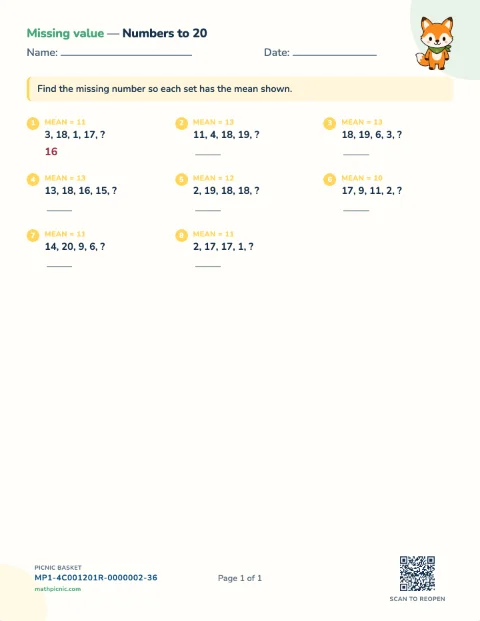
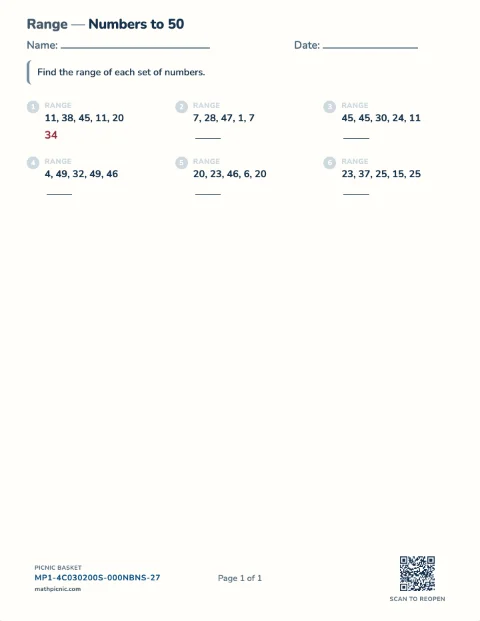
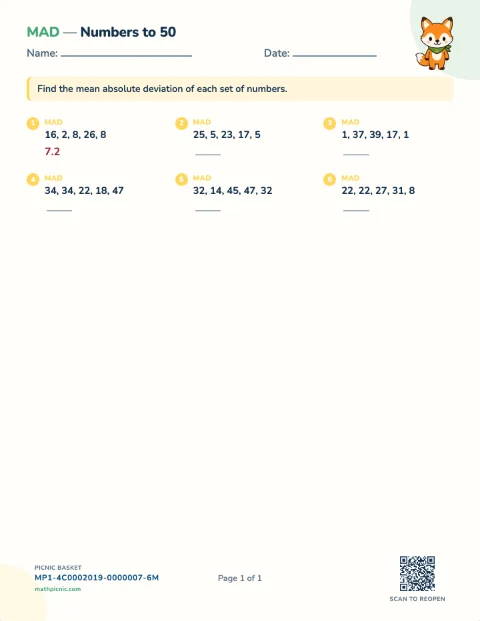
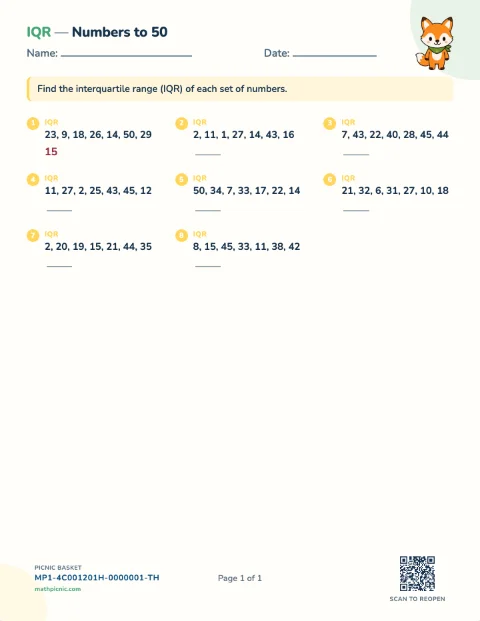
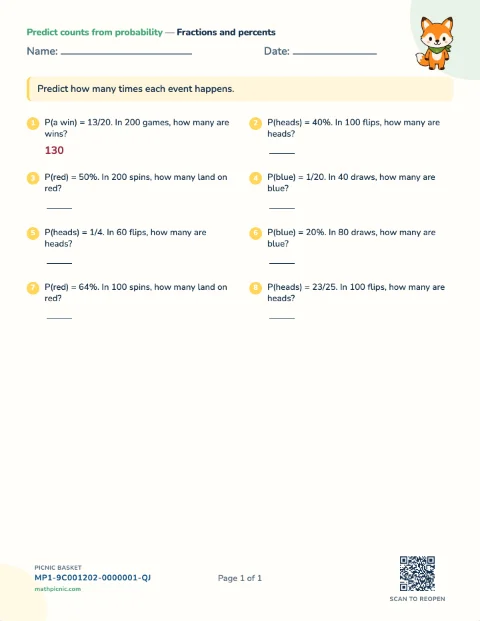
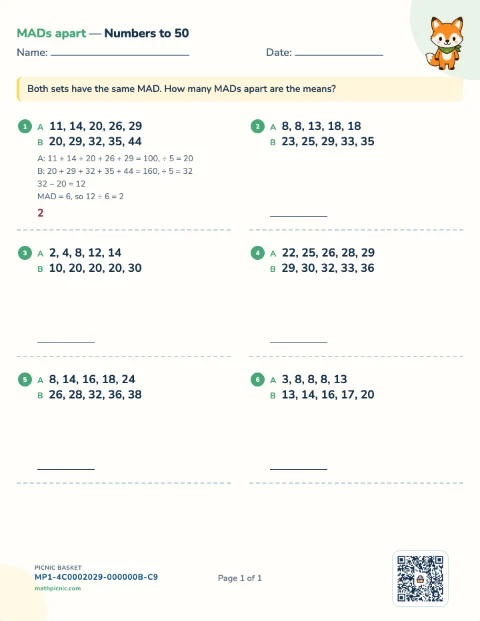
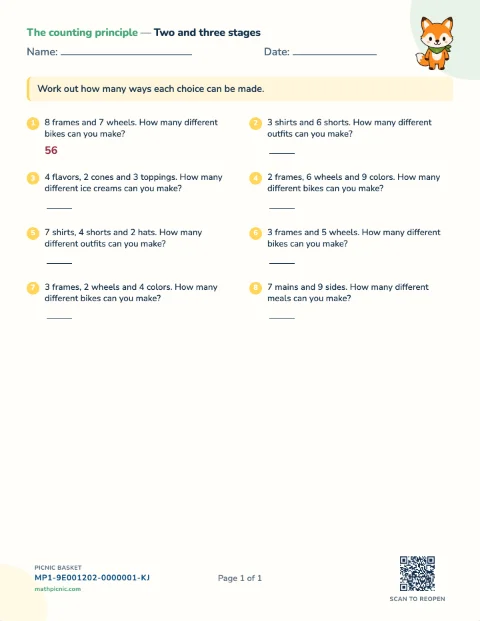
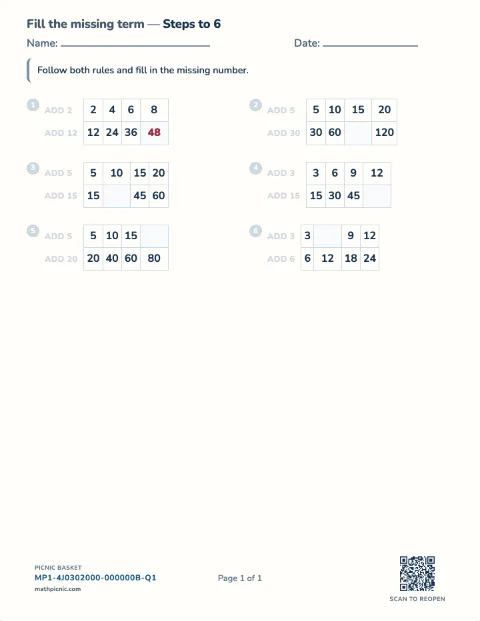
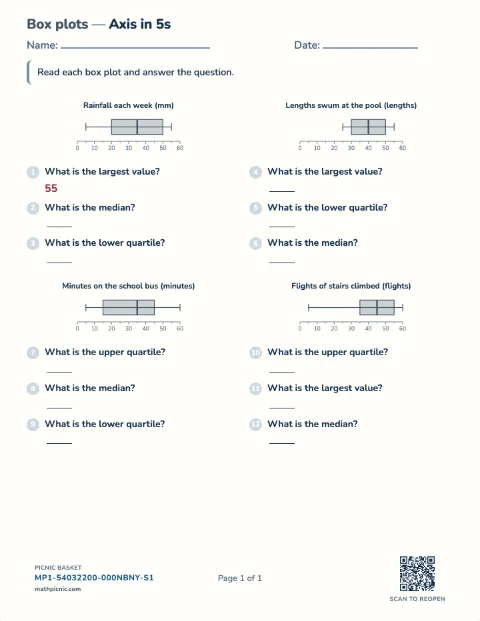
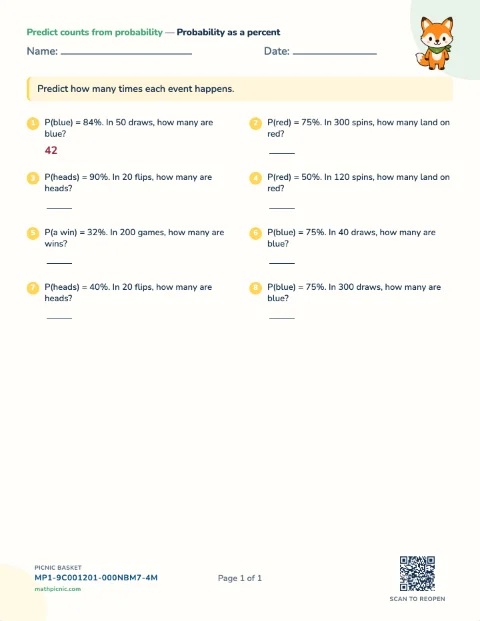
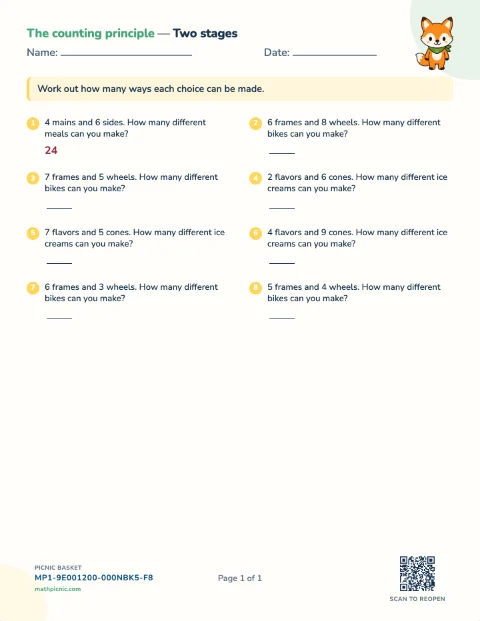
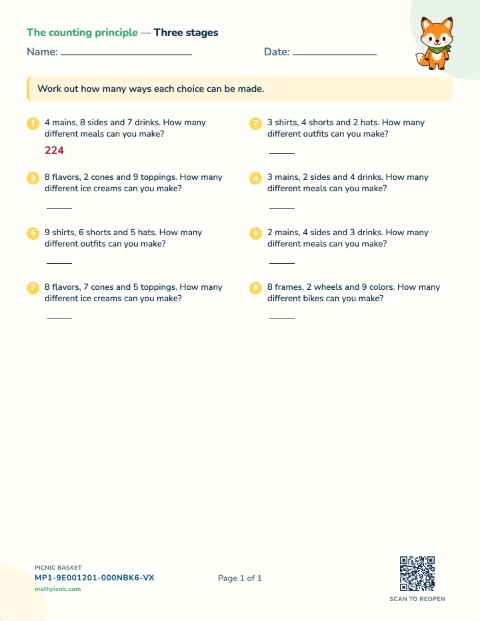
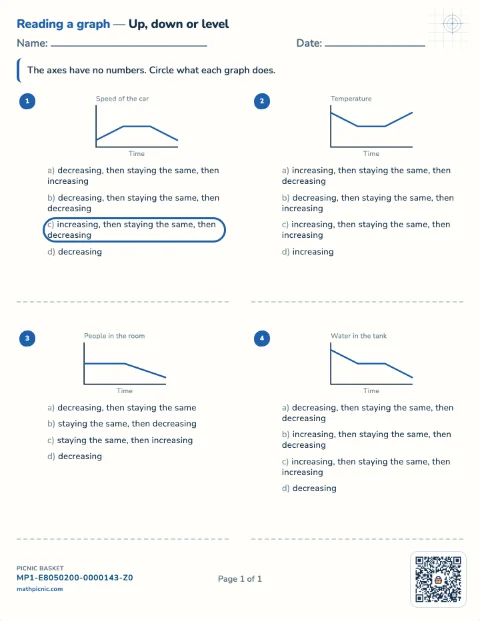
See the actual sheet, then practice these questions or make a fresh set at the same level.Start with a grade
All 457 online practice sheets are below.
Nothing matches that. Try a skill (fractions), a number (÷7), or a grade (grade 3).
Visual foundations
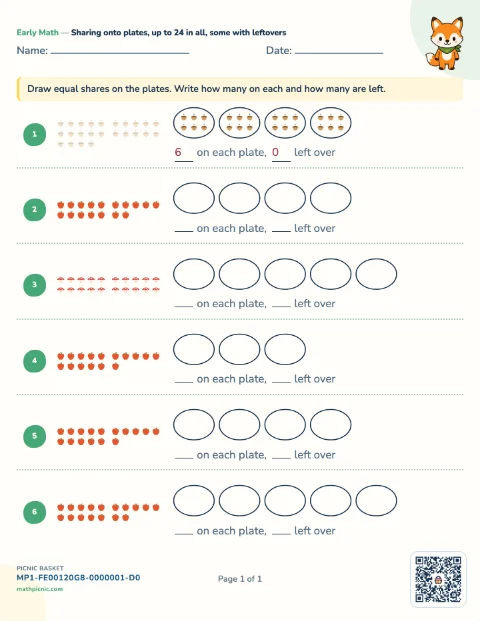
Early Math practice
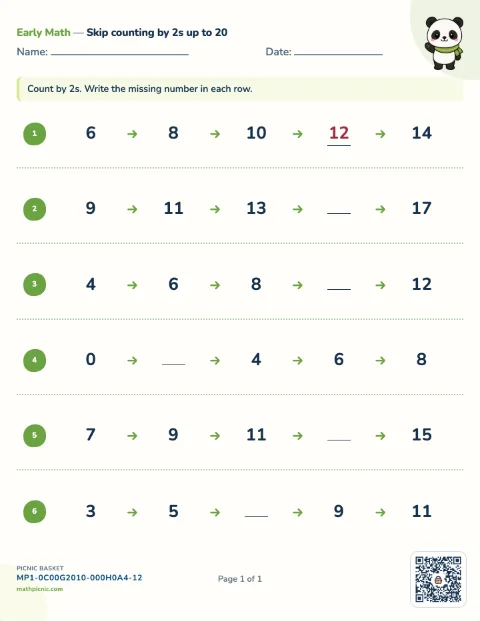
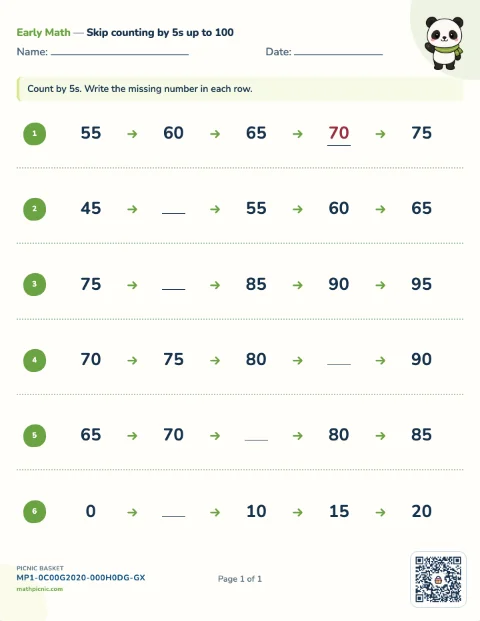
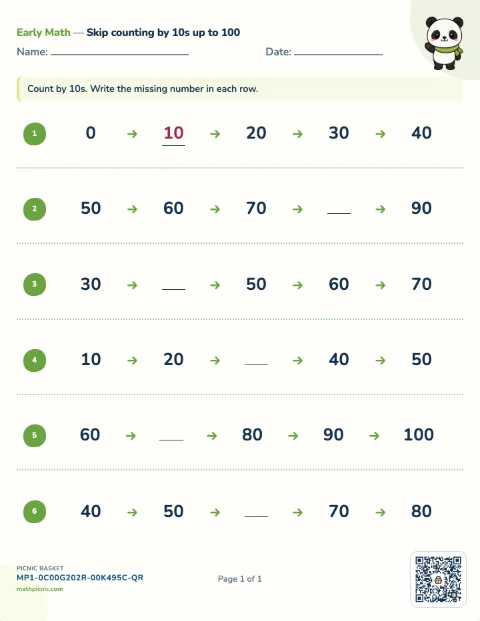
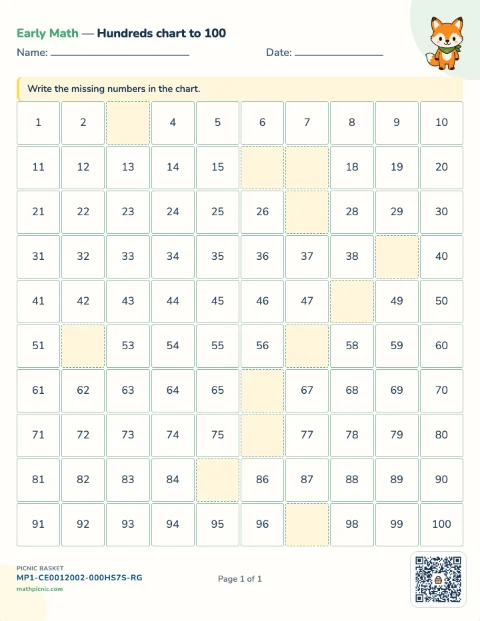
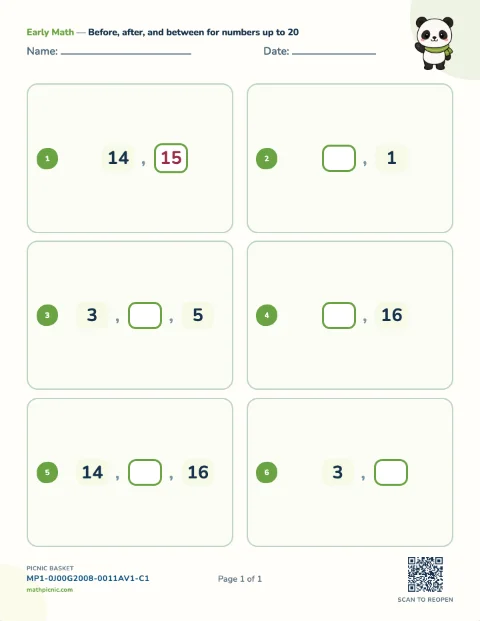
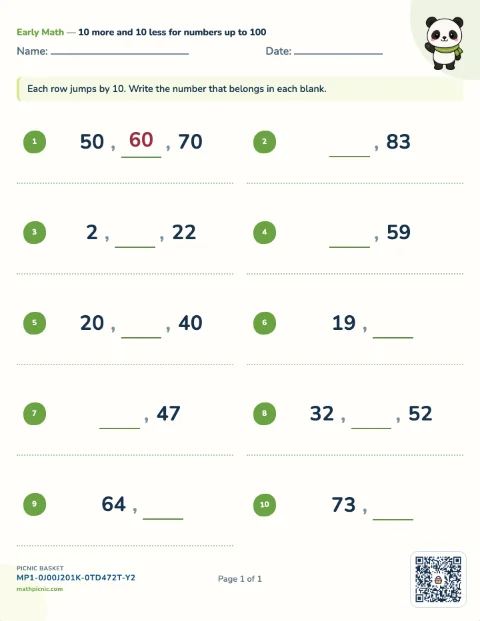
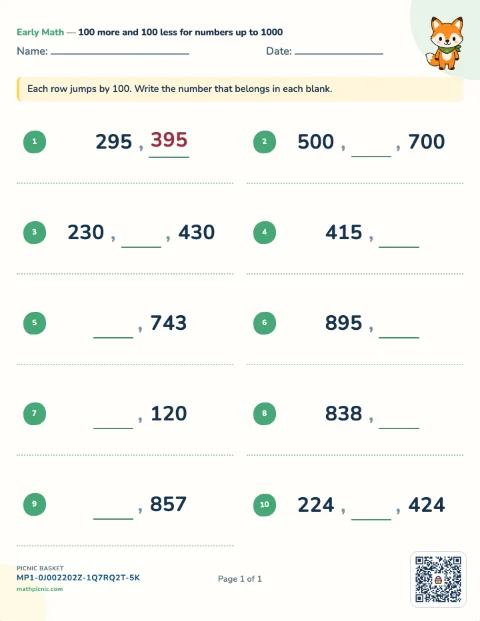
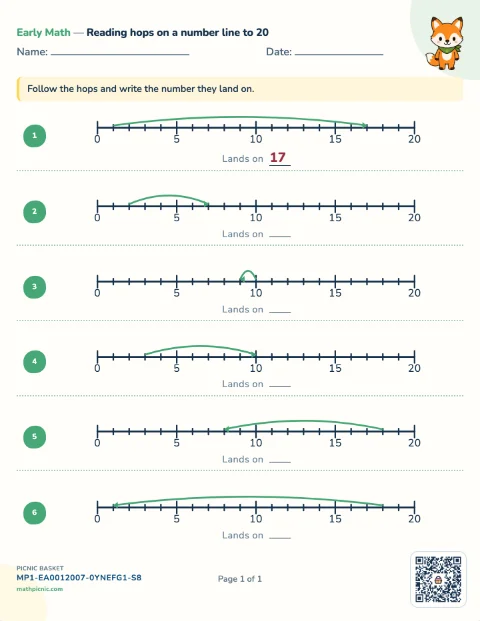
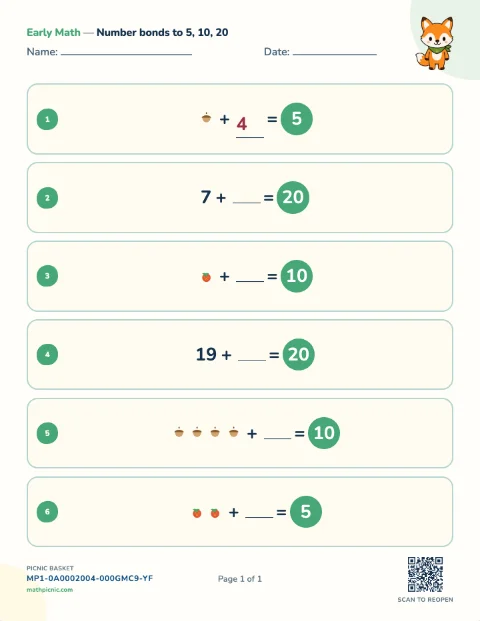
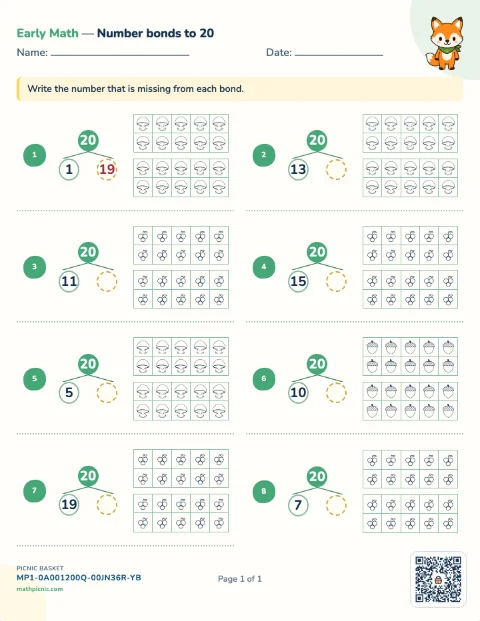
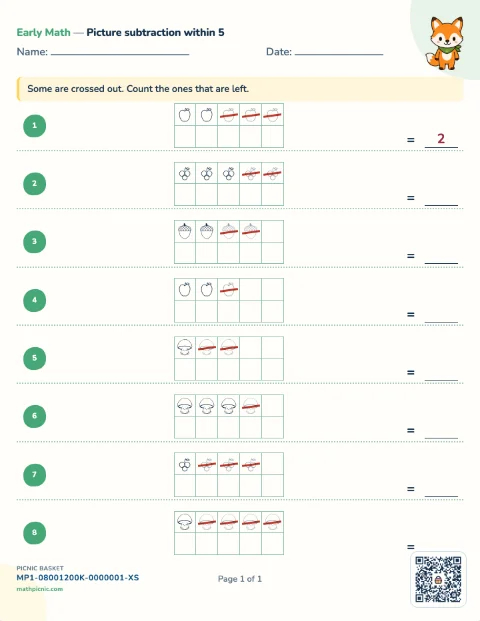
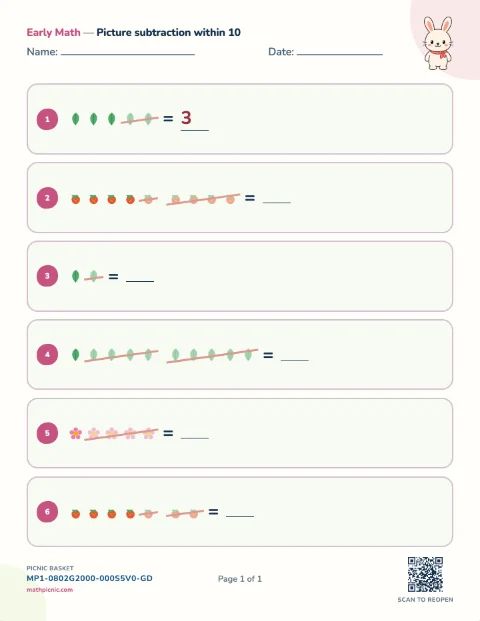
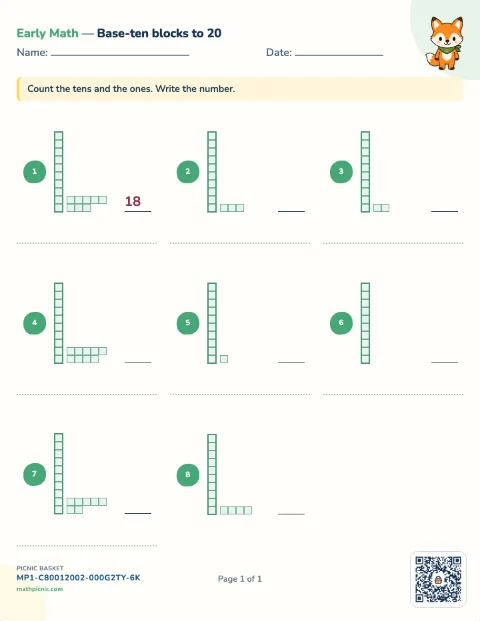
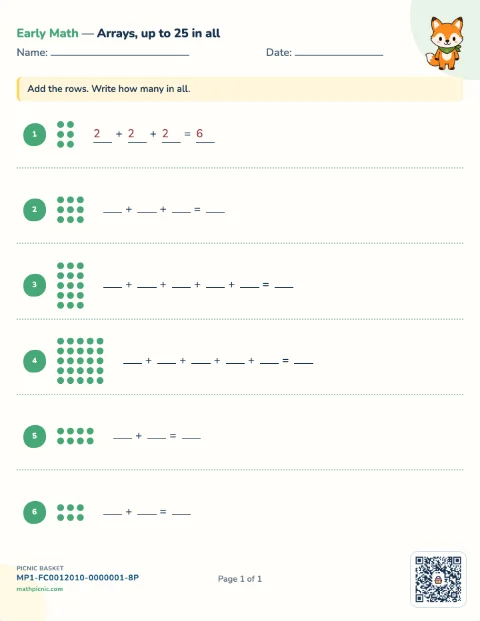
Children count visible objects, compare two values, take away pictures, complete number bonds, and fill gaps in number sequences.Counting 15 sheets
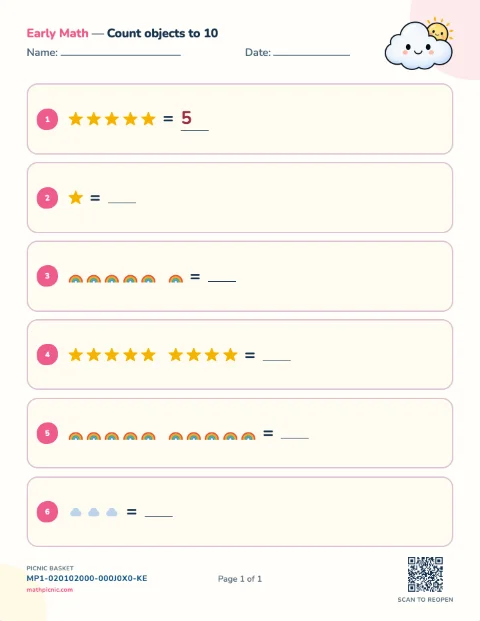
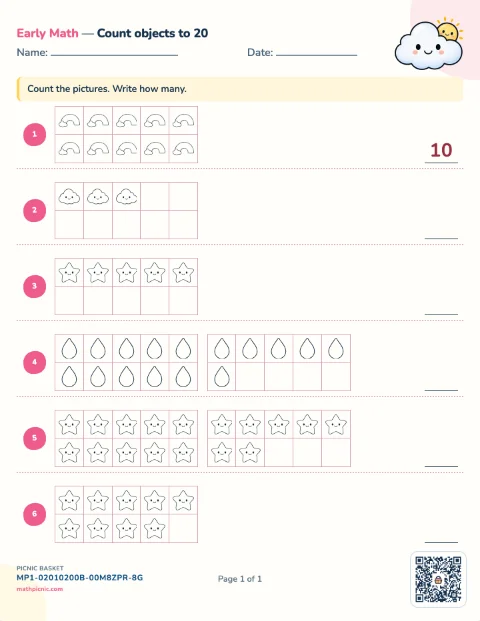
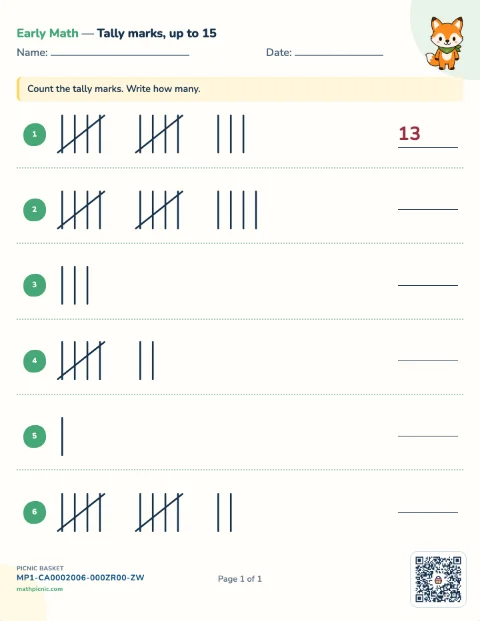
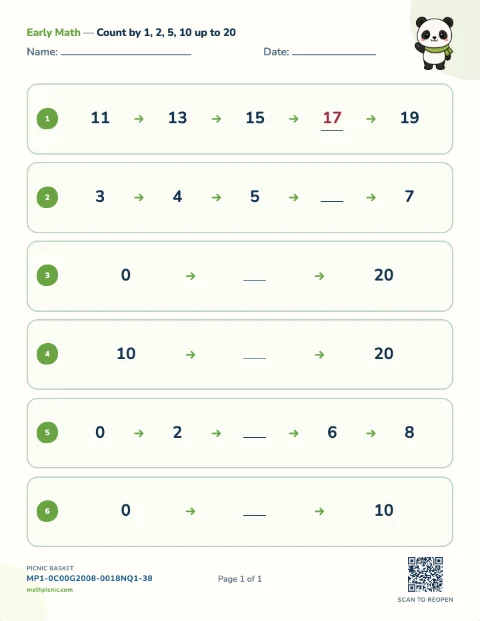
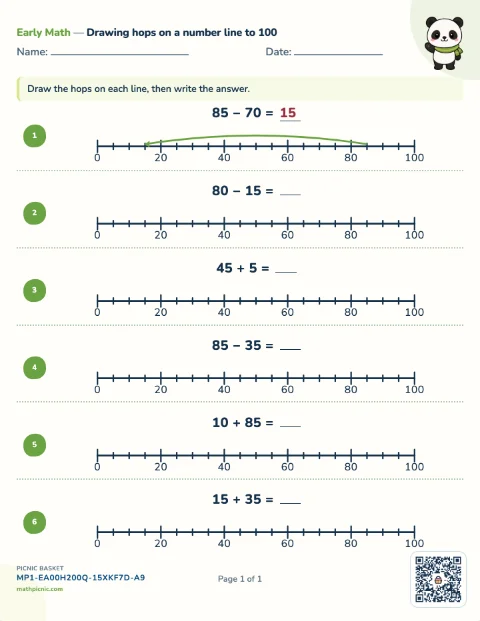
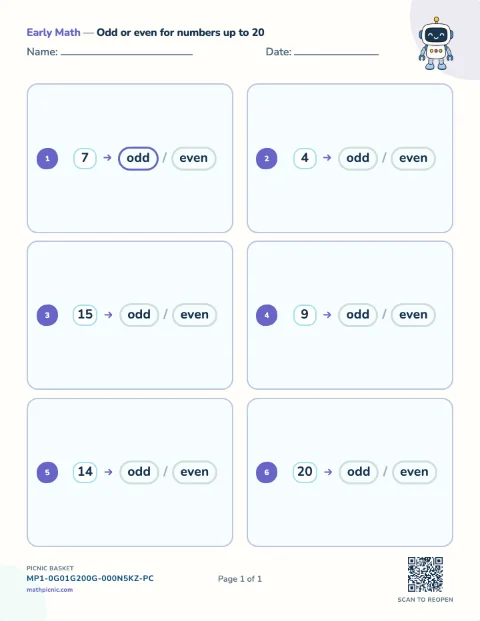
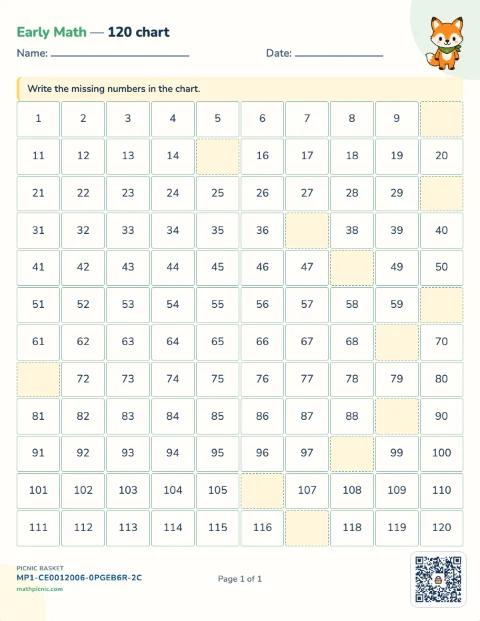
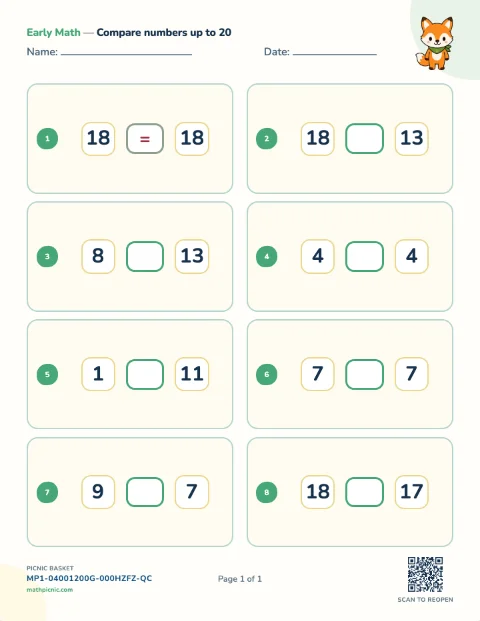
Addition 5 sheets
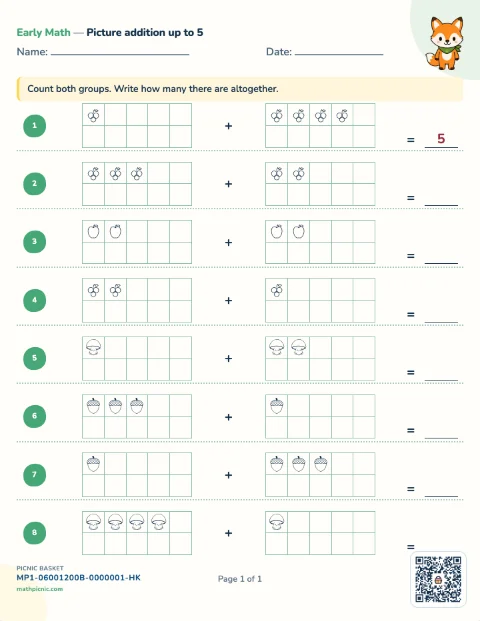
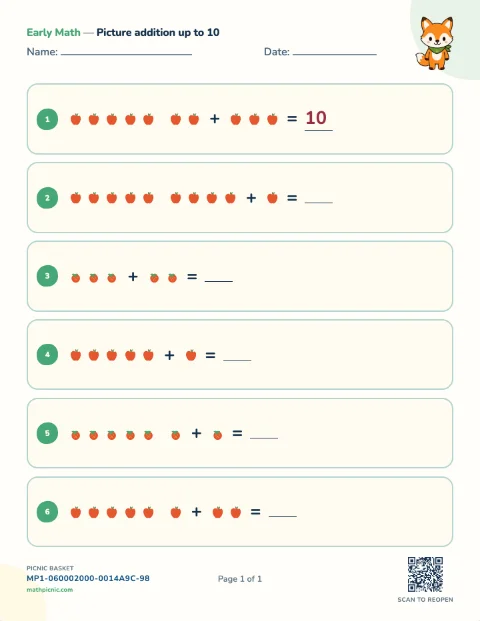
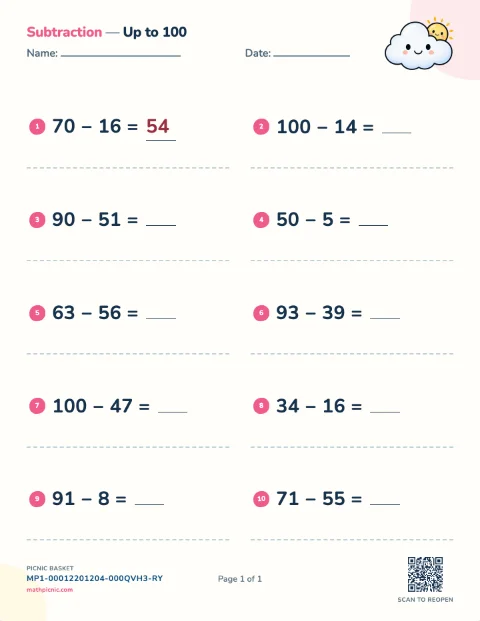
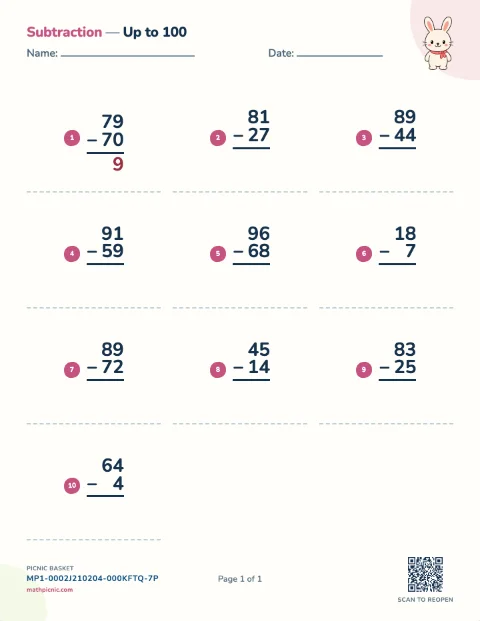
Subtraction 2 sheets
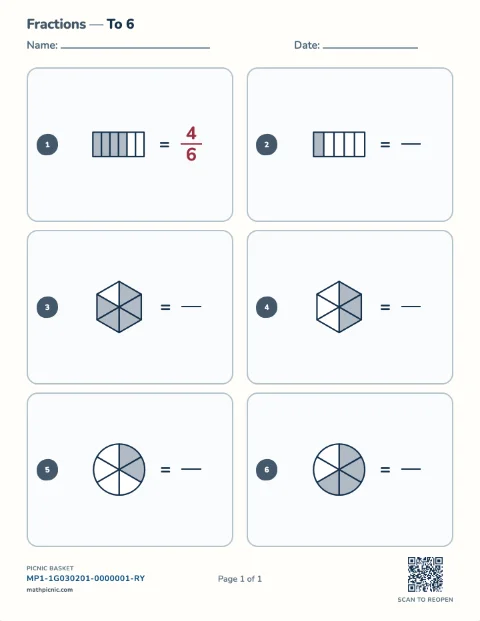
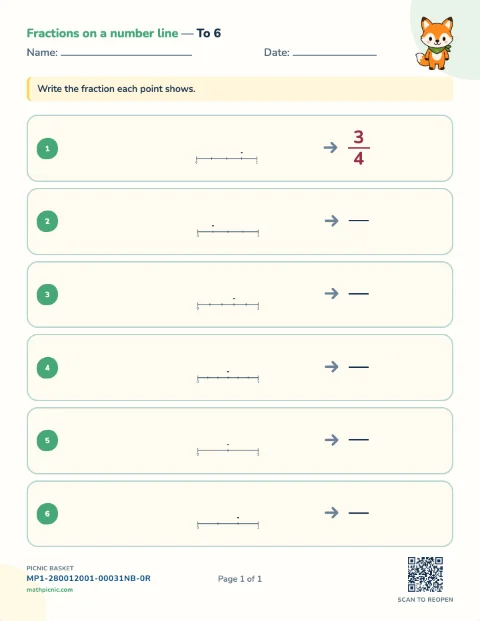
Written number practice
Arithmetic practice
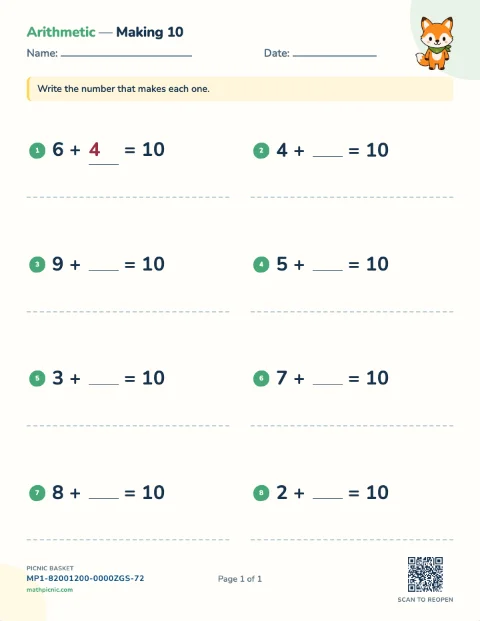
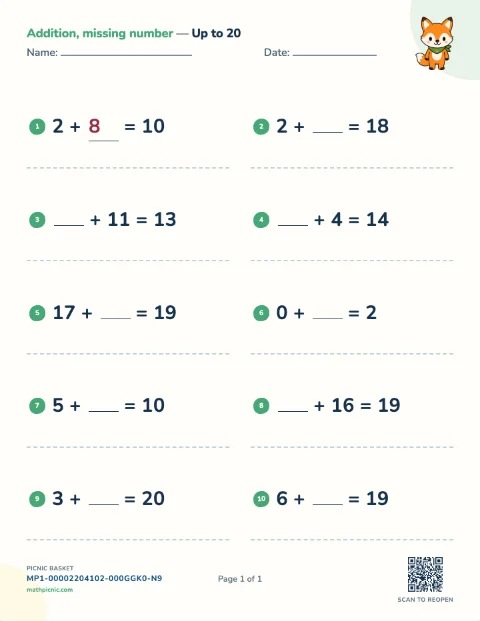
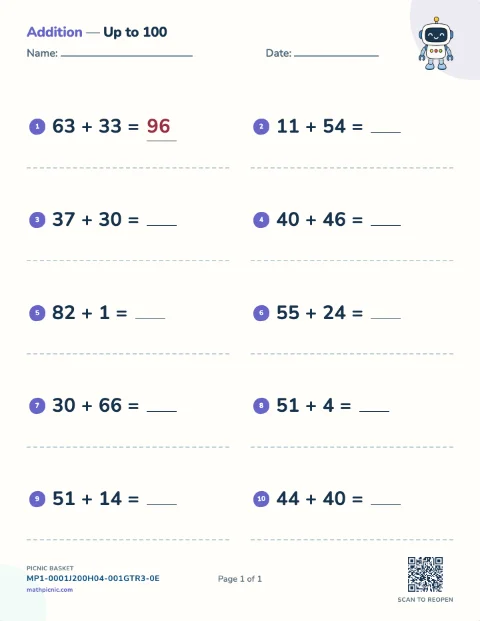
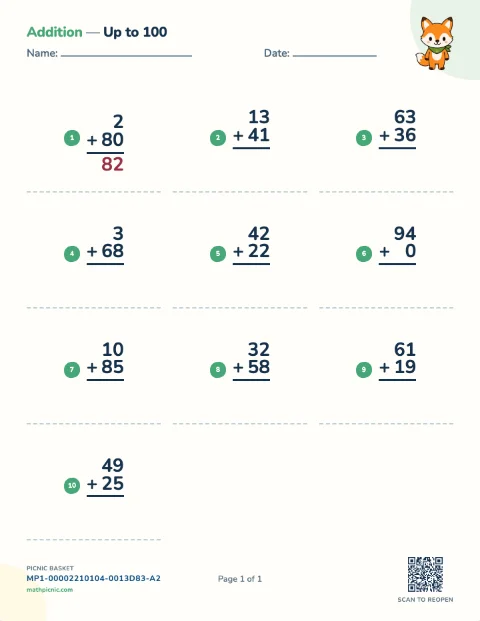
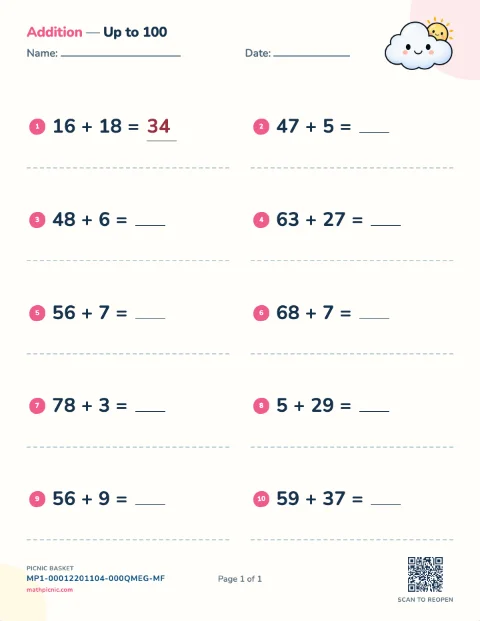
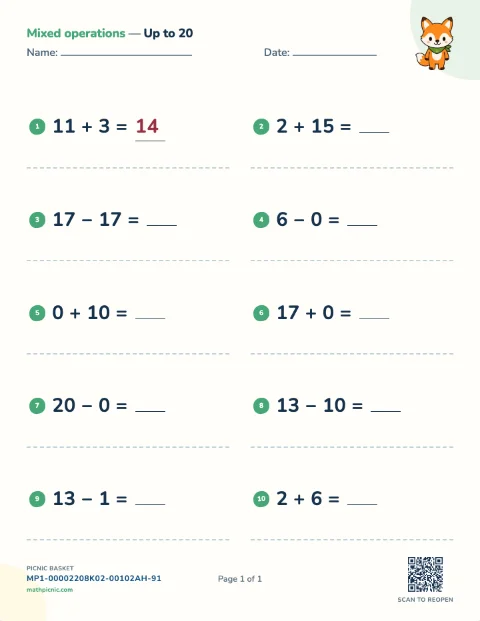
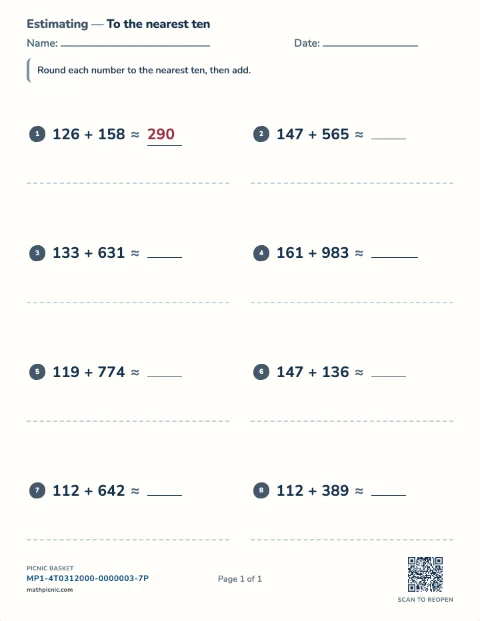
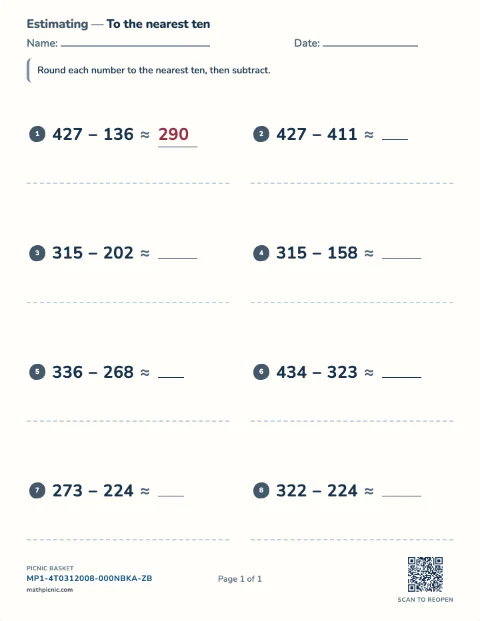
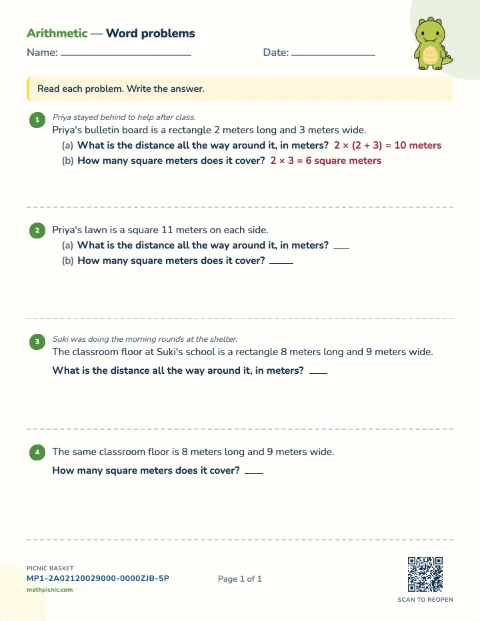
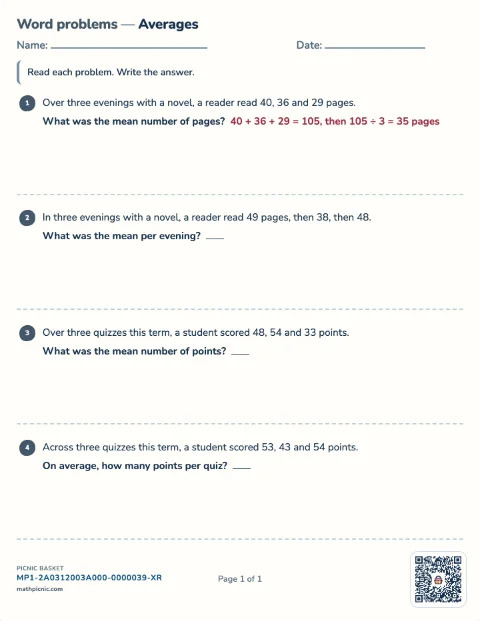
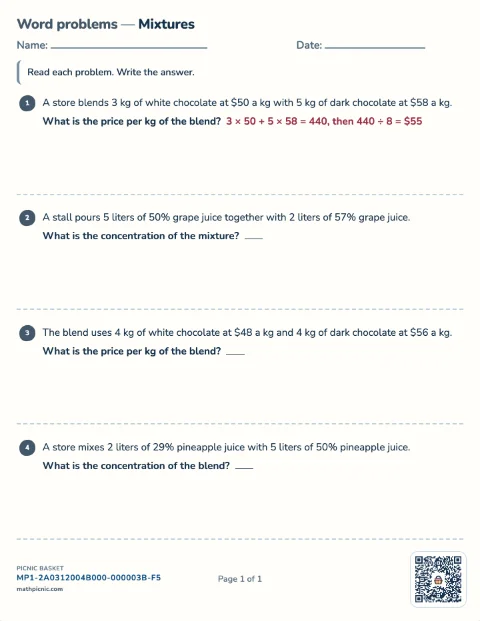
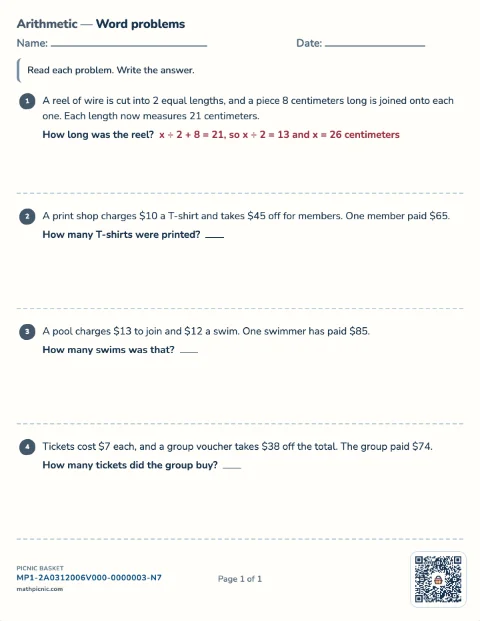
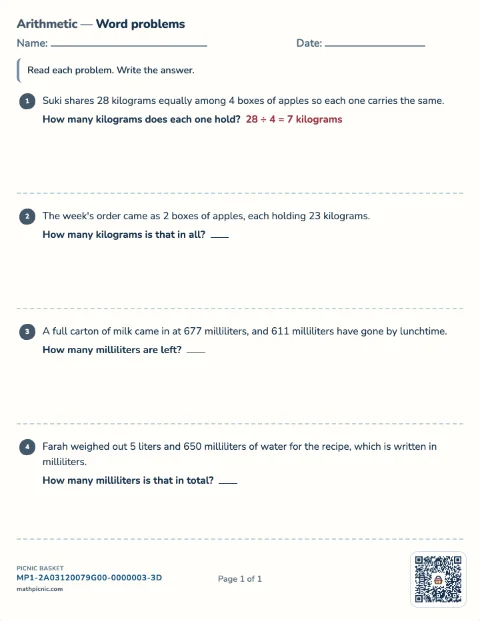
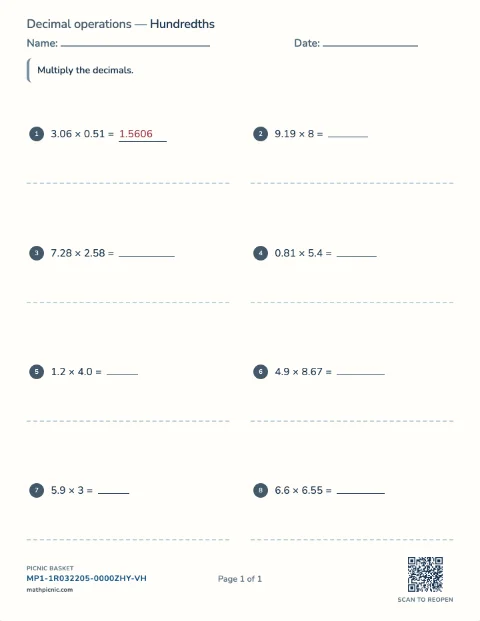
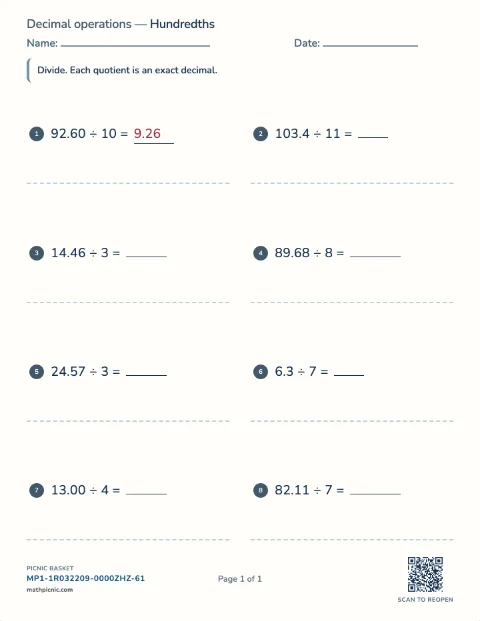
Children solve written addition, subtraction, multiplication, and division facts, including focused regrouping and mixed-operation practice.Addition 6 sheets
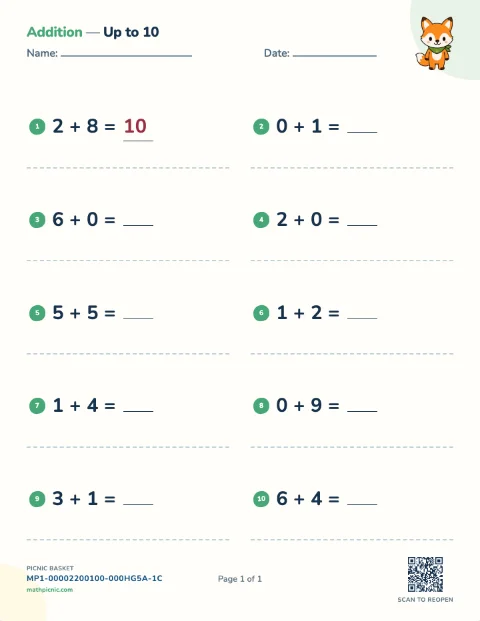
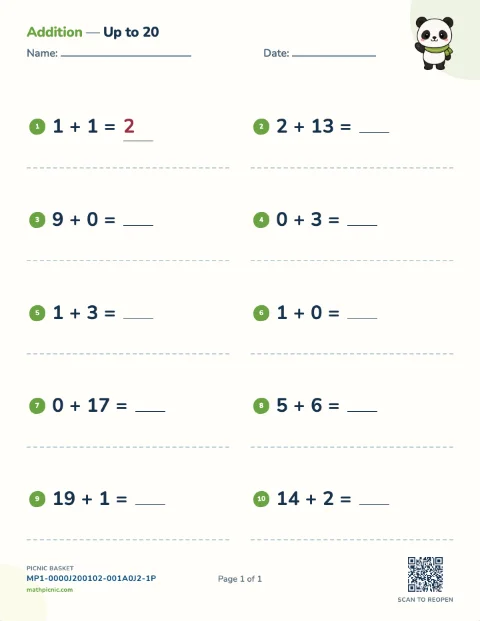
Subtraction 6 sheets
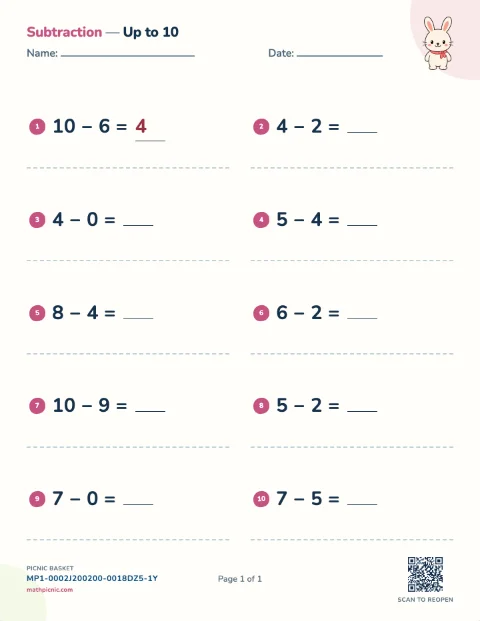
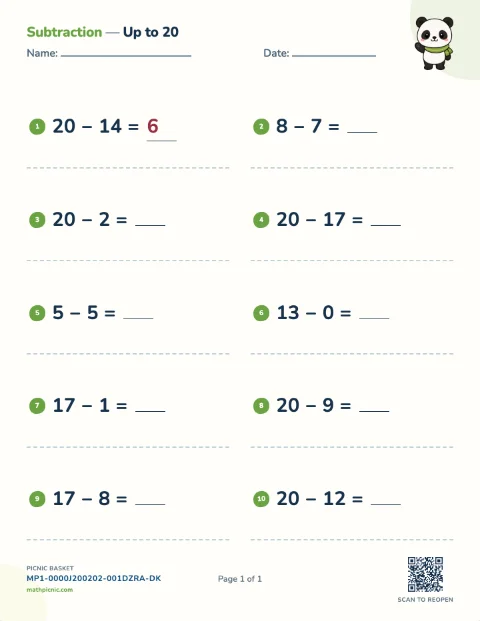
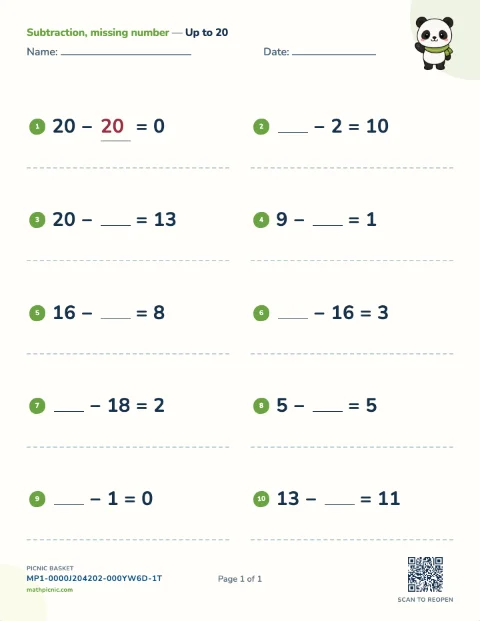
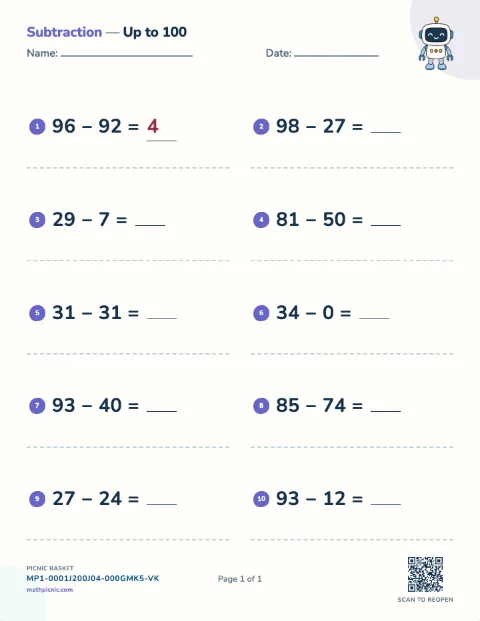
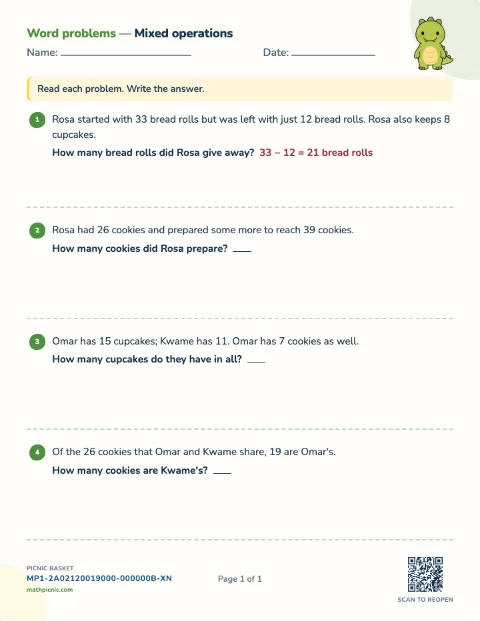
Mixed operations 5 sheets
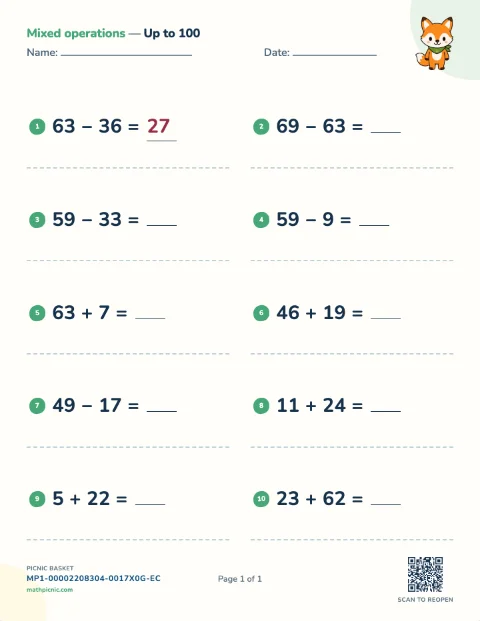
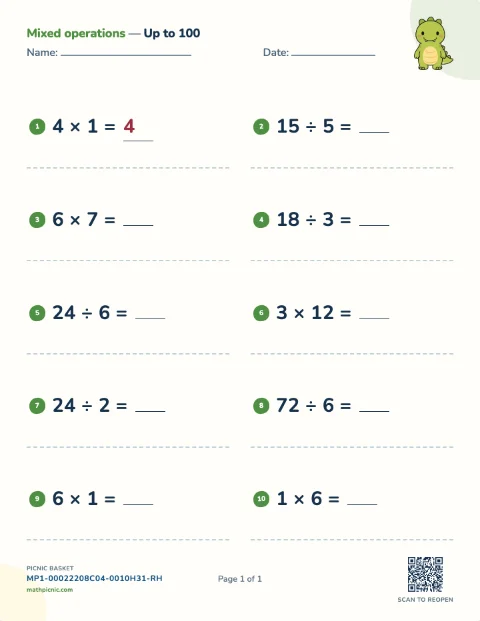
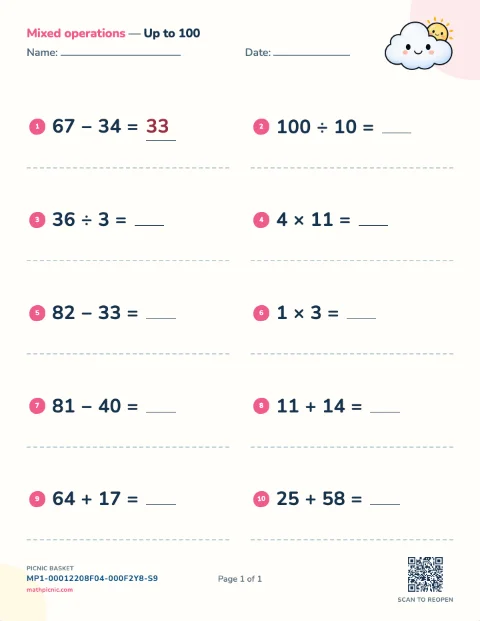
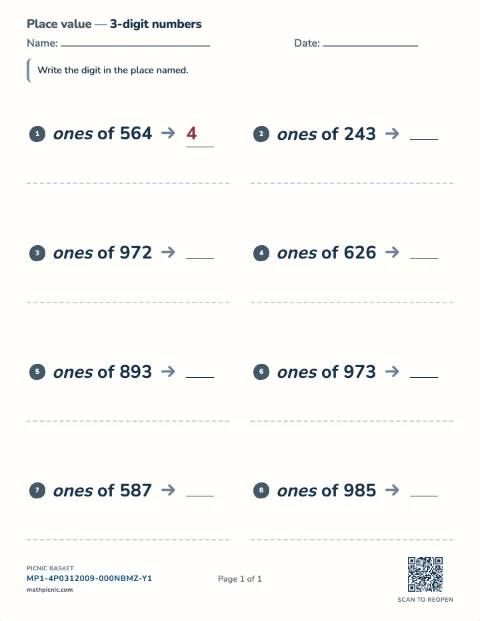
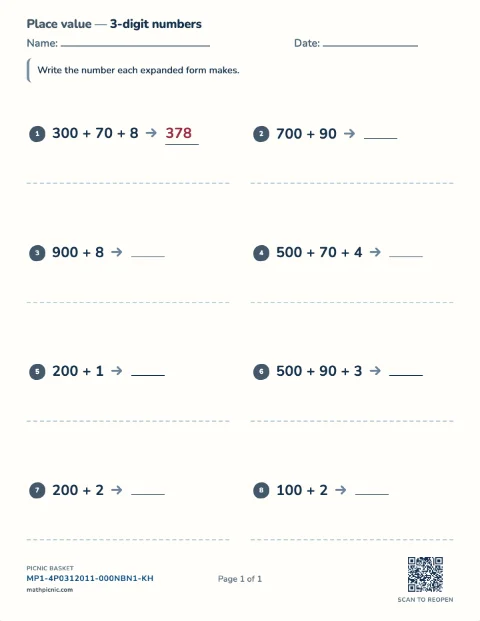
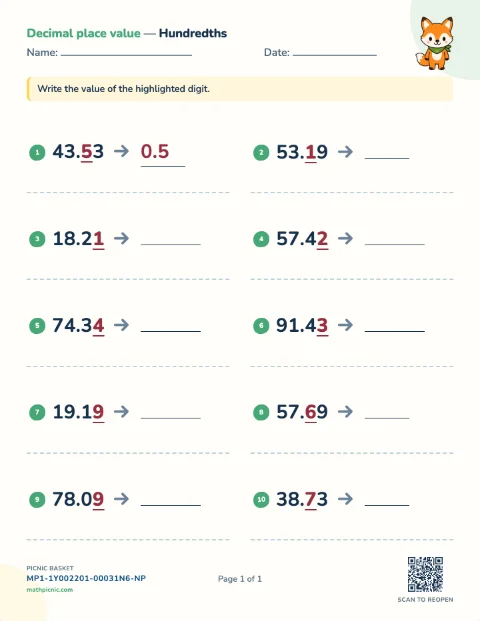
Place value 7 sheets
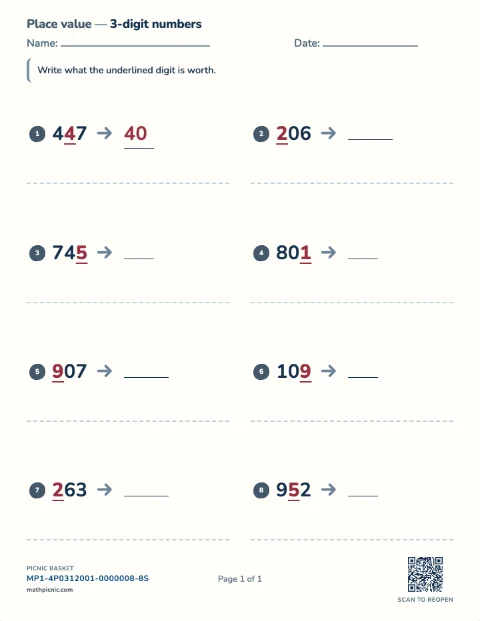
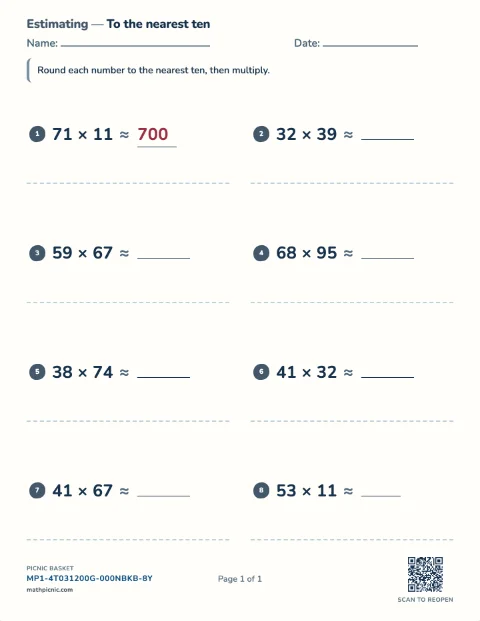
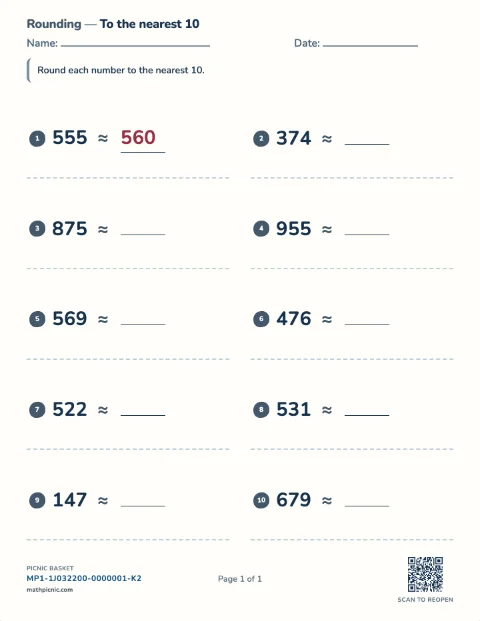
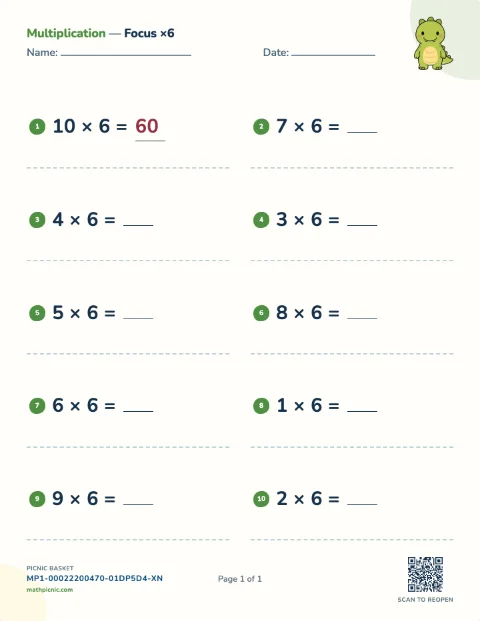
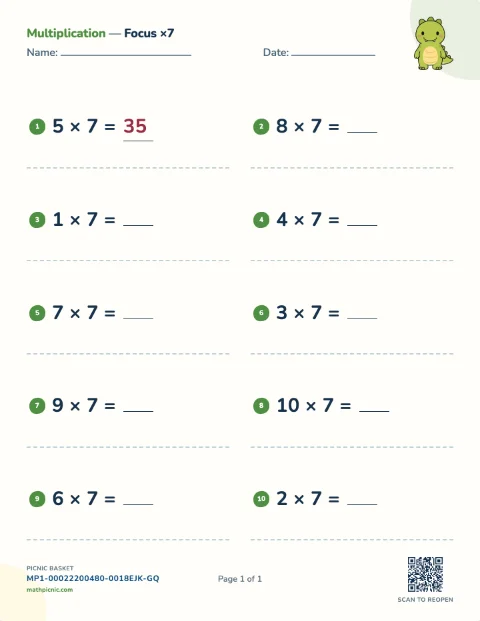
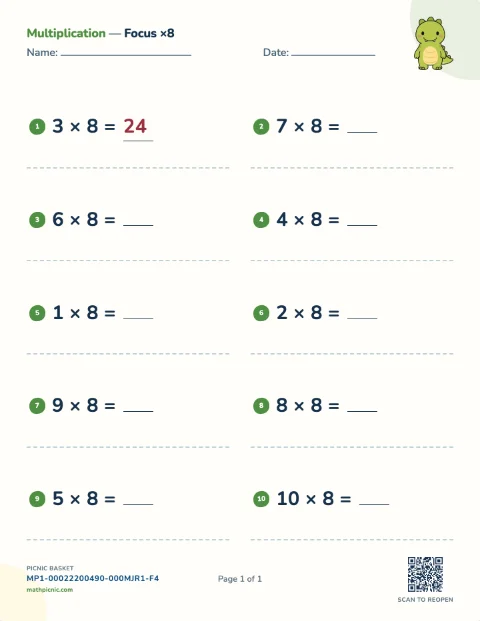
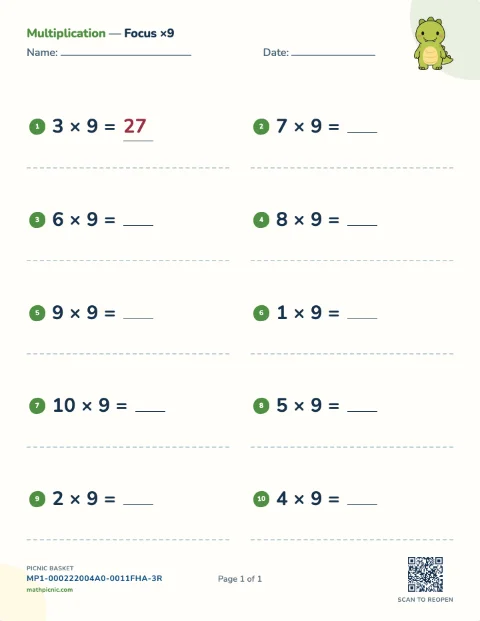
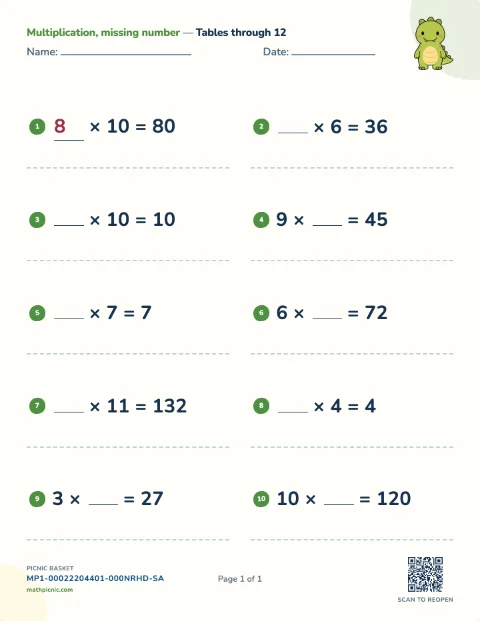
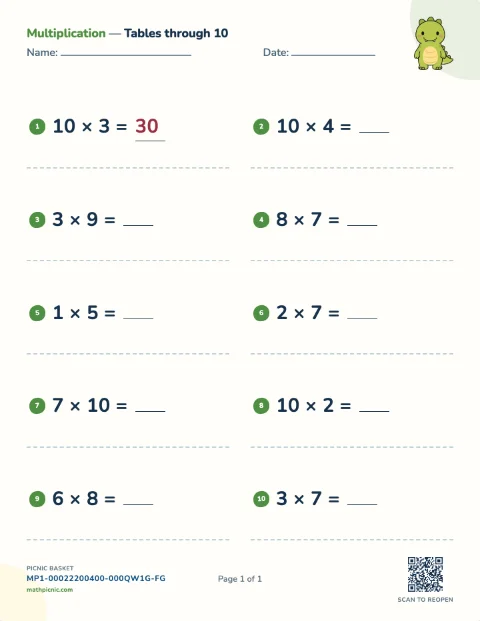
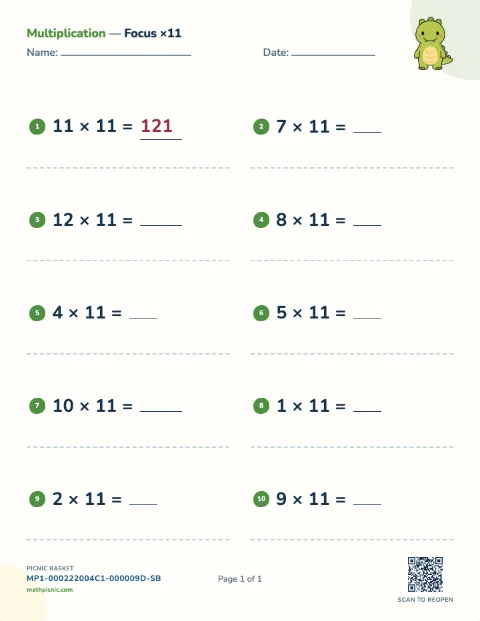
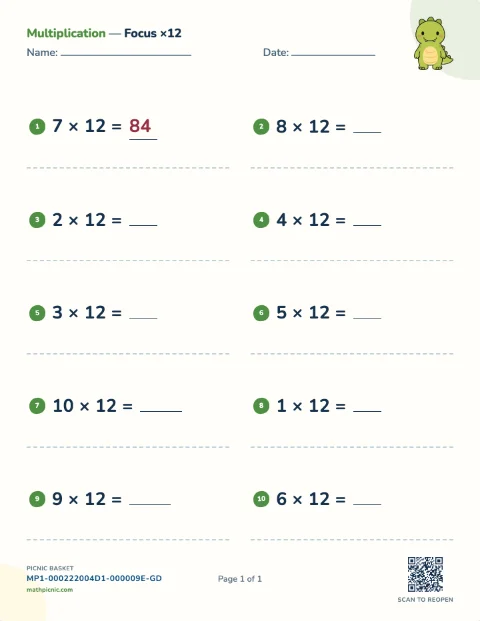
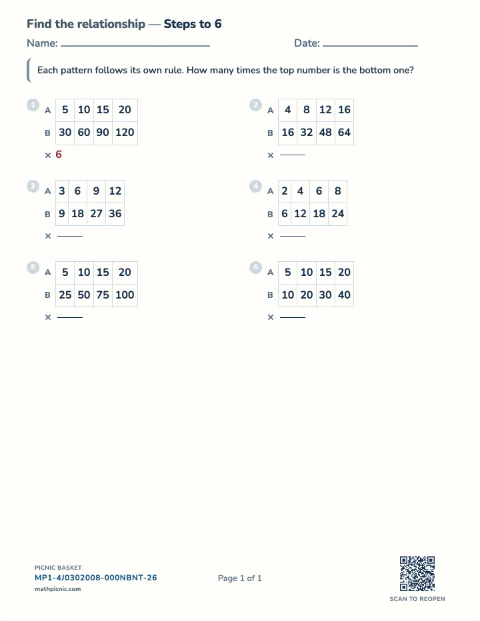
Multiplication 25 sheets
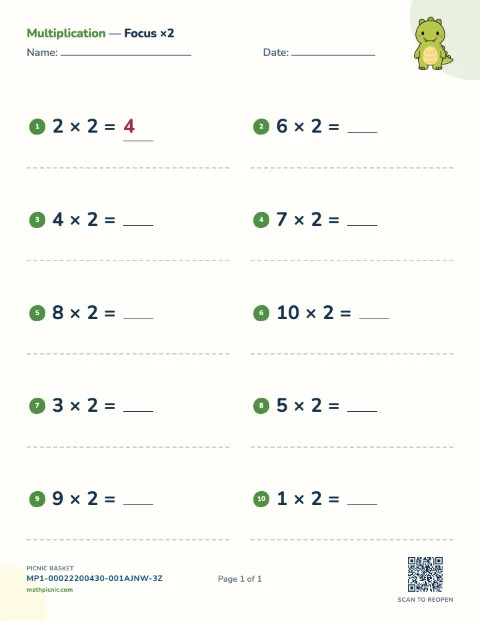
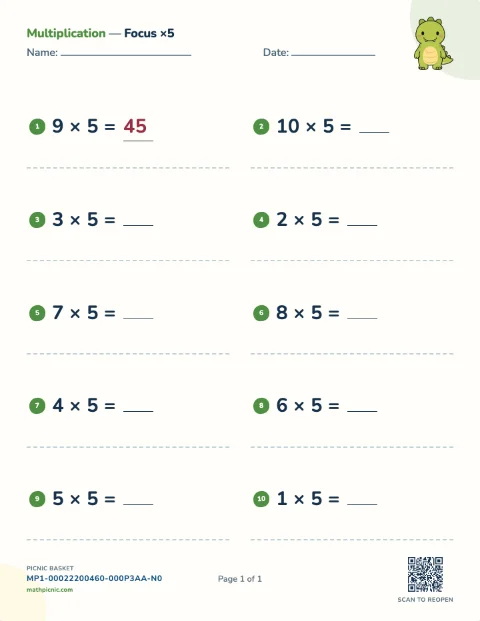
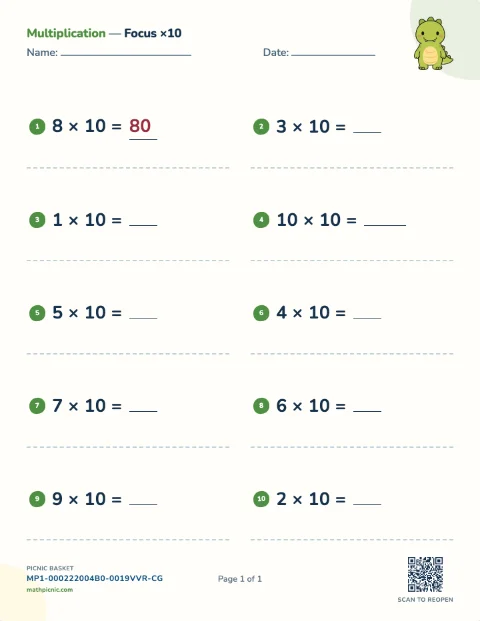
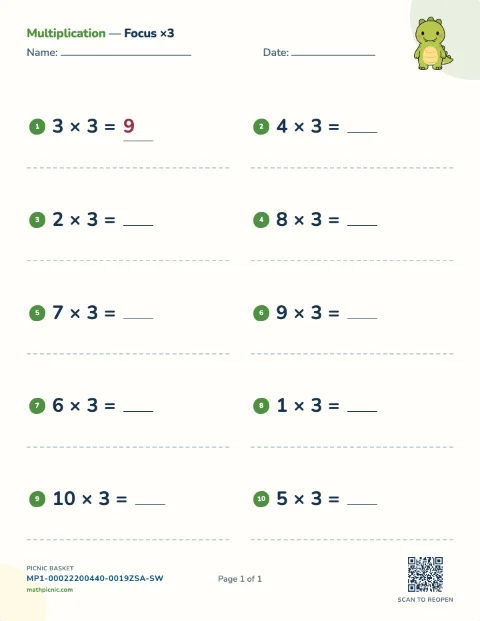
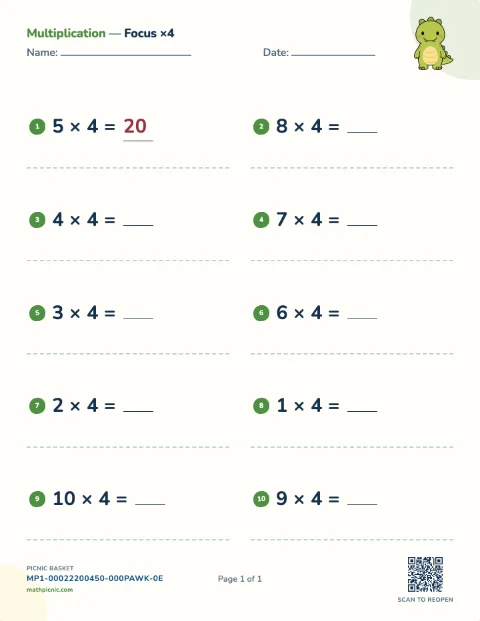
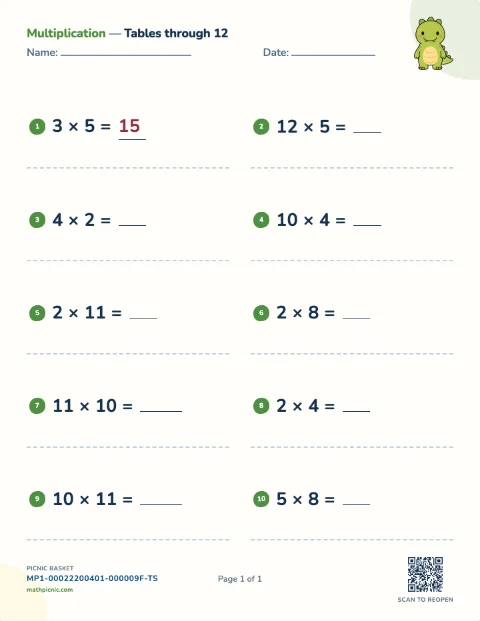
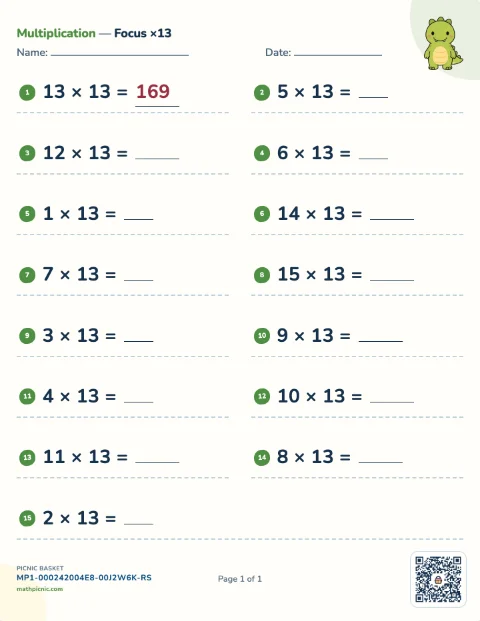
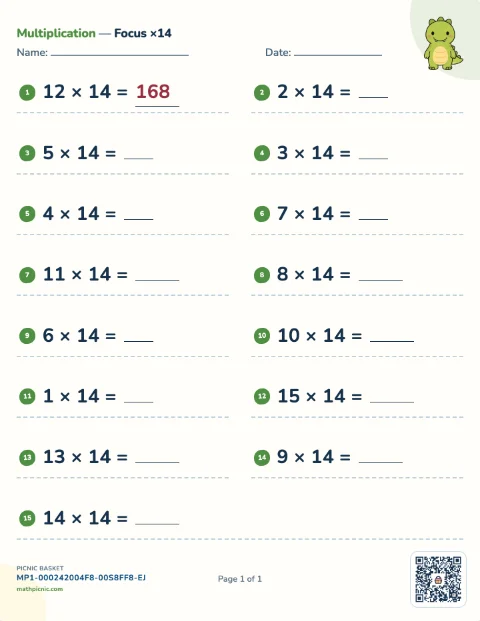
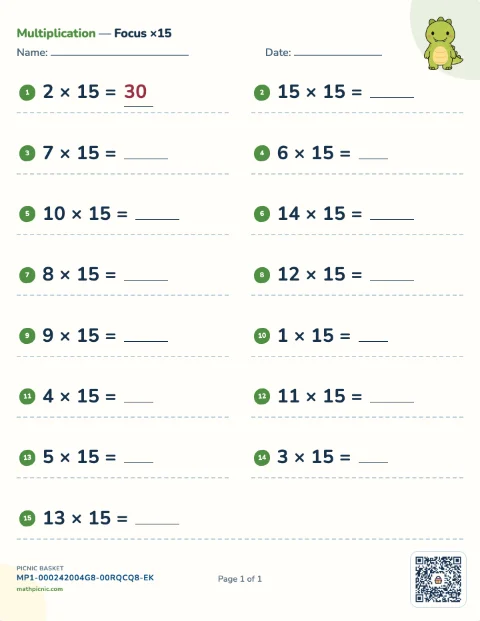
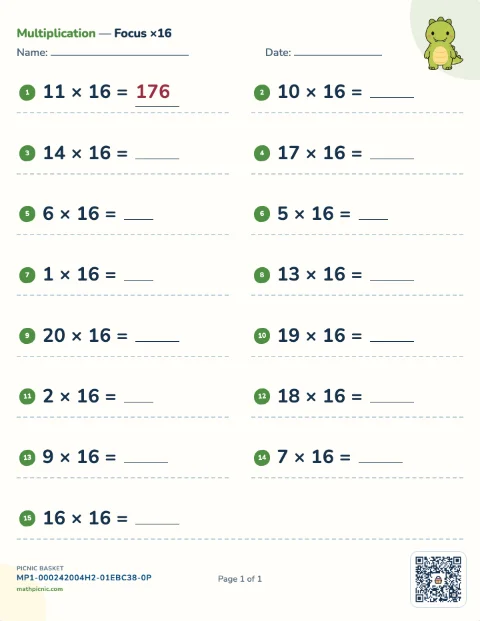
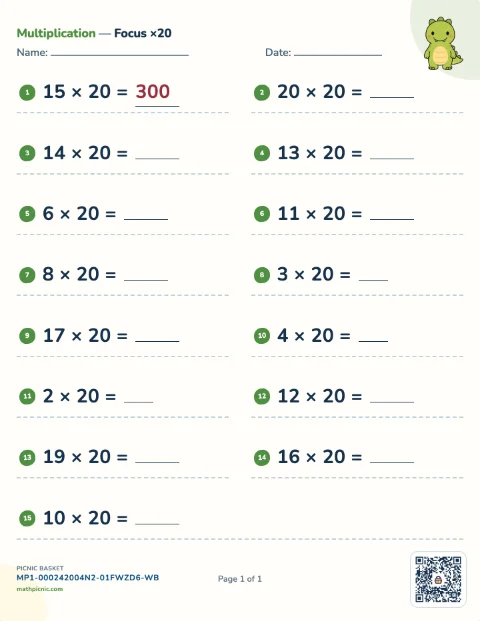
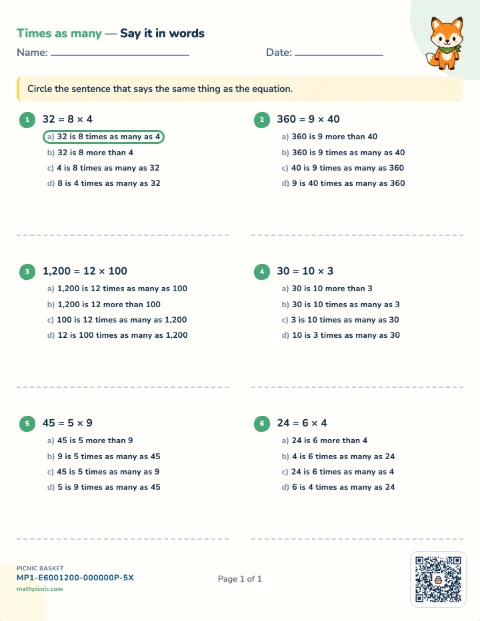
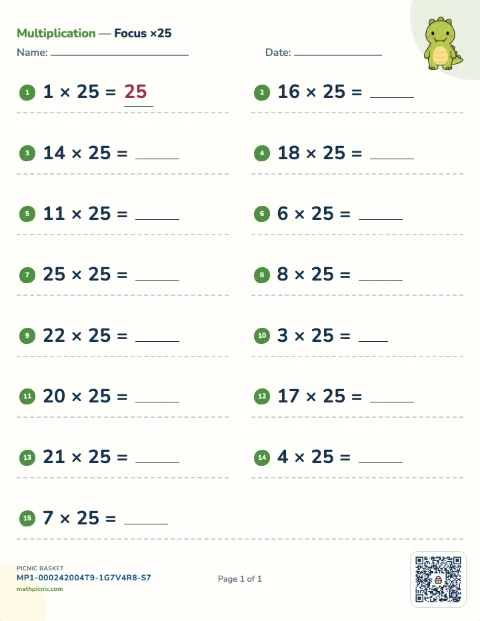
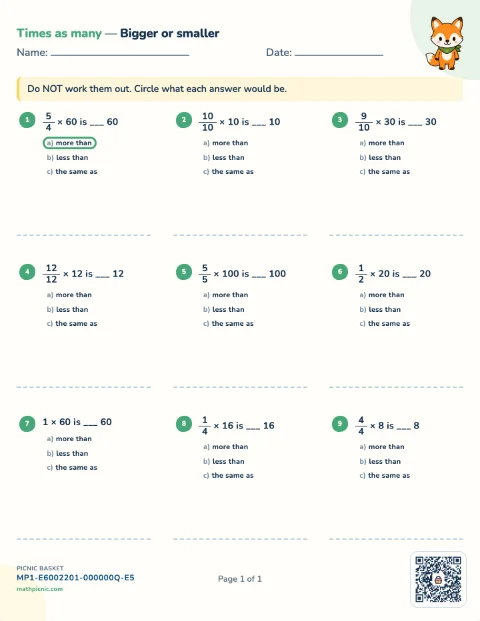
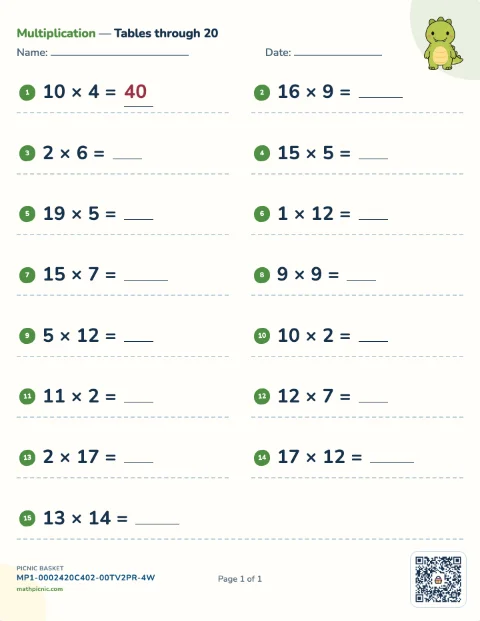
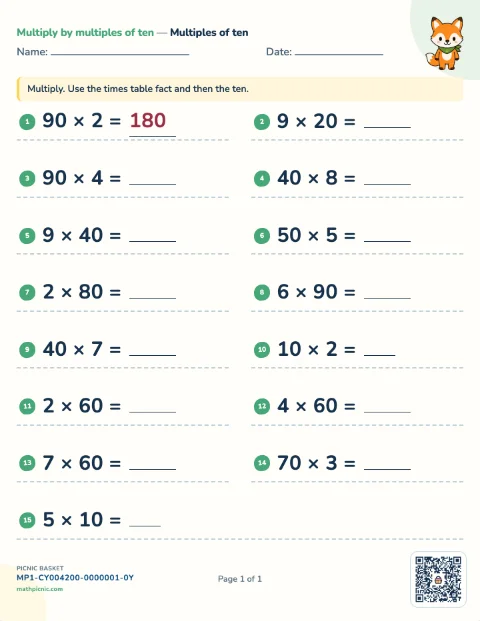
Division 14 sheets
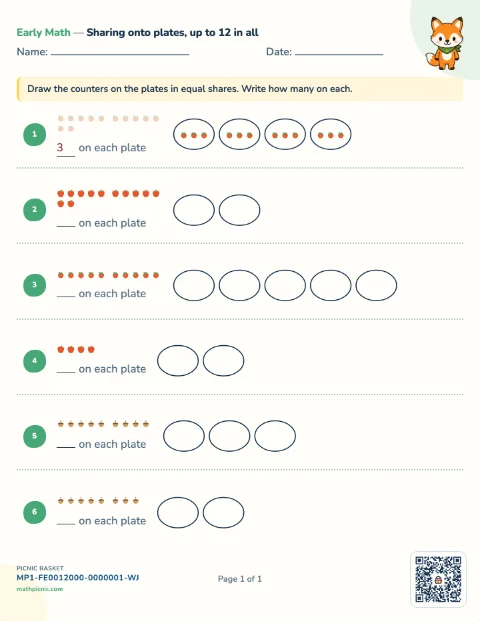
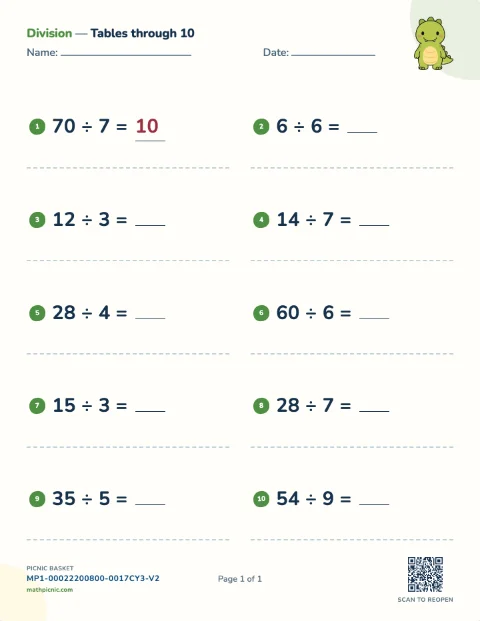
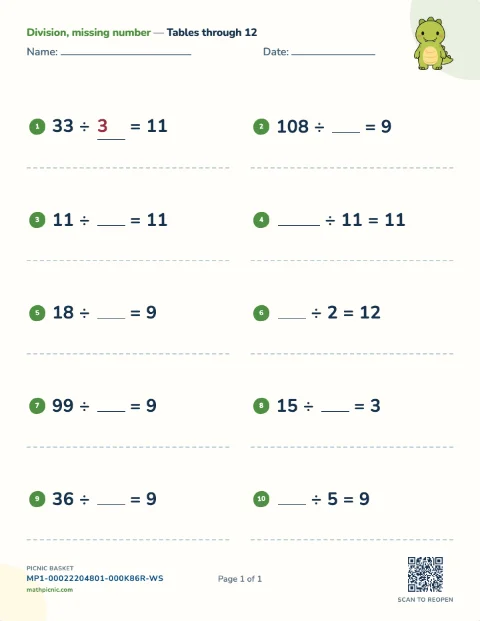
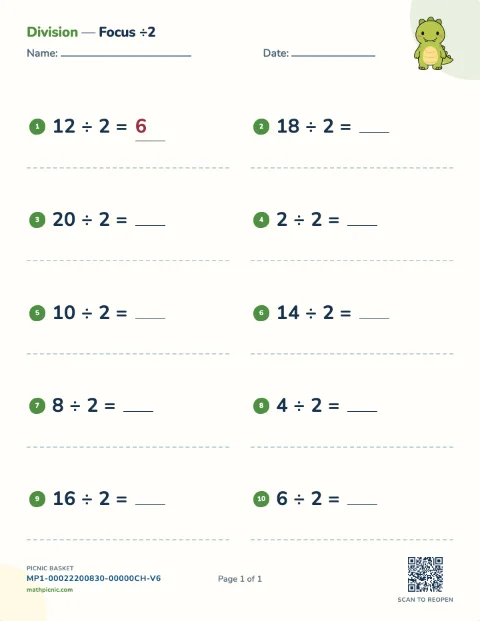
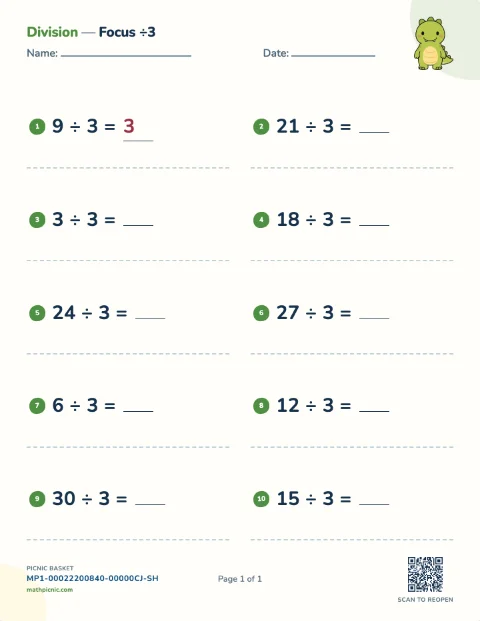
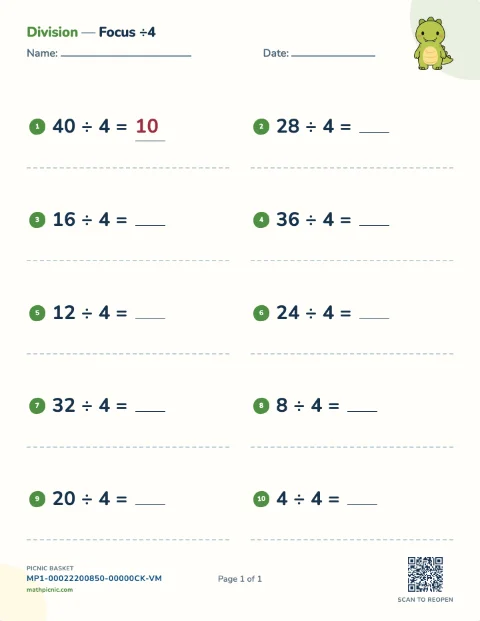
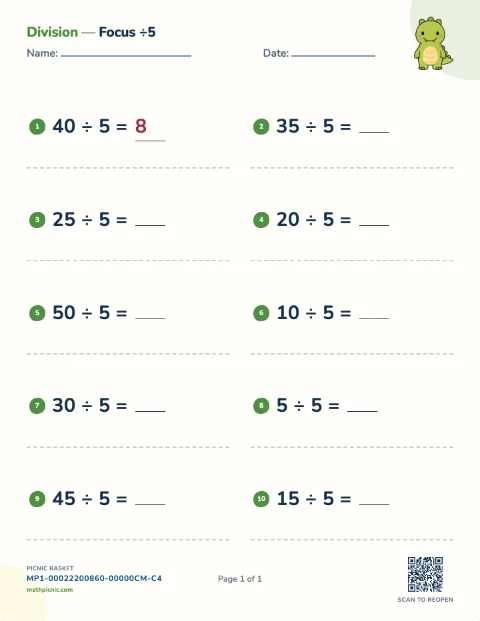
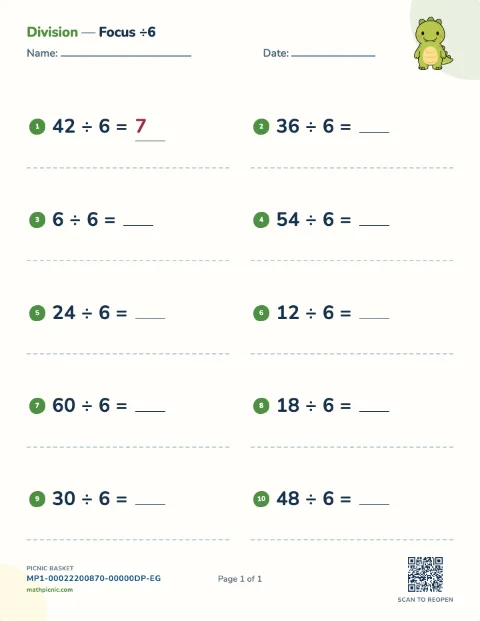
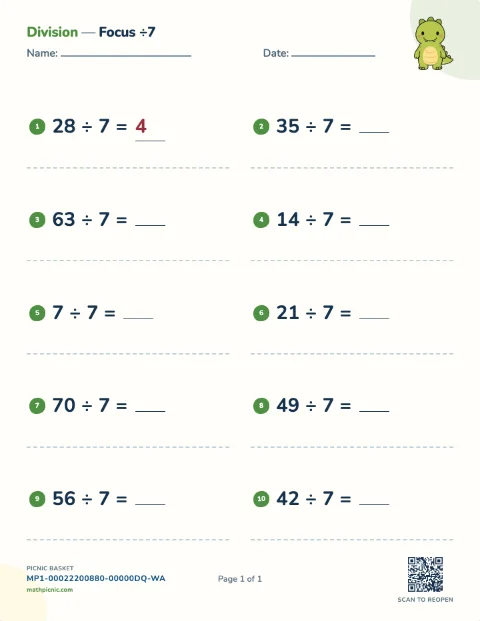
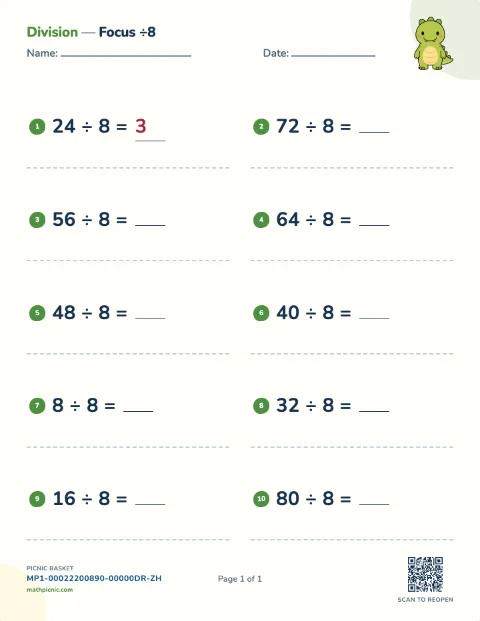
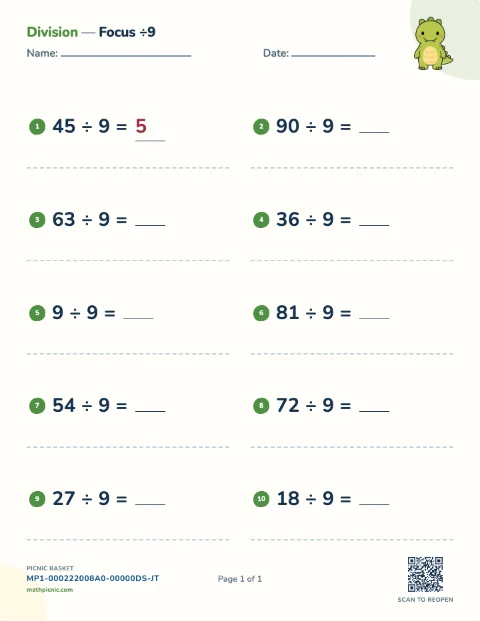
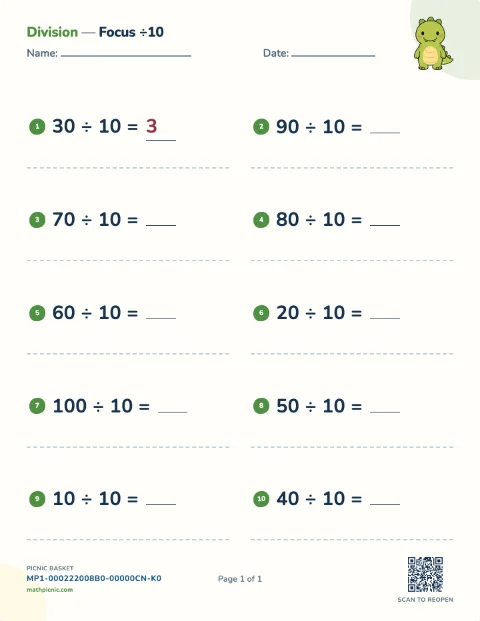
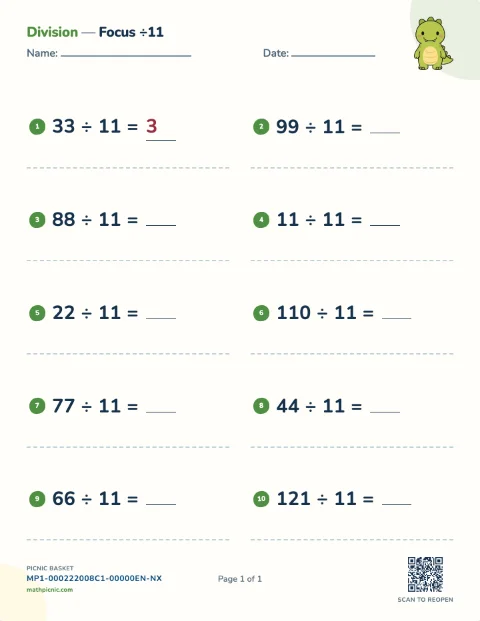
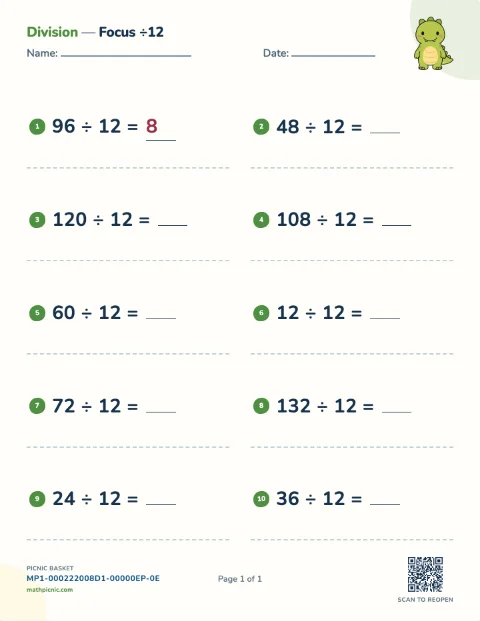
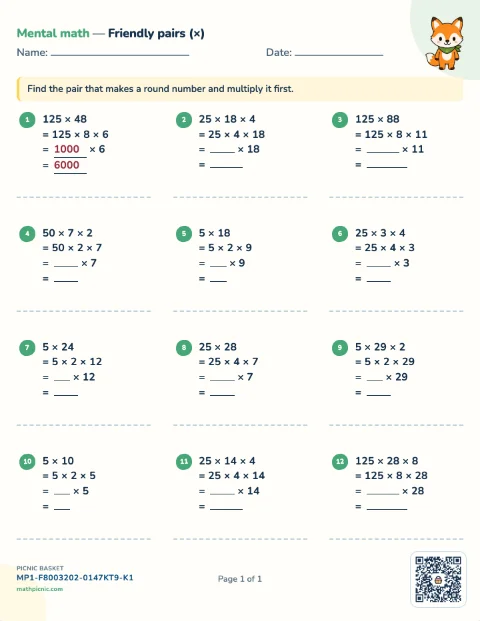
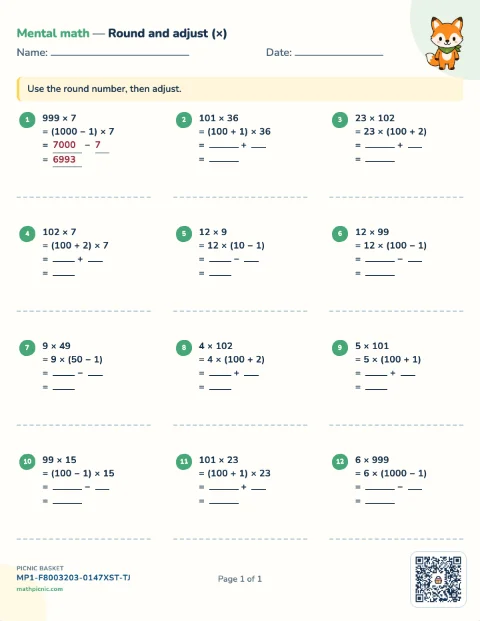
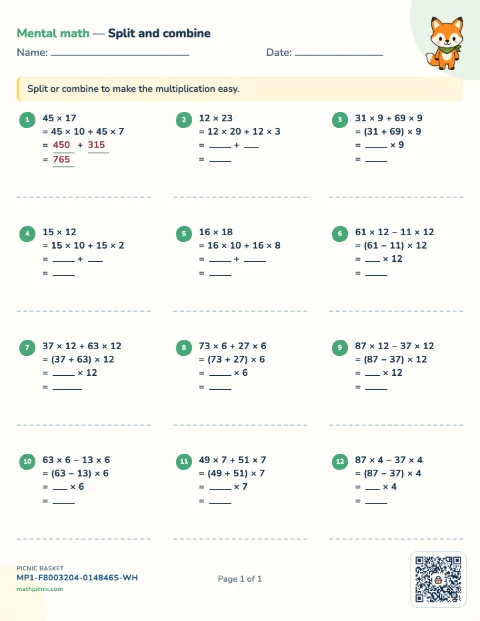
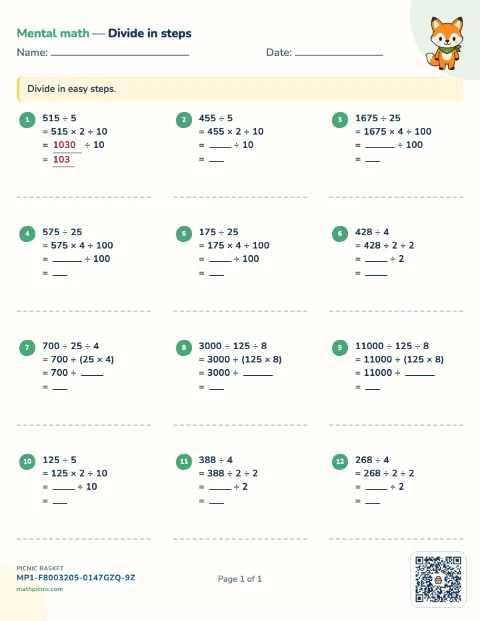
Mental math 7 sheets
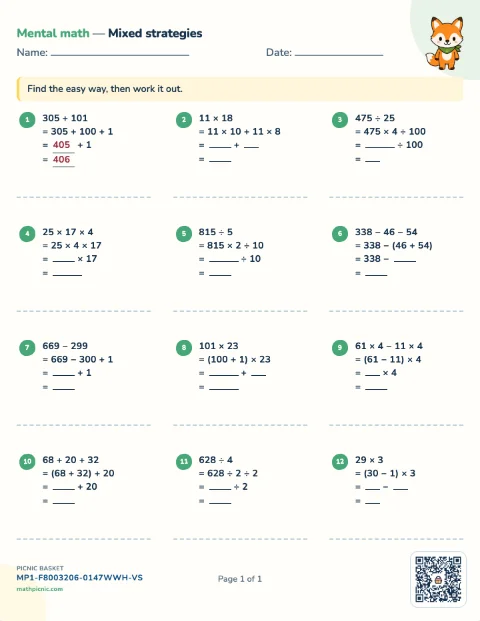
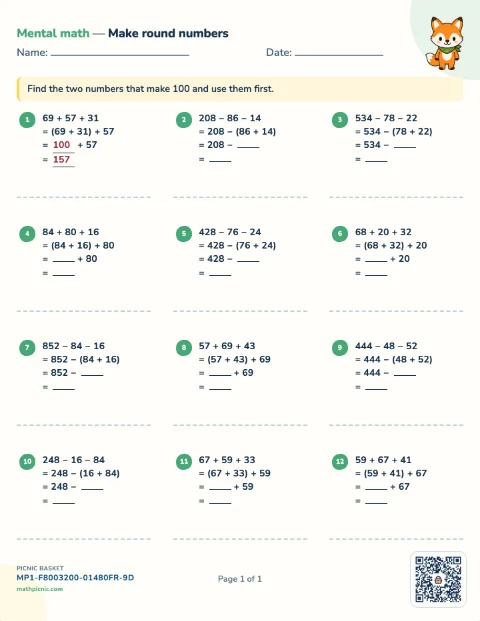
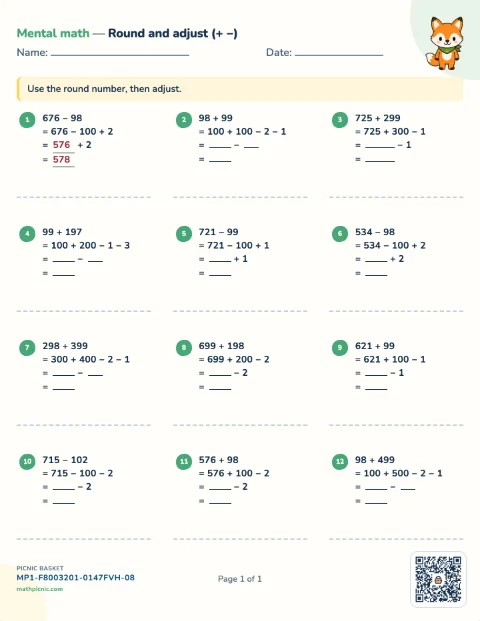
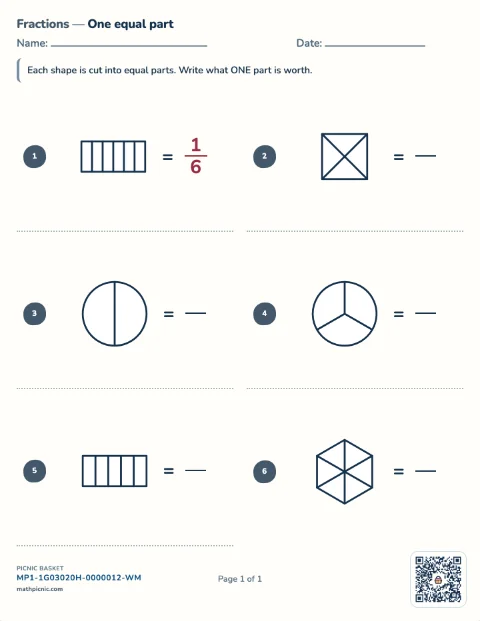
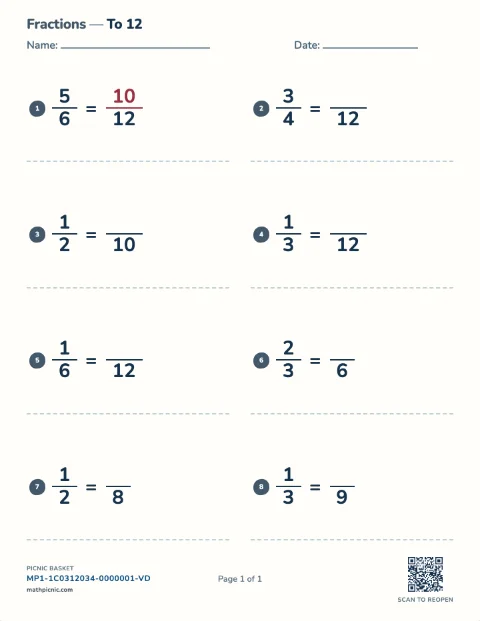
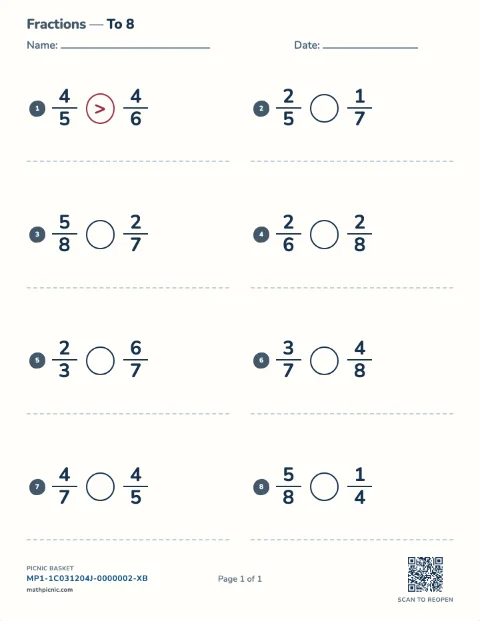
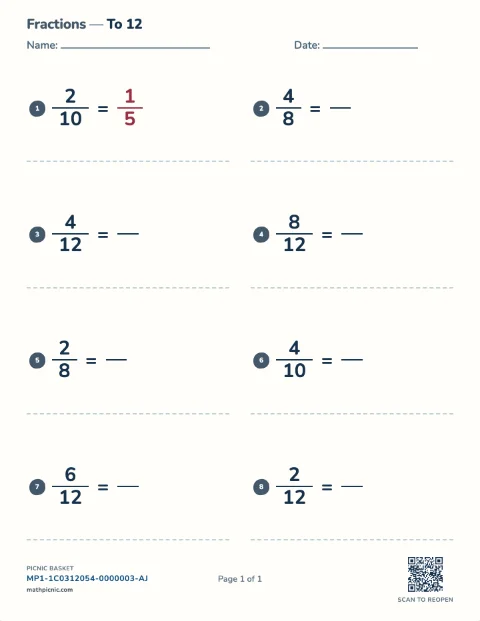
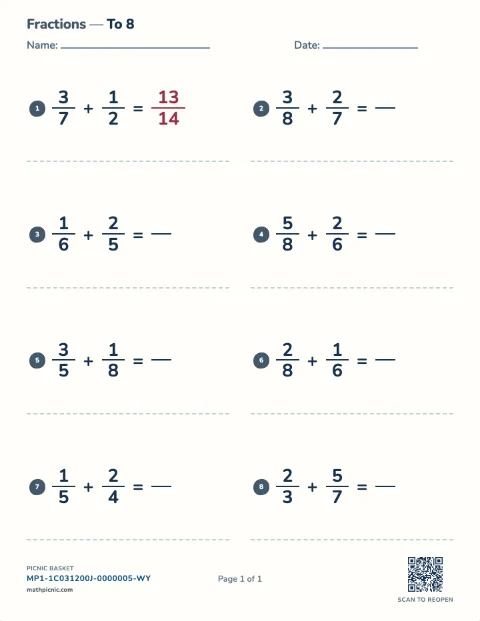
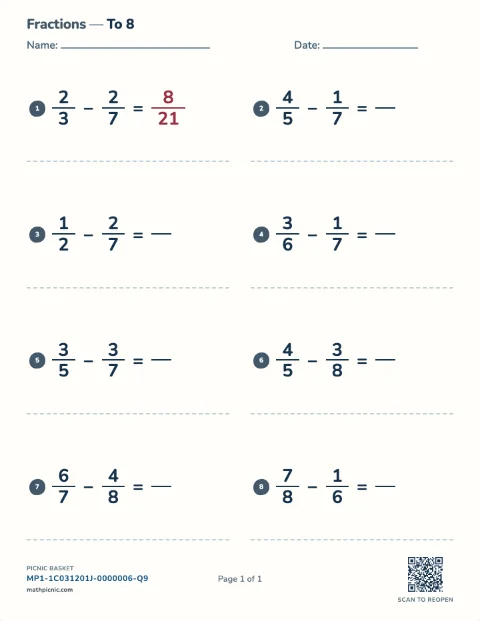
Fractions 11 sheets
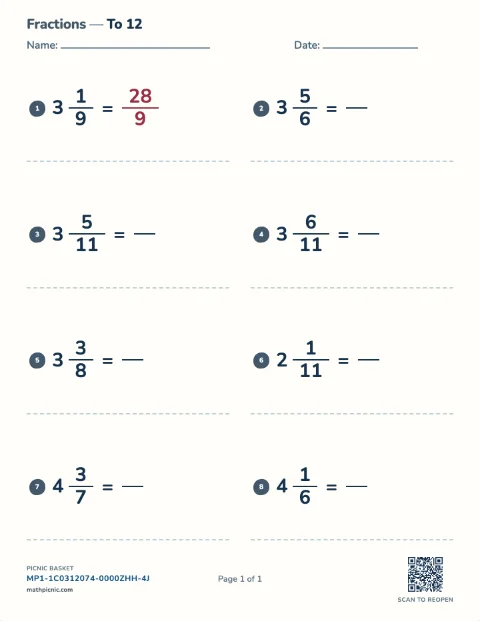
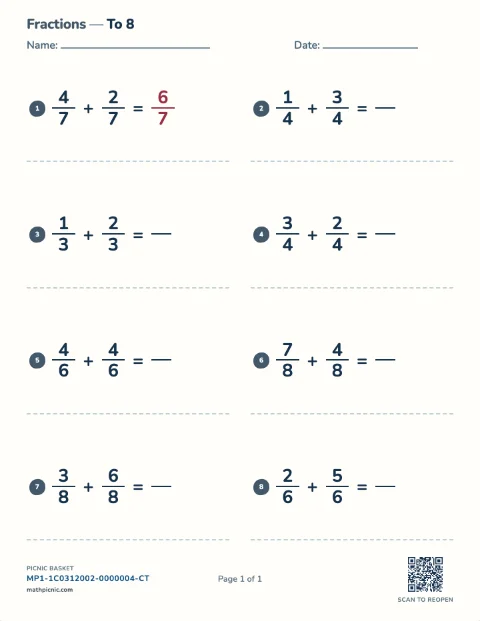
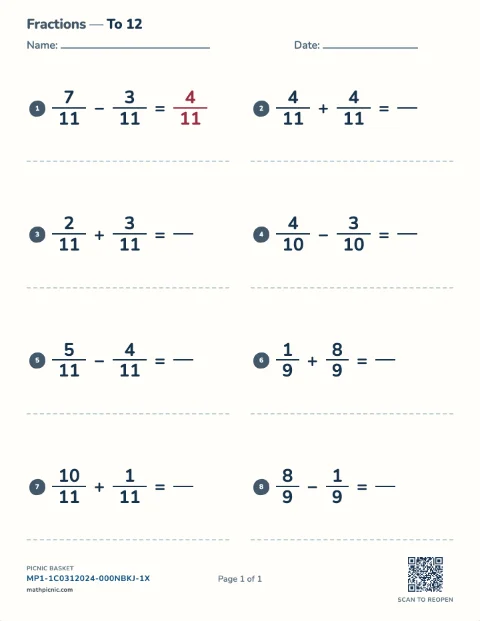
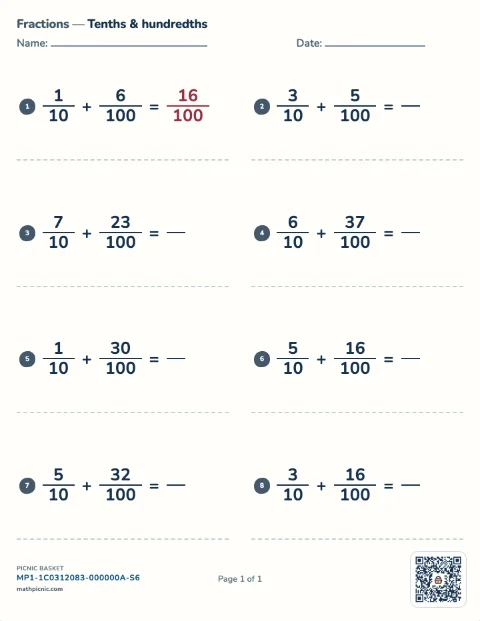
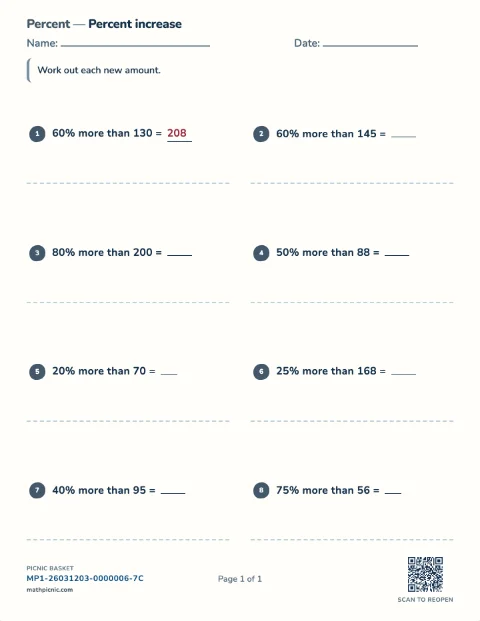
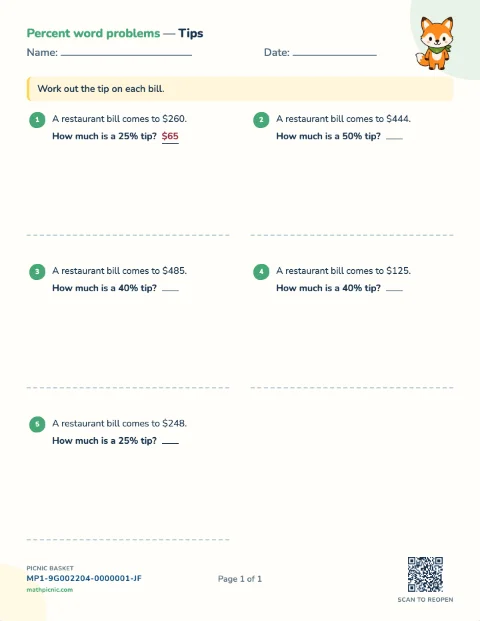
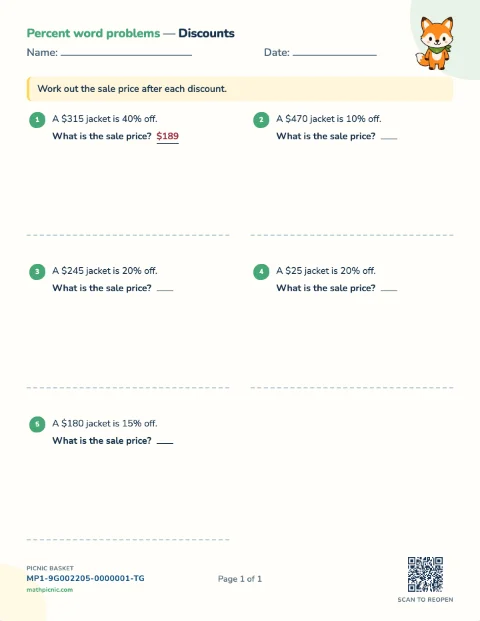
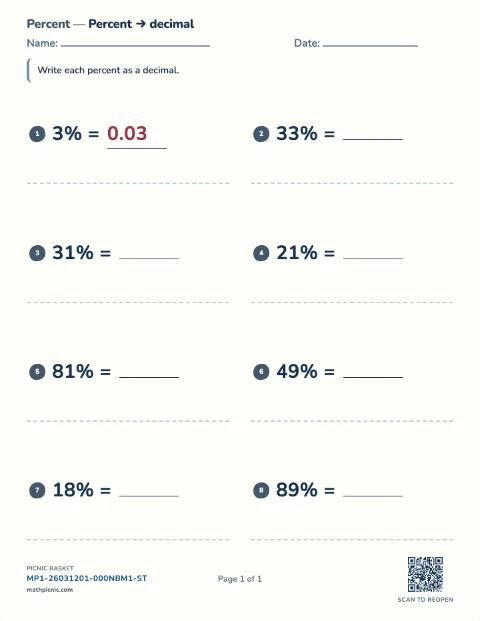
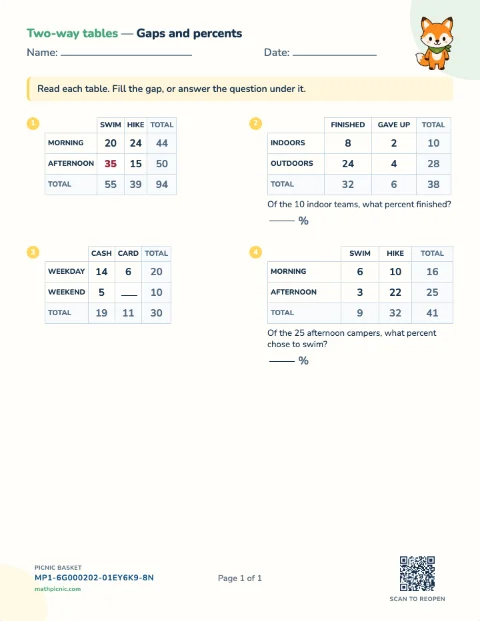
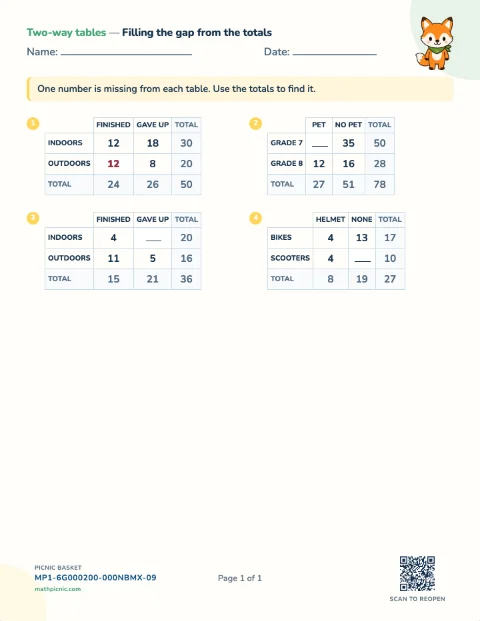
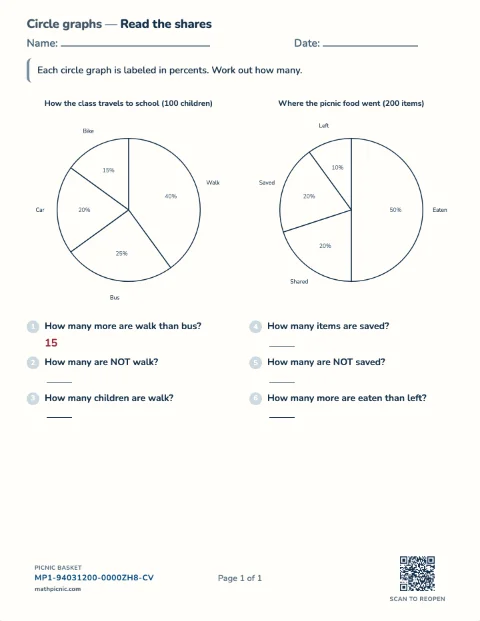
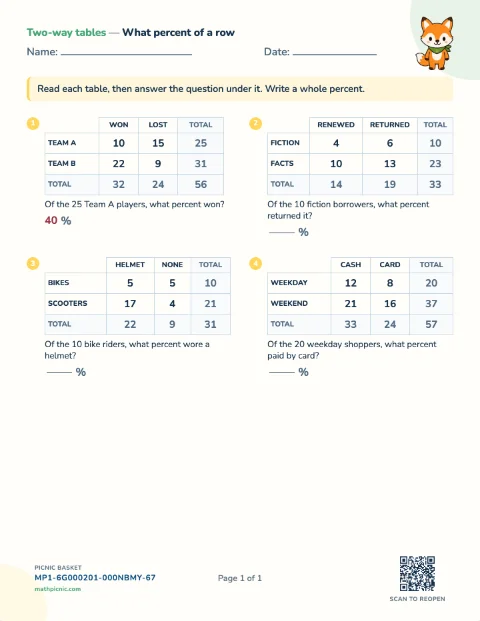
Percents 13 sheets
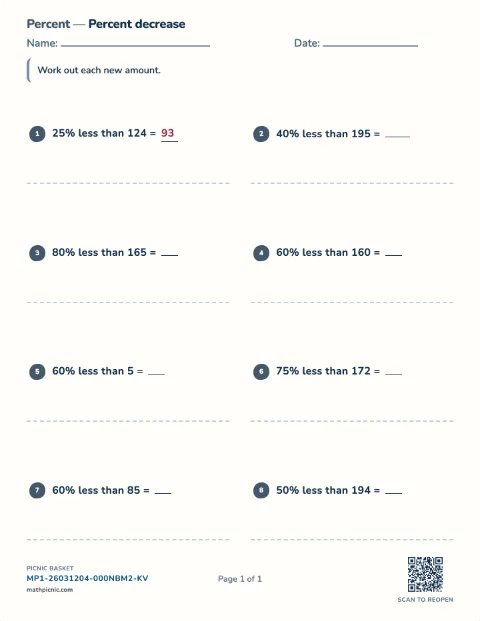
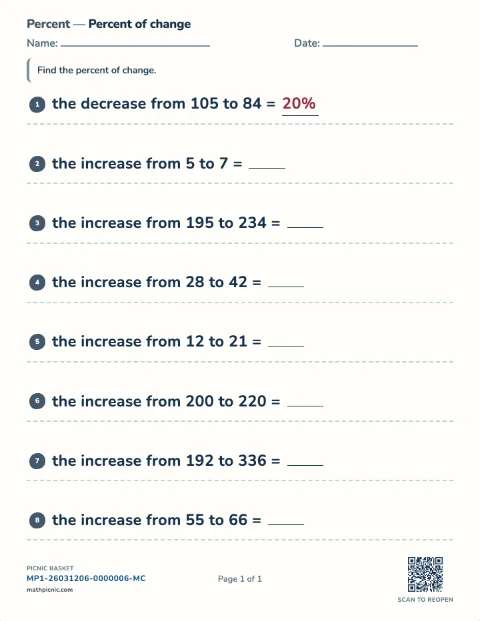
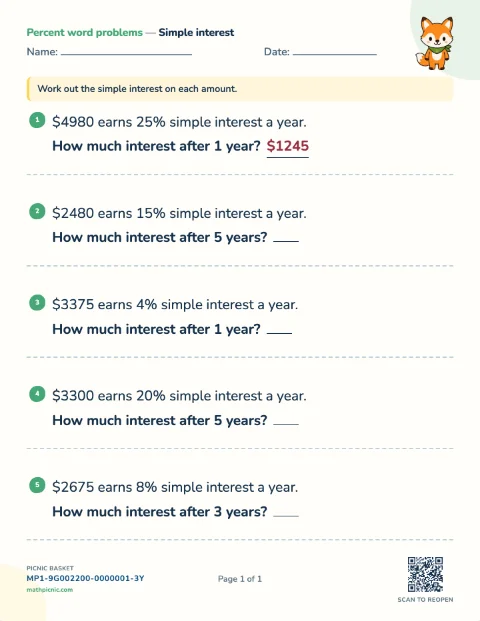
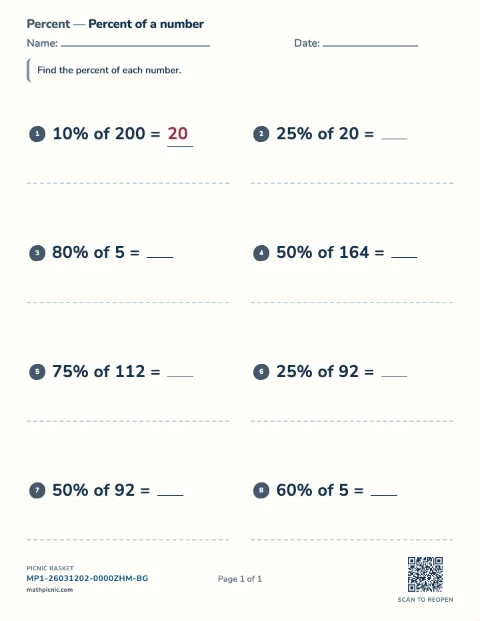
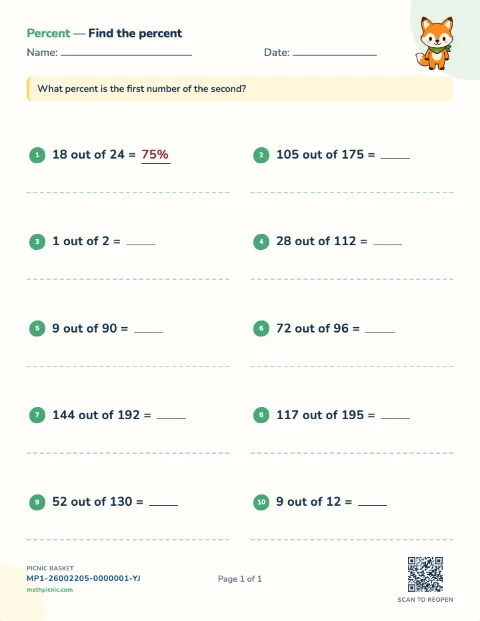
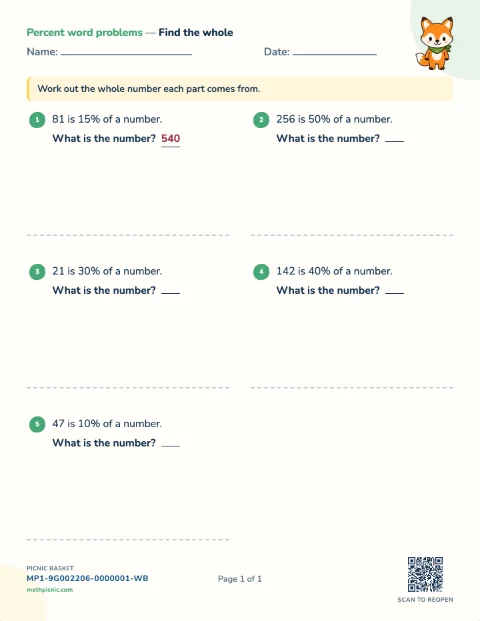
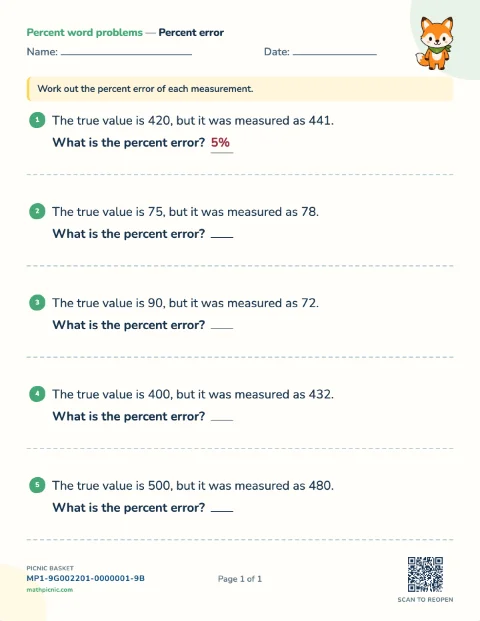
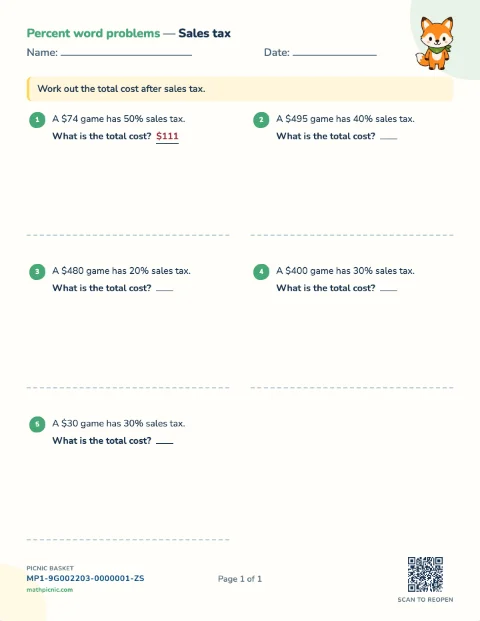
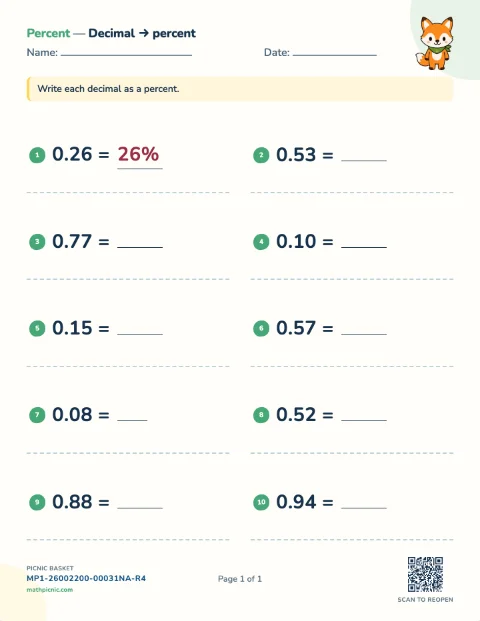
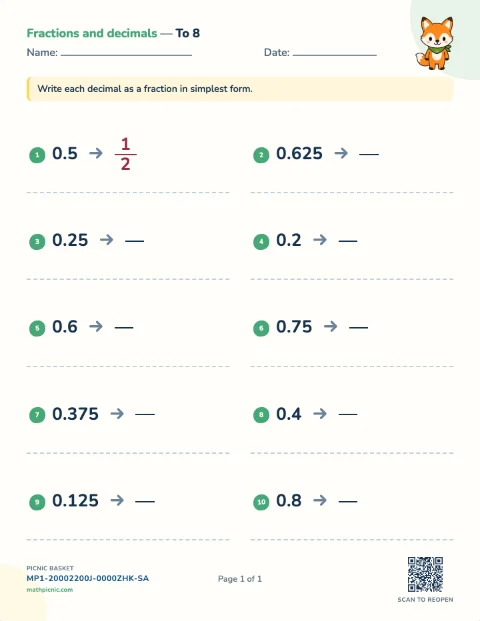
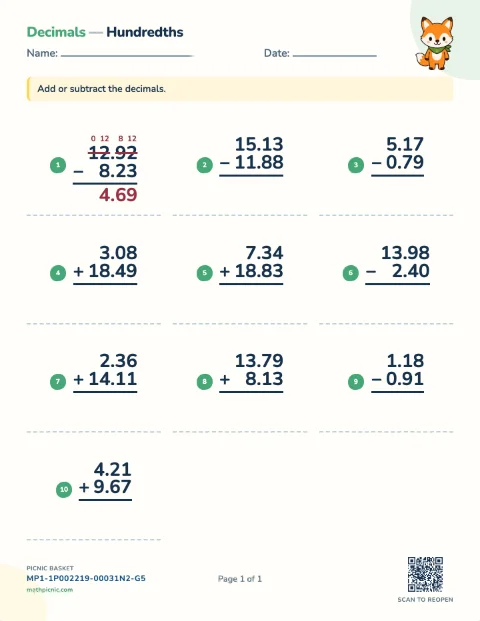
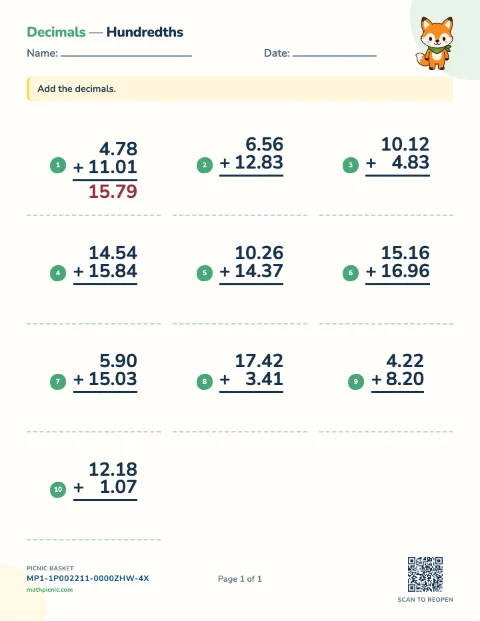
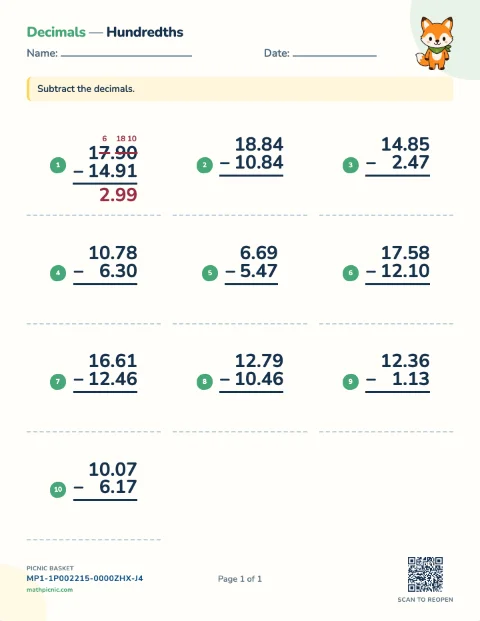
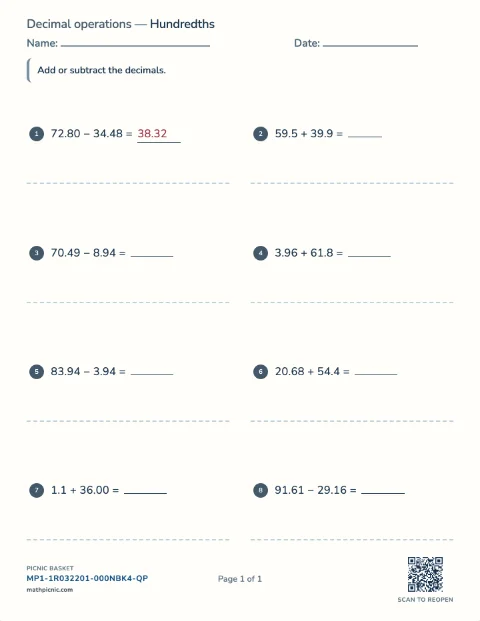
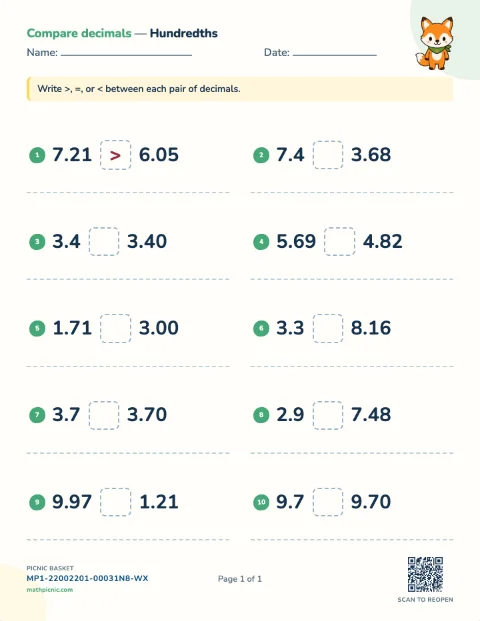
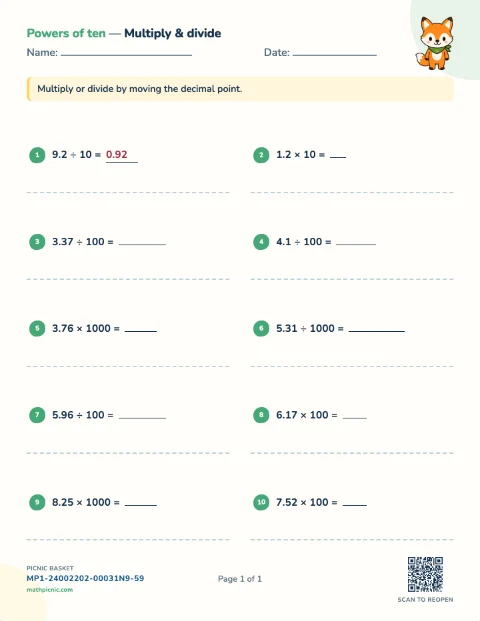
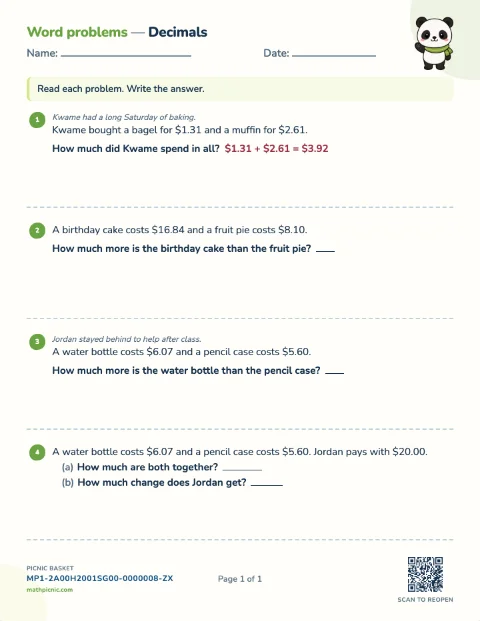
Decimals 7 sheets
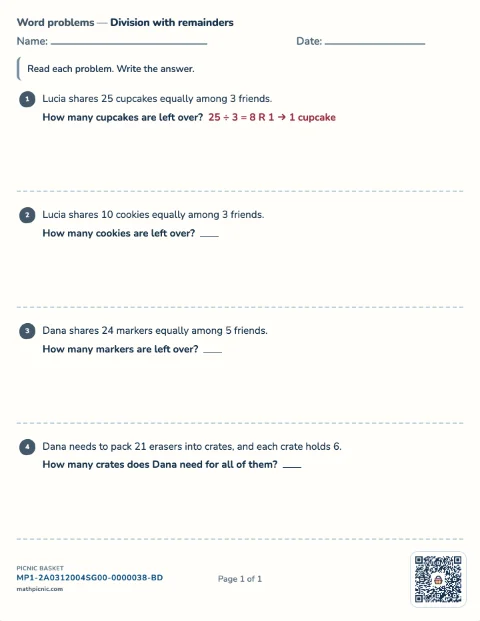
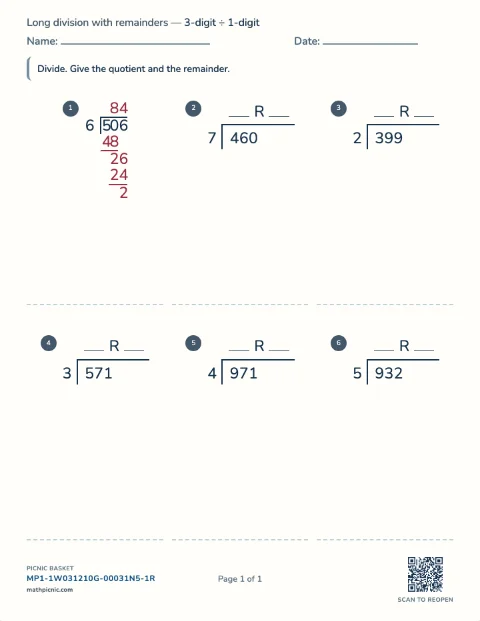
Remainders 2 sheets
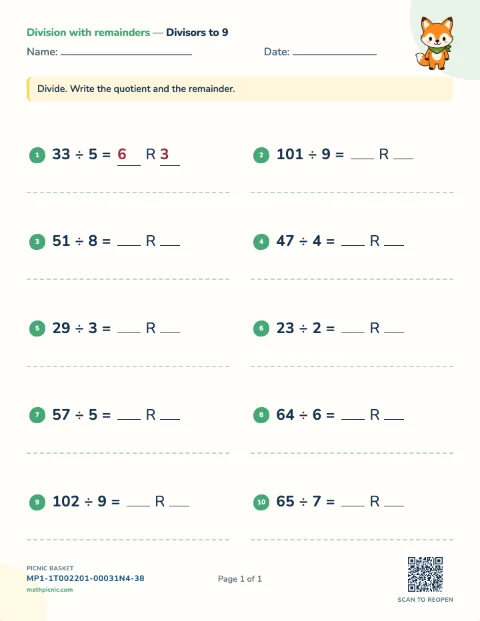
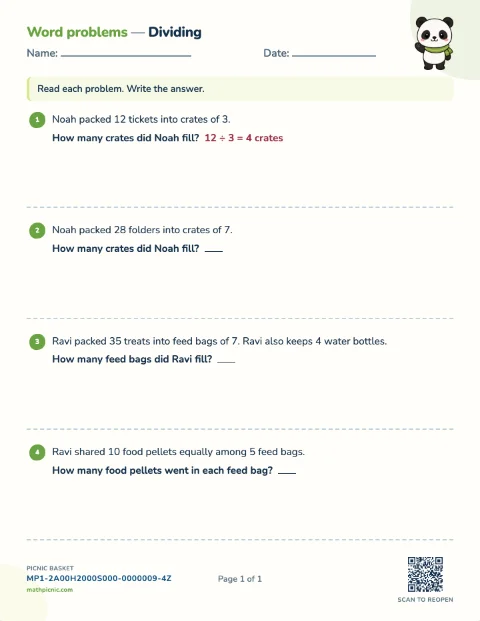
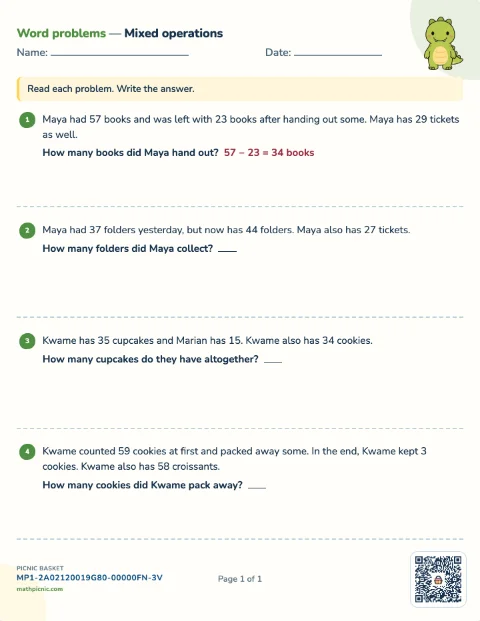
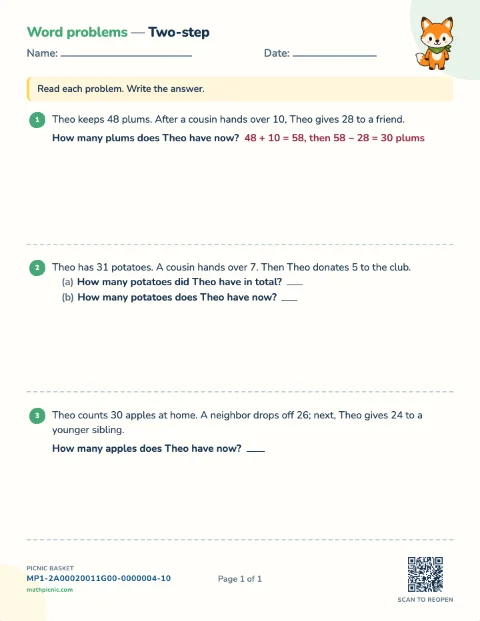
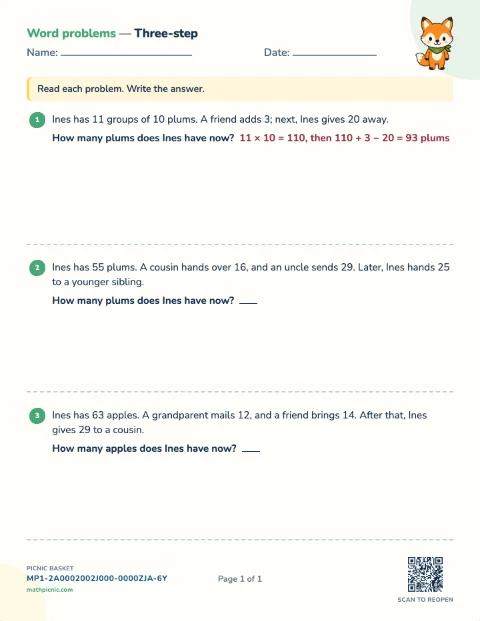
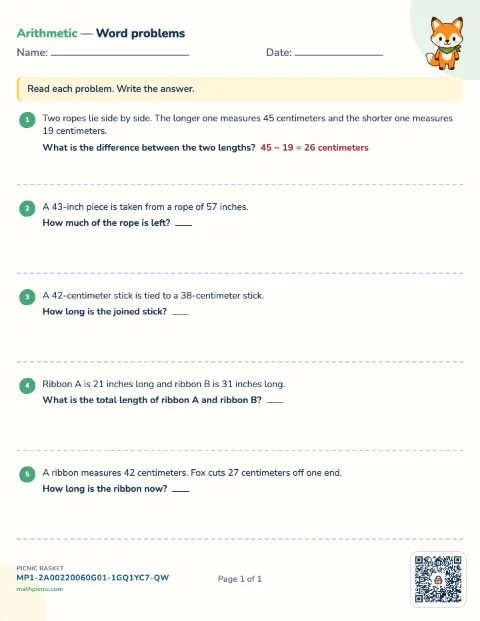
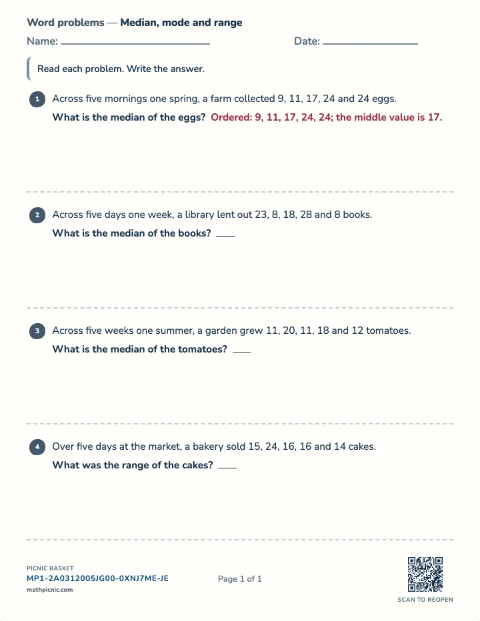
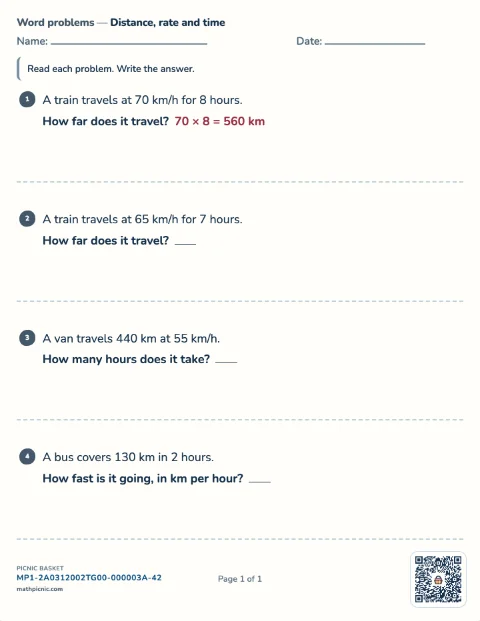
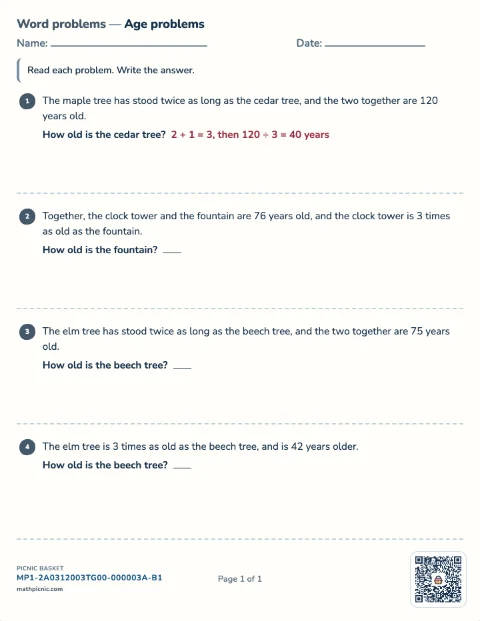
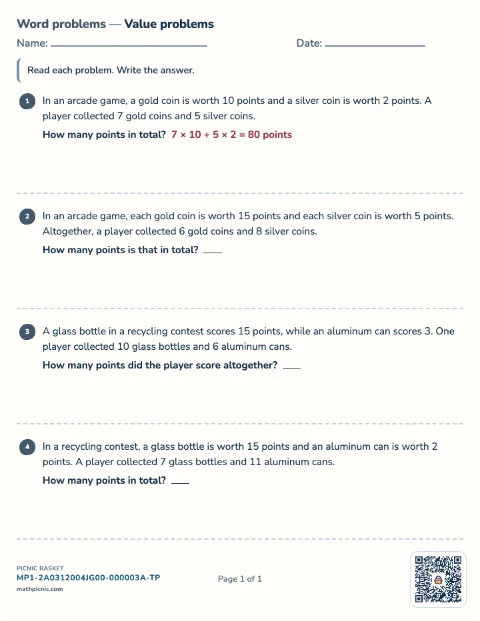
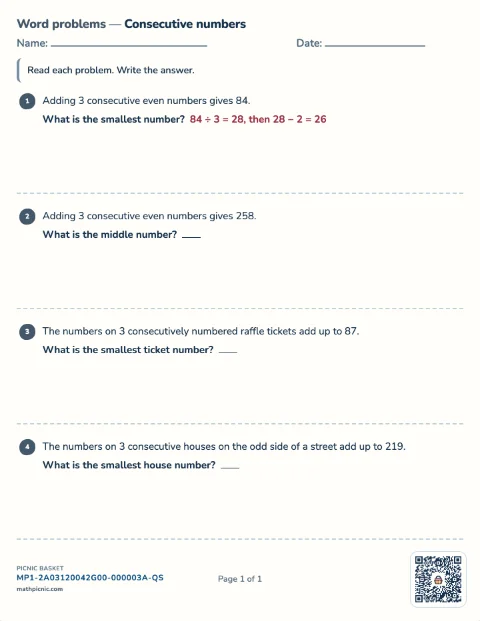
Word problems 22 sheets
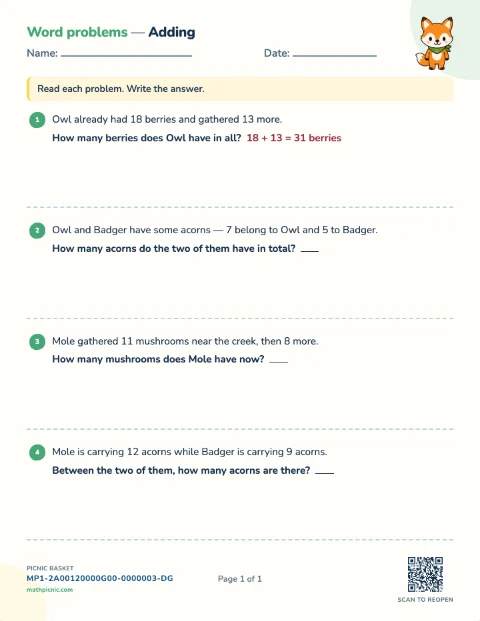
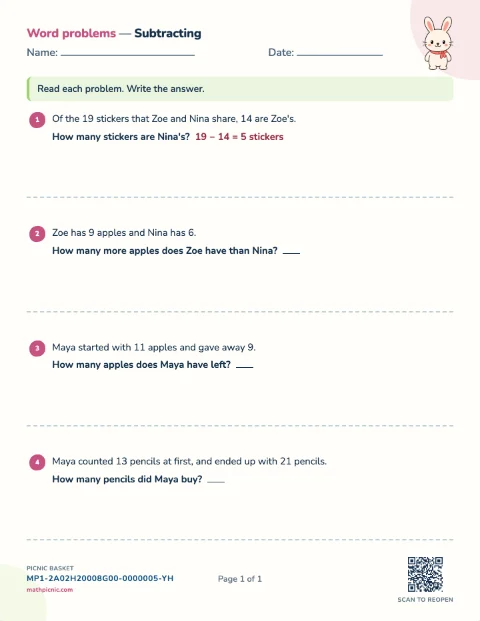
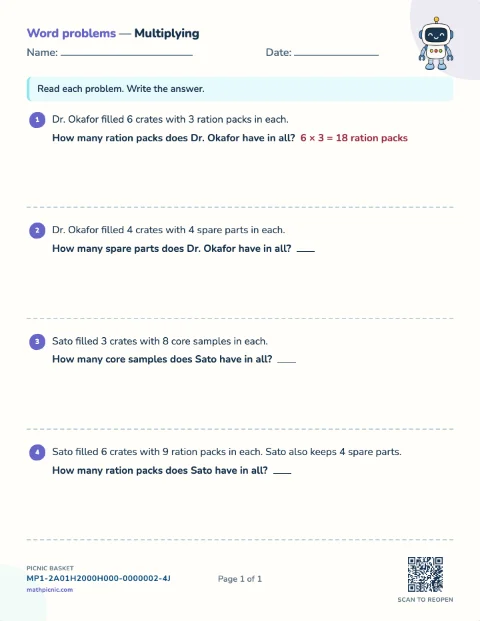
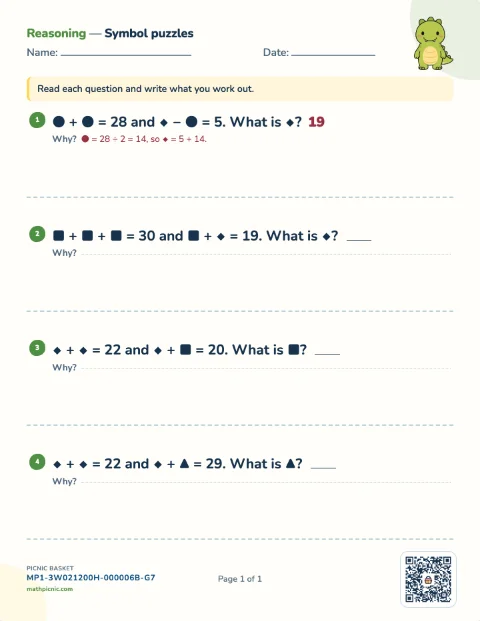
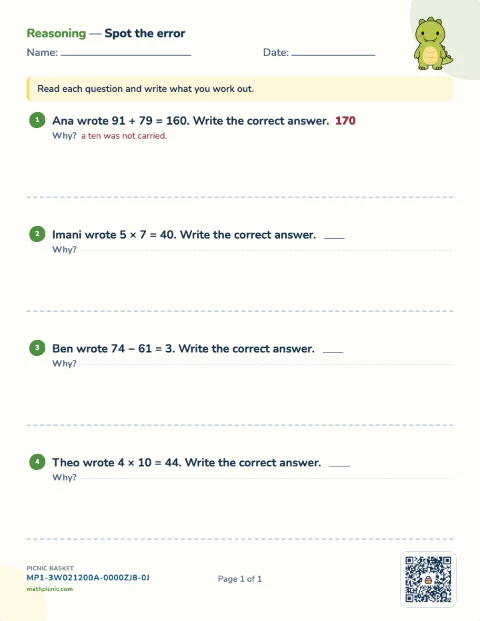
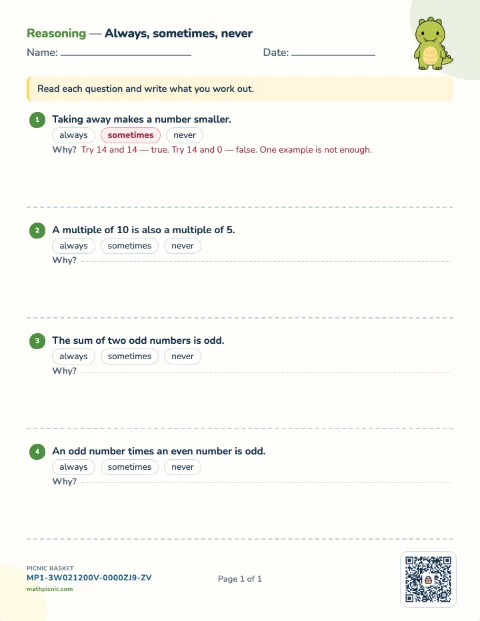
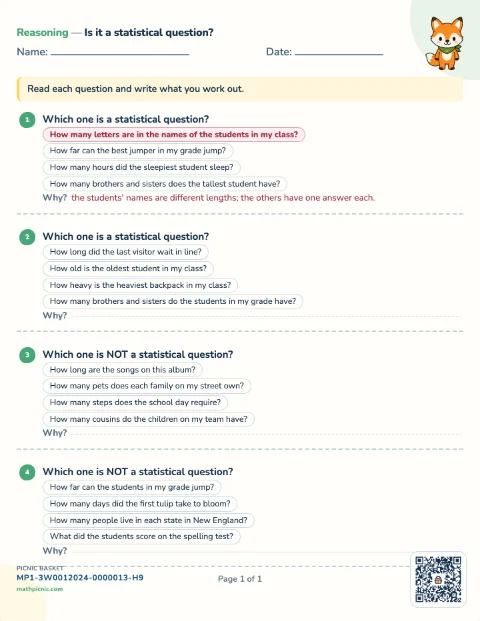
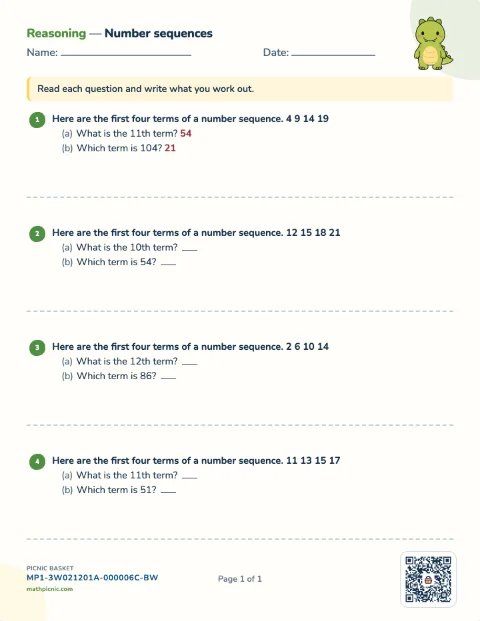
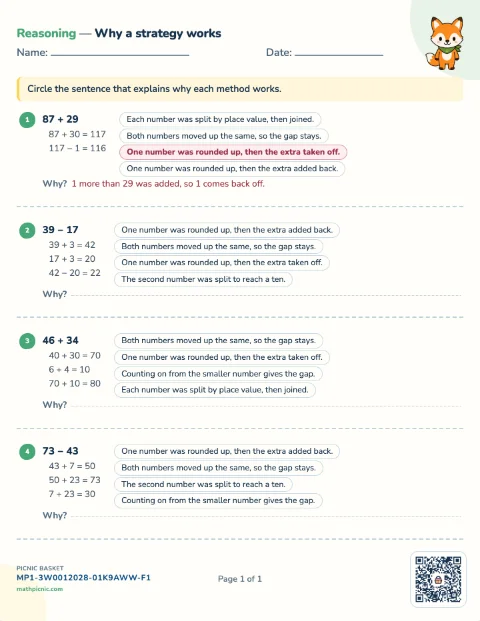
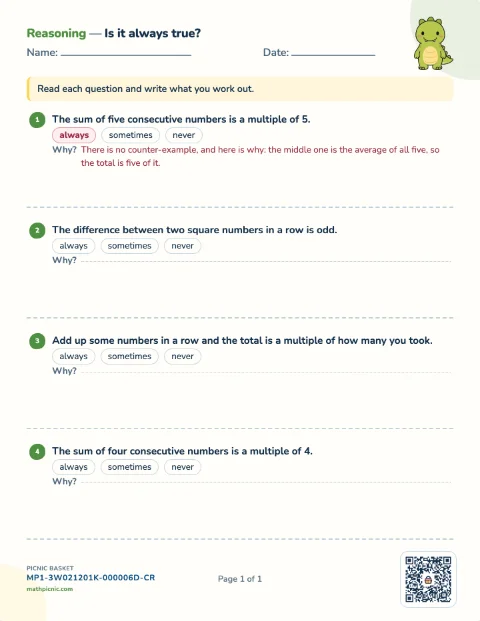
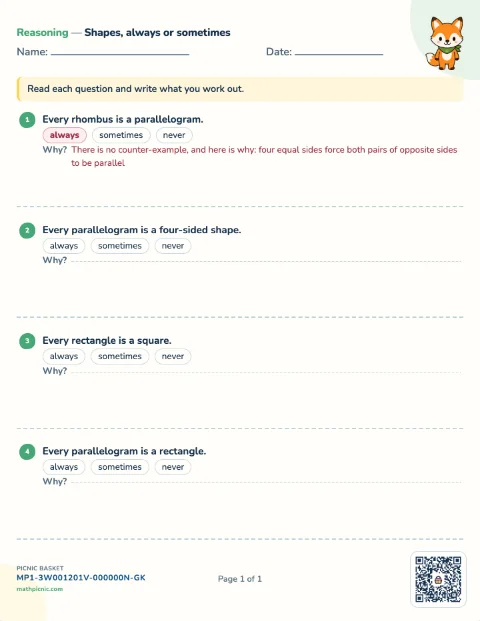
Reasoning 9 sheets
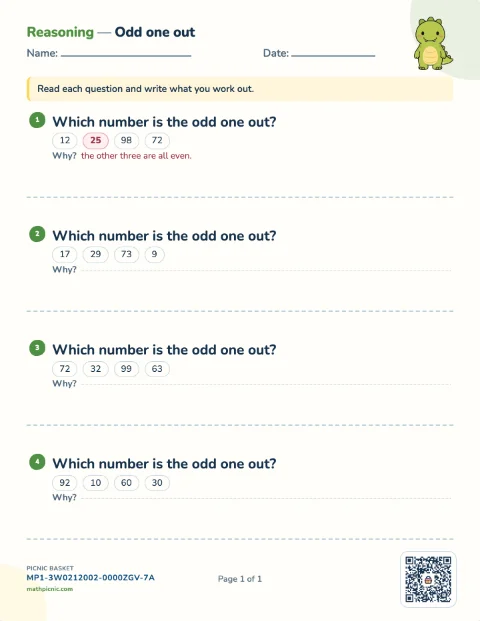
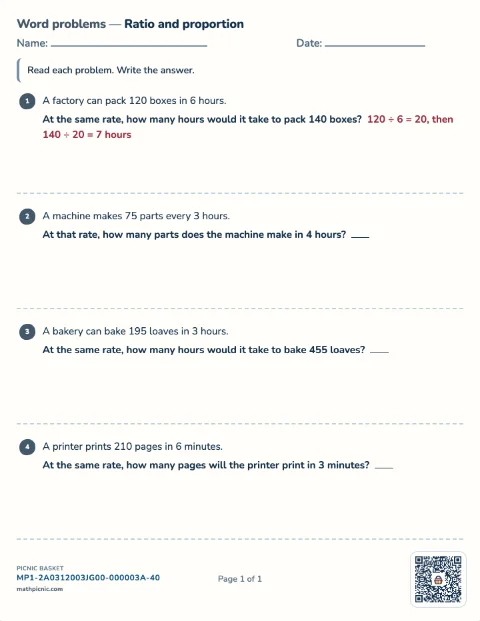
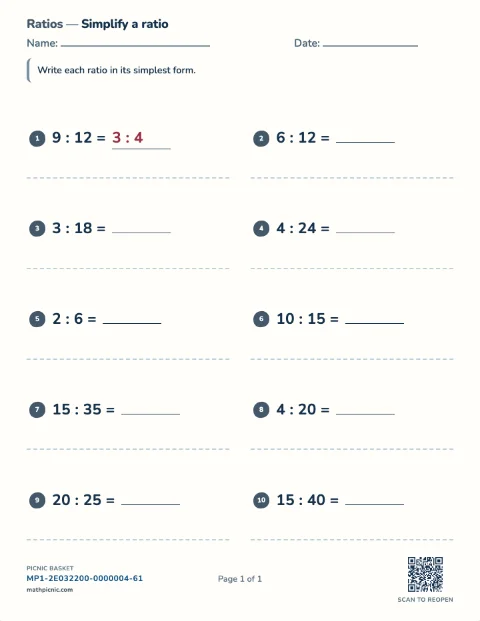
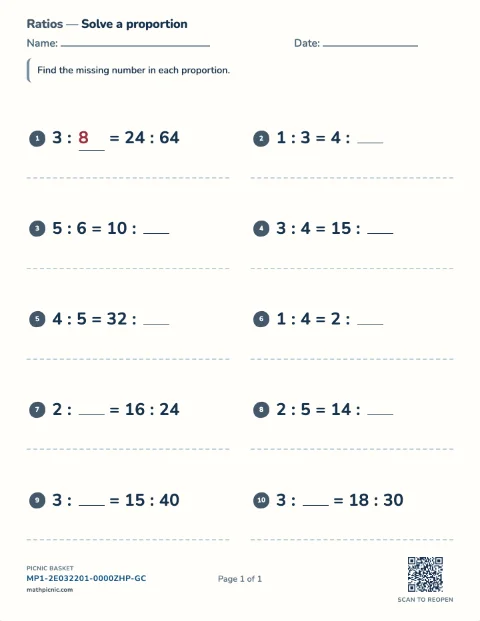
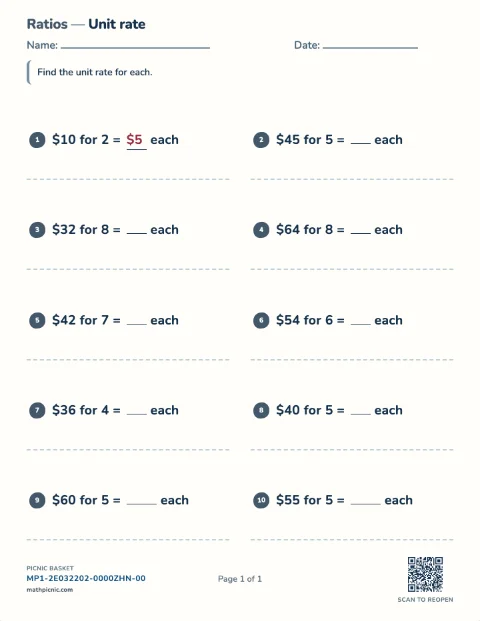
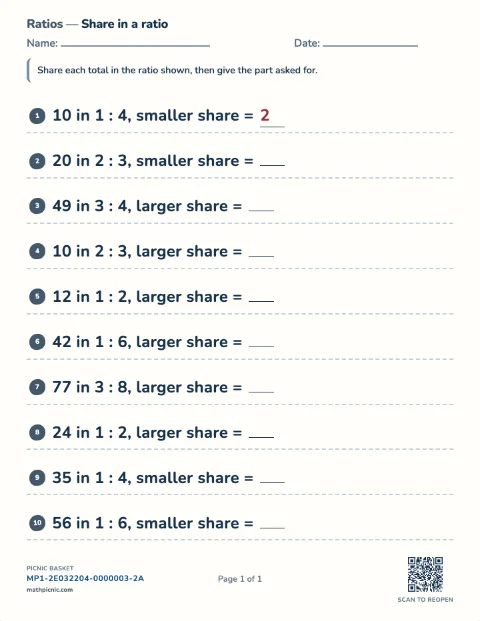
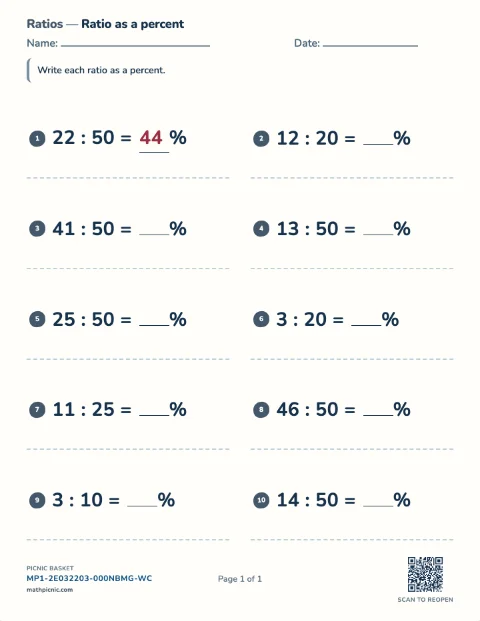
Ratios & proportions 8 sheets
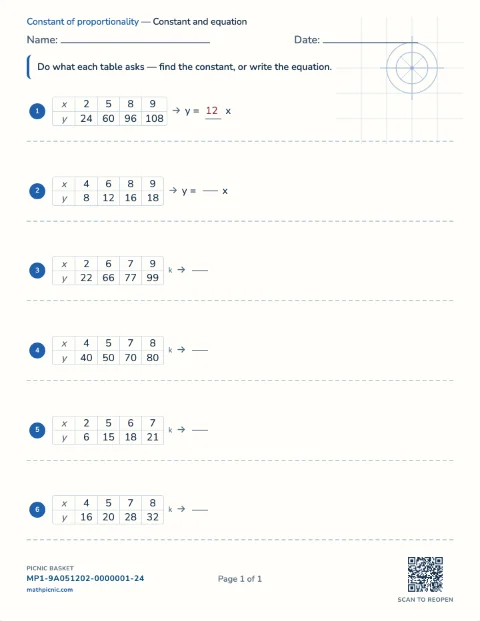
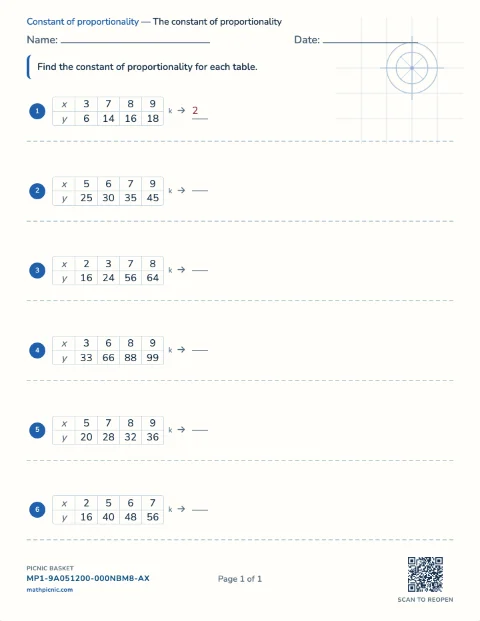
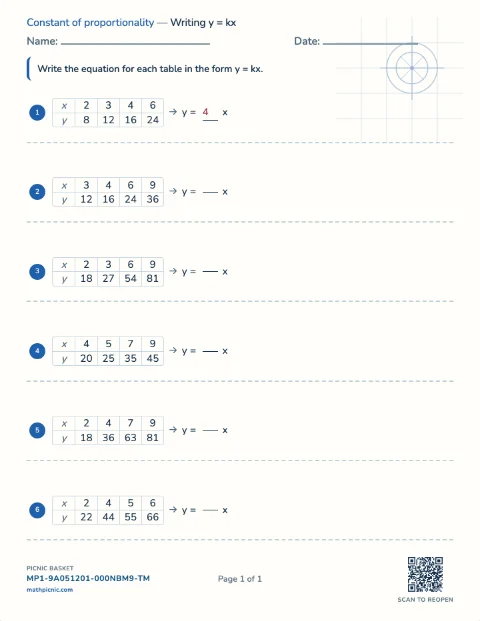
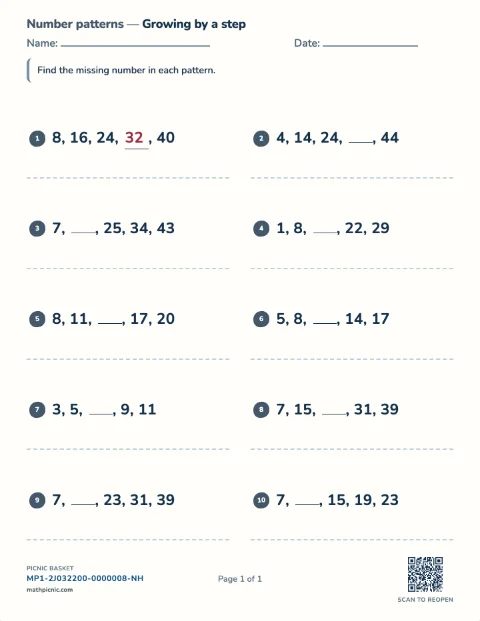
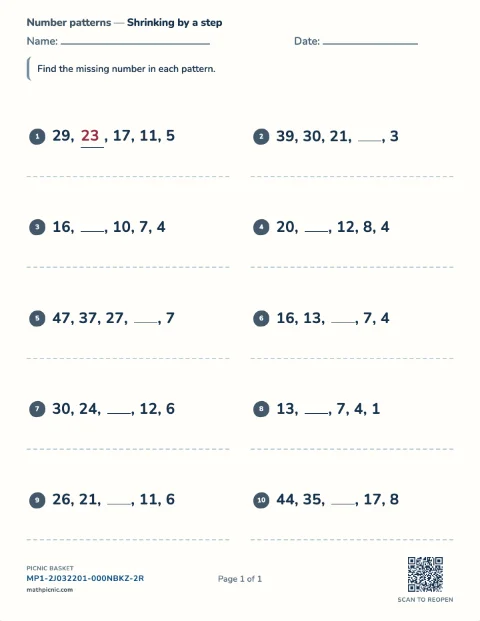
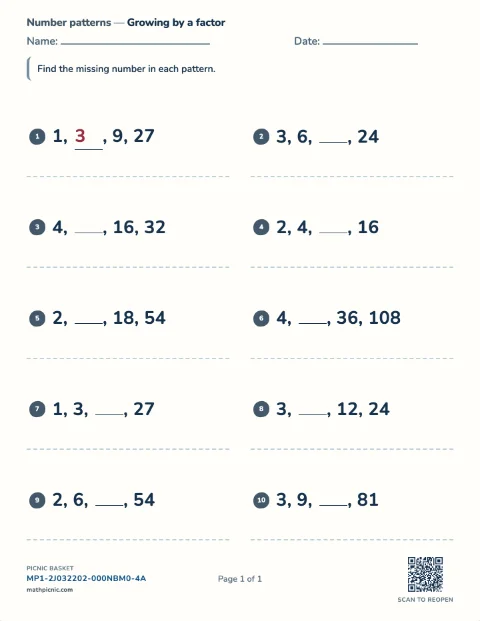
Number patterns 3 sheets
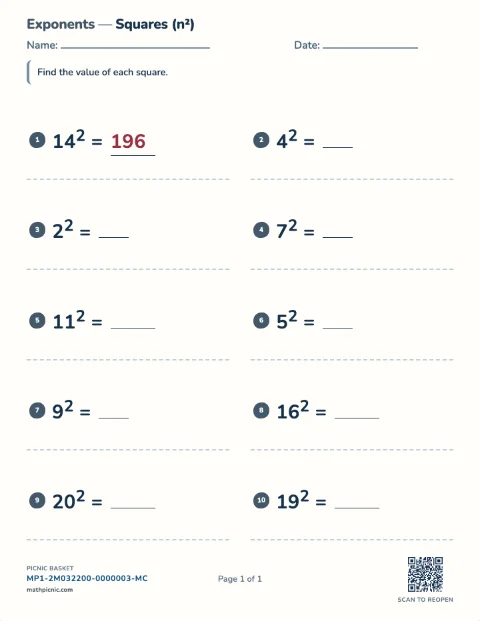
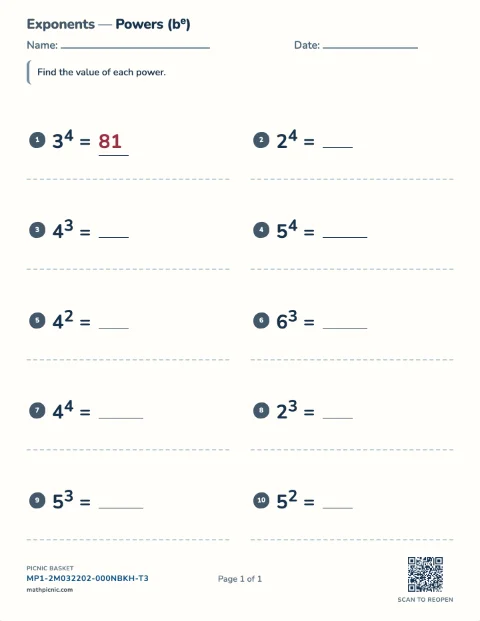
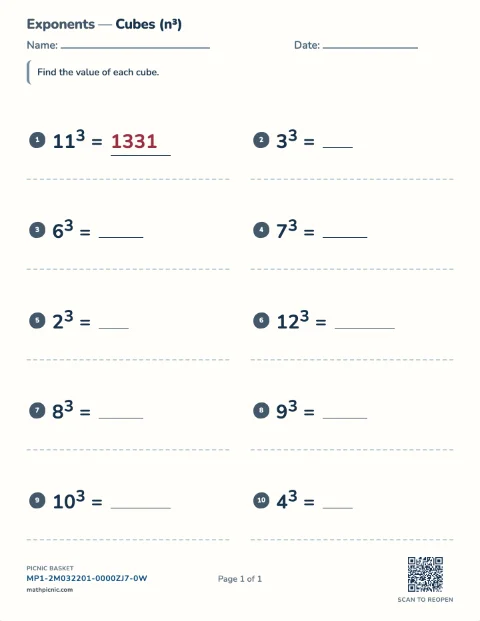
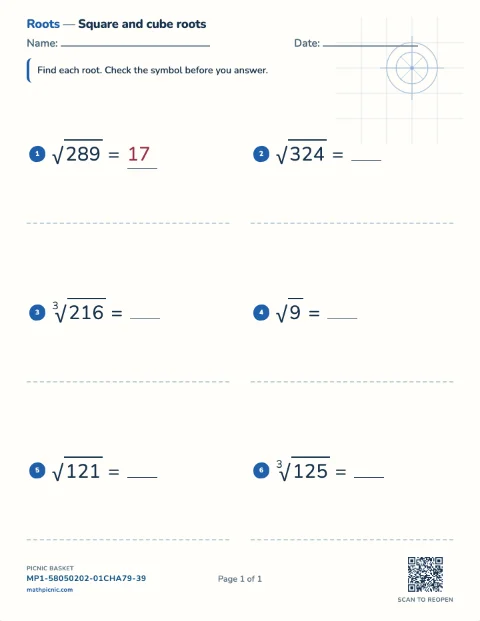
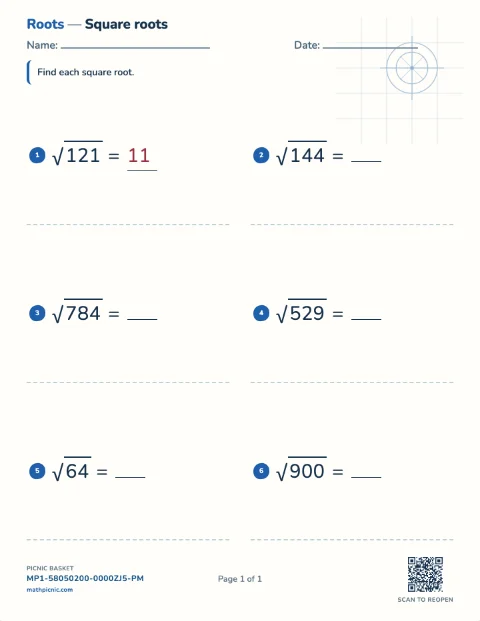
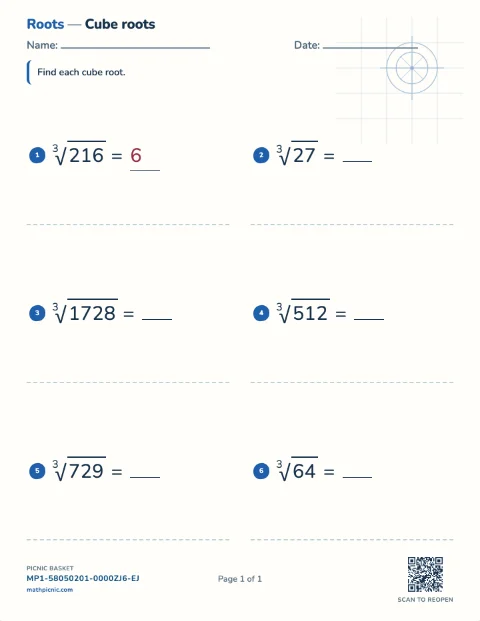
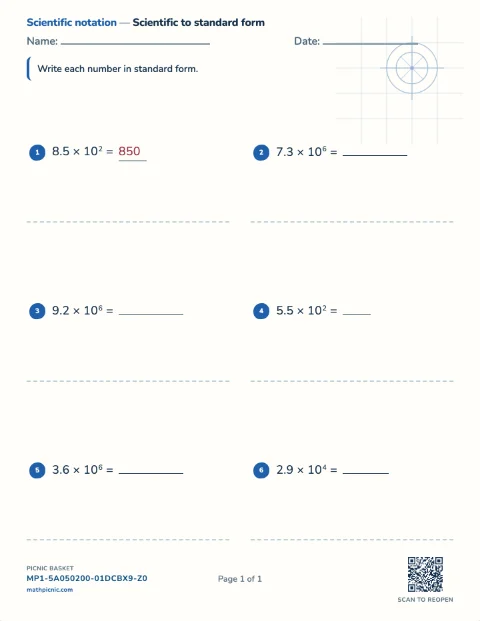
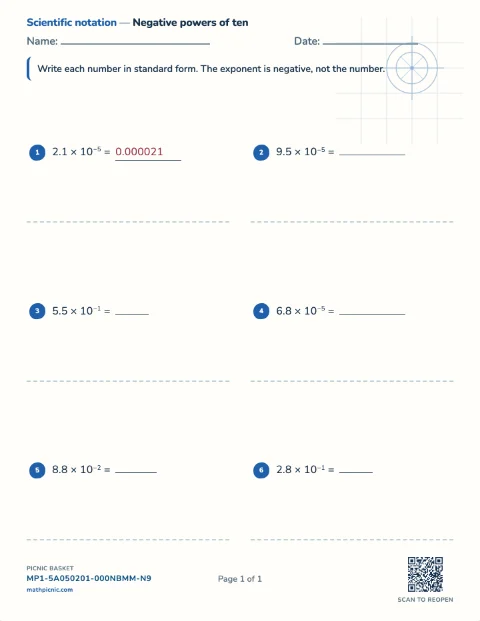
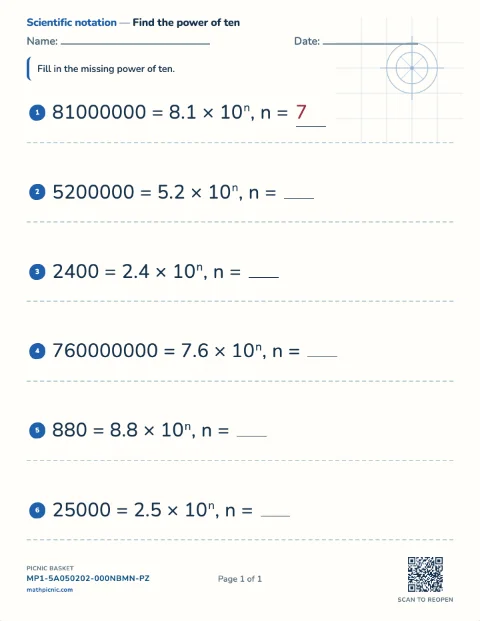
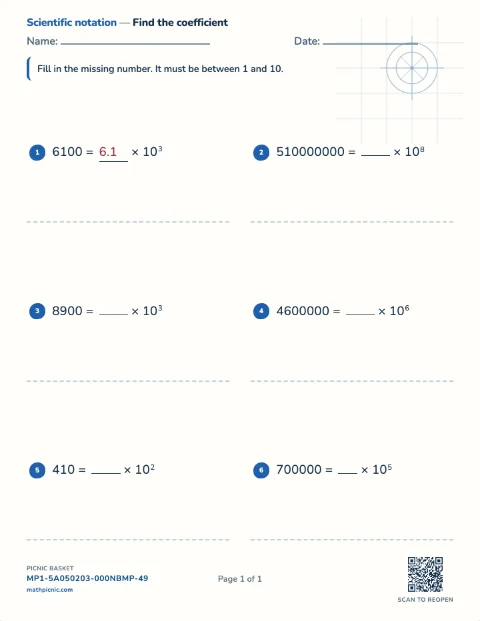
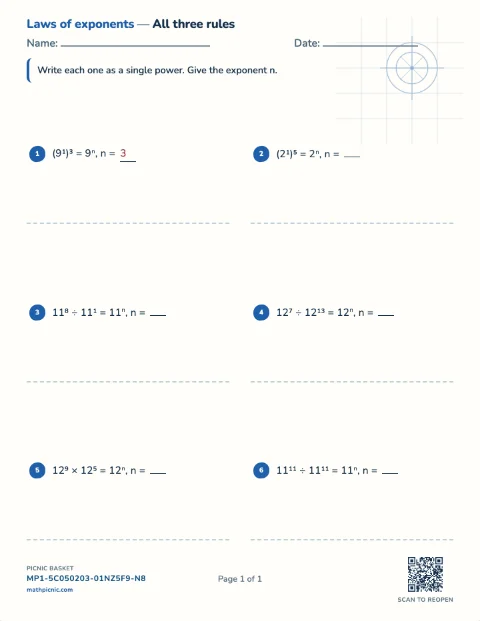
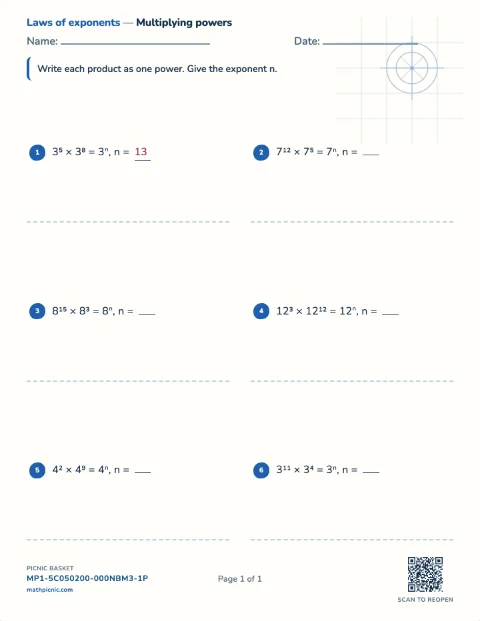
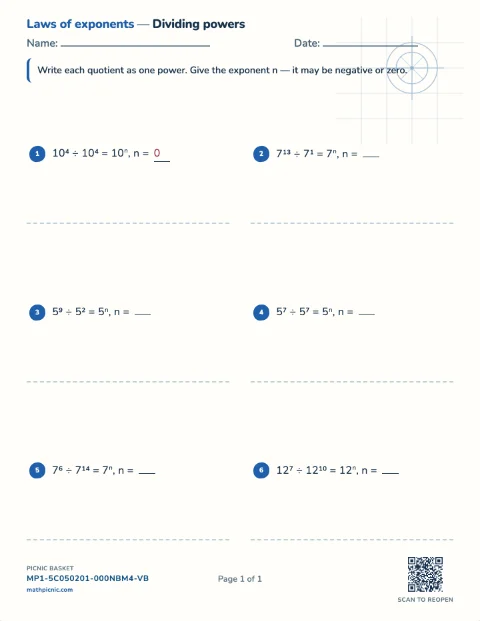
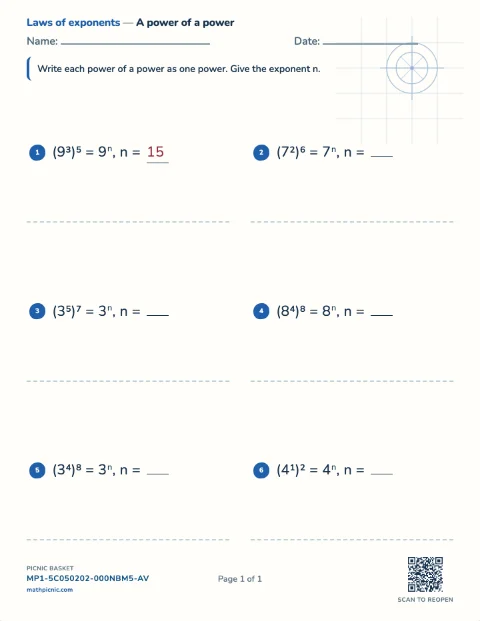
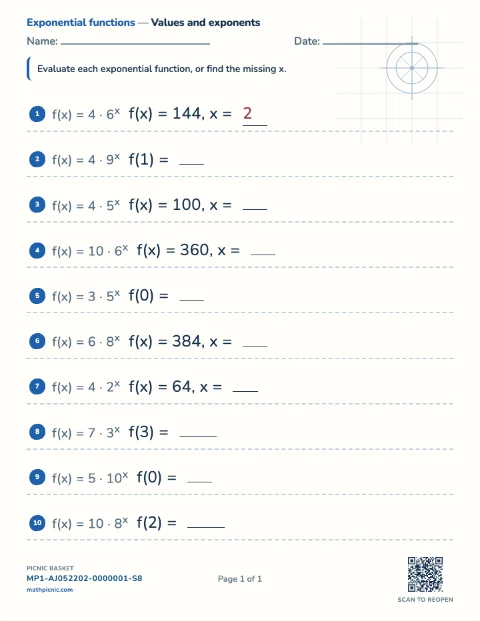
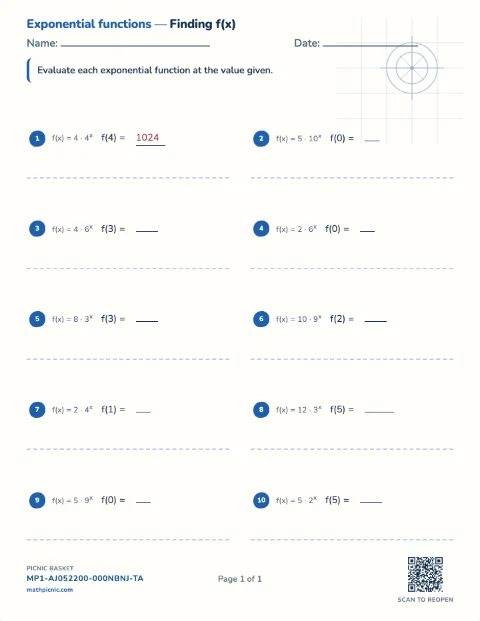
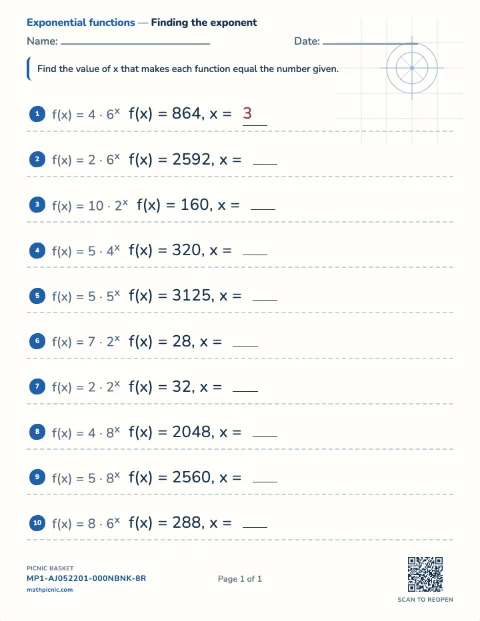
Exponents 14 sheets
Everyday problem solving
Real-Life Math practice
Children measure familiar objects, read temperatures and analog clocks, and work with Canadian, US, or euro money.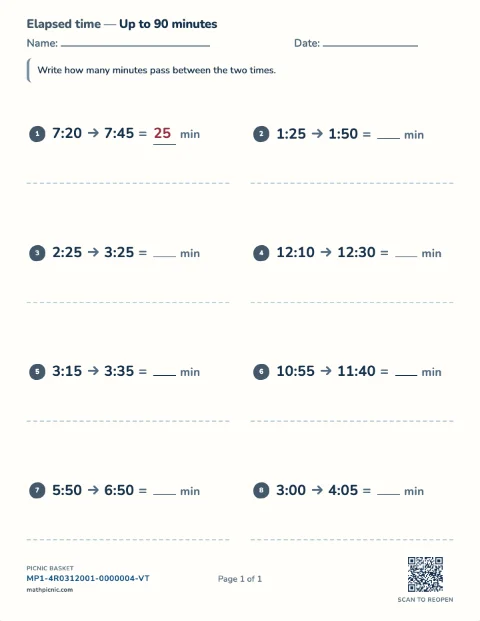
Grade 4–7 foundations
Pre-Algebra practice
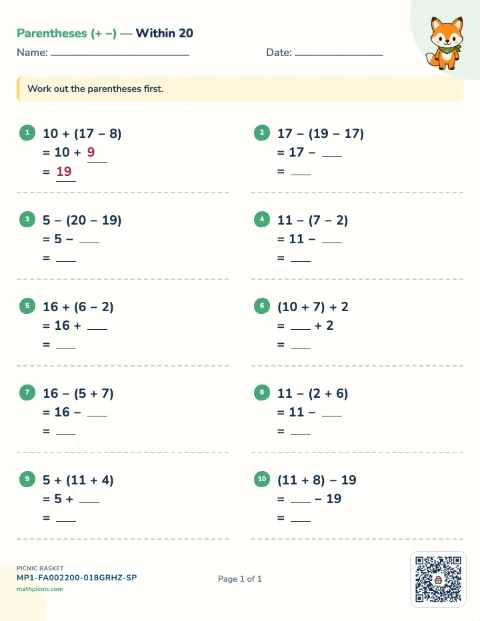
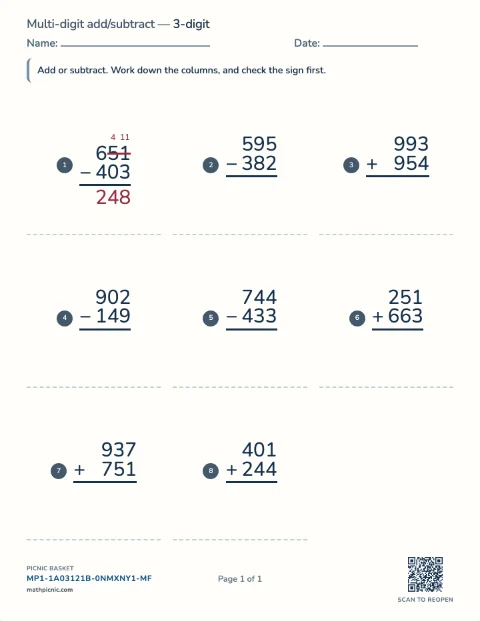
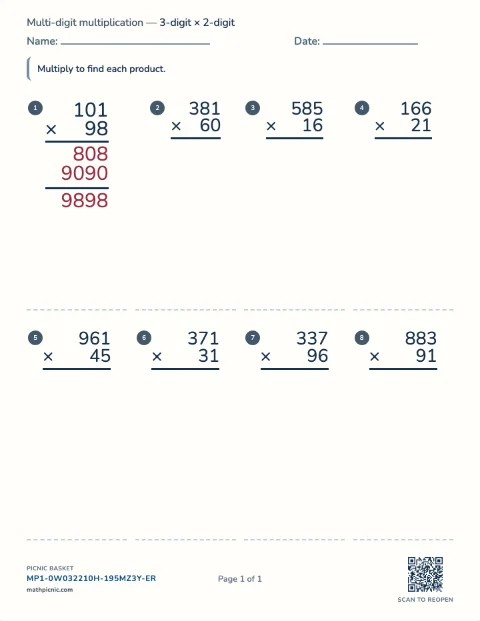
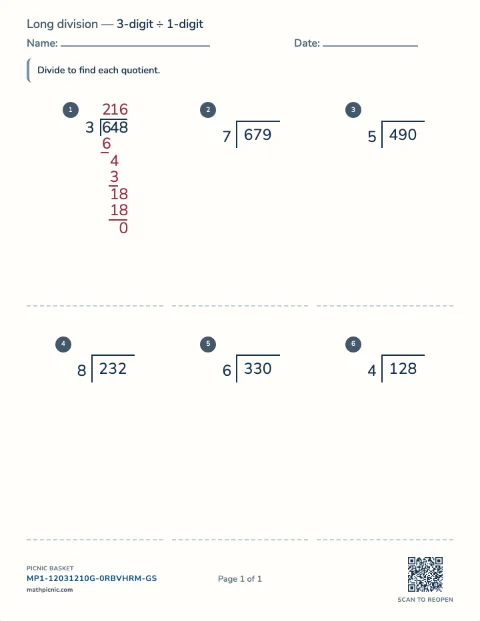
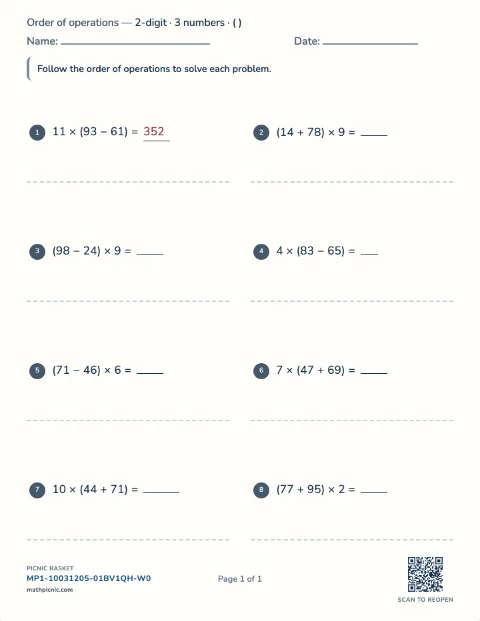
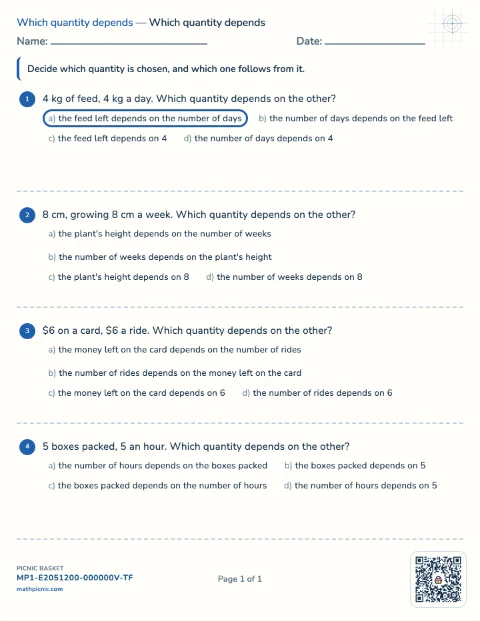
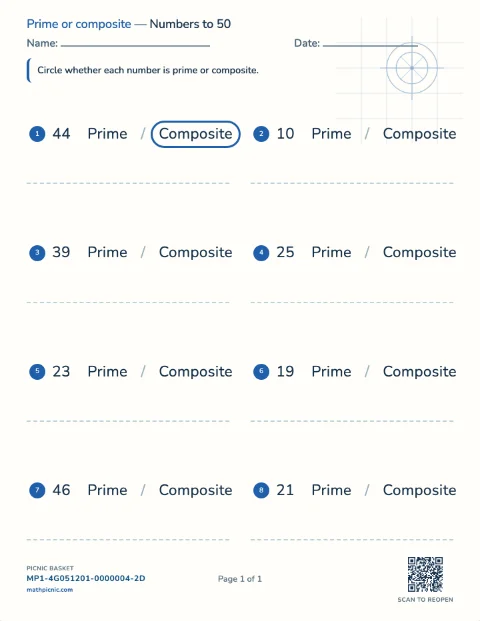
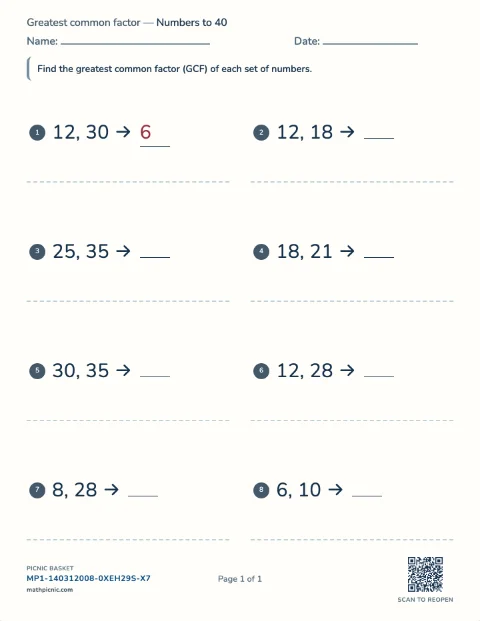
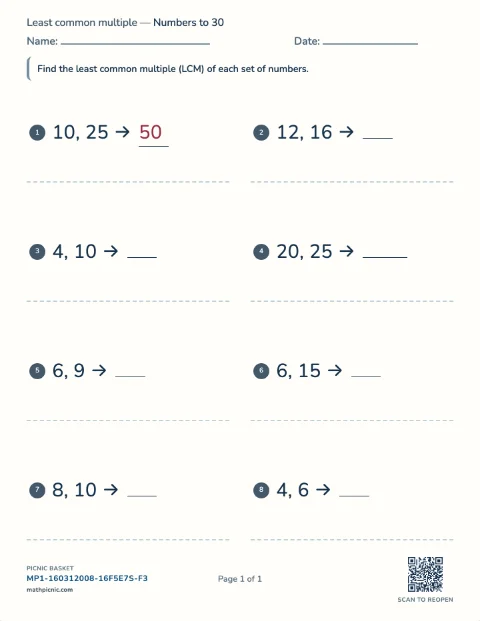
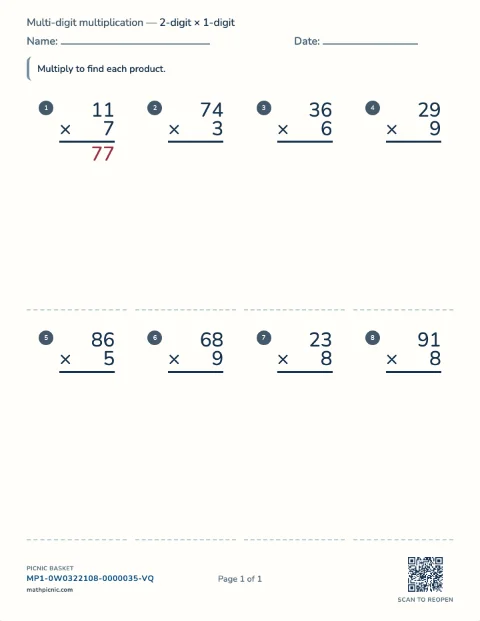
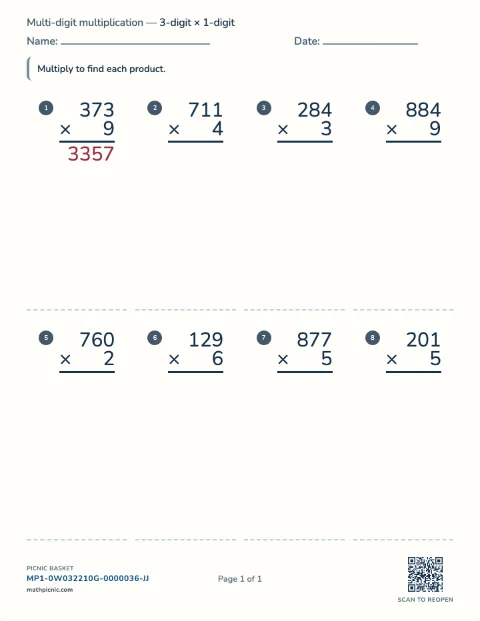
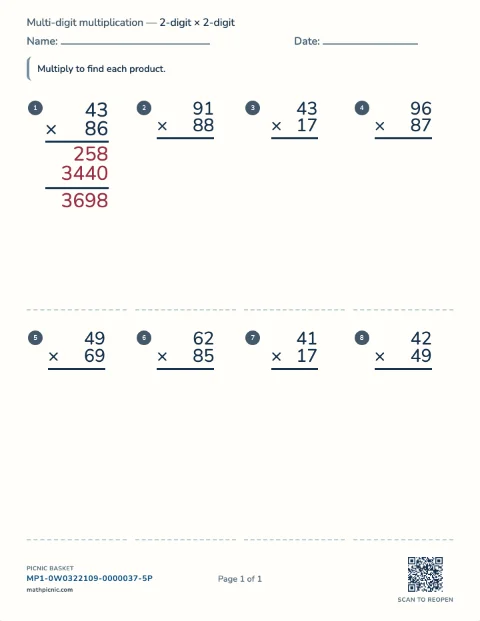
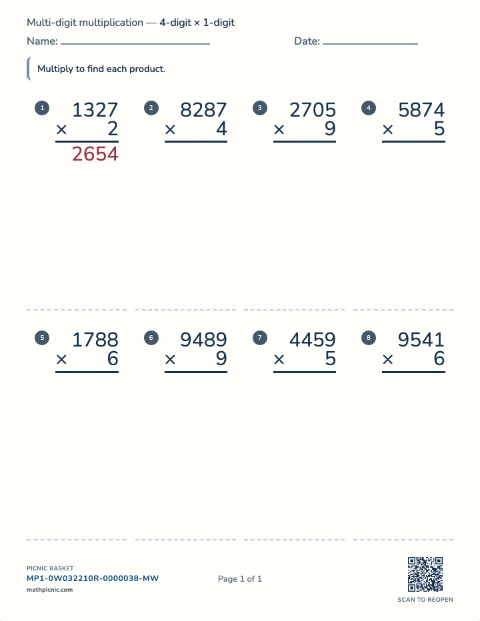
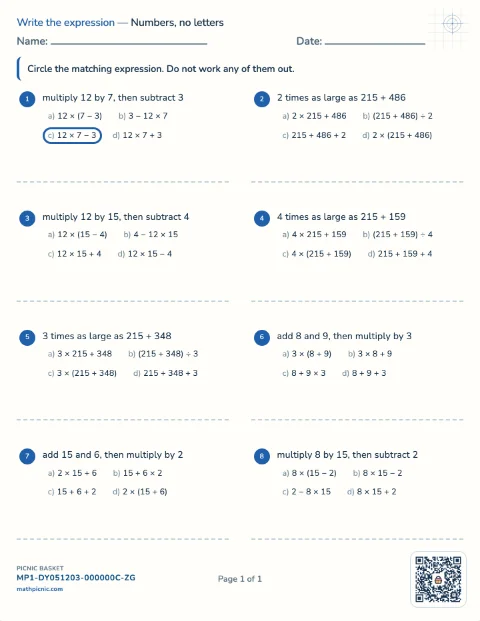
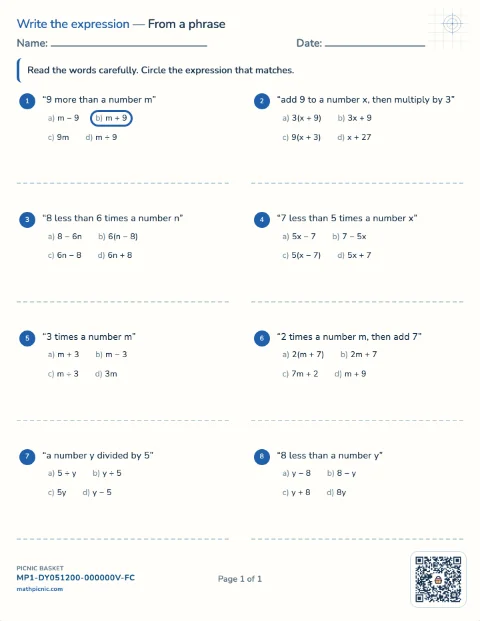
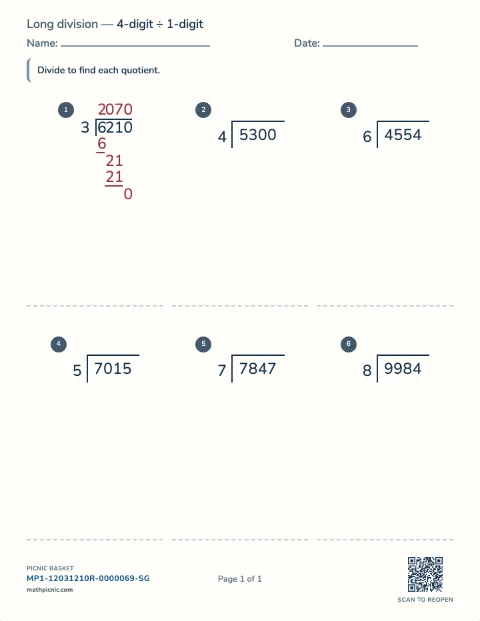
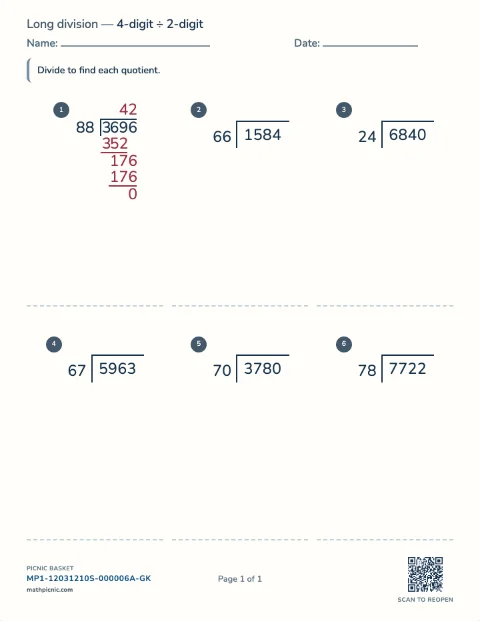
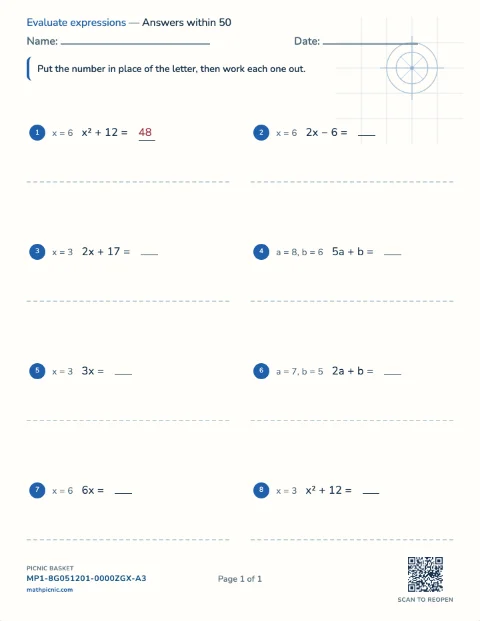
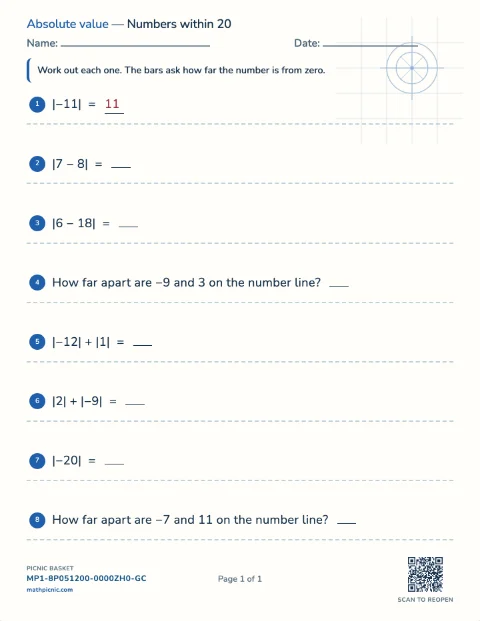
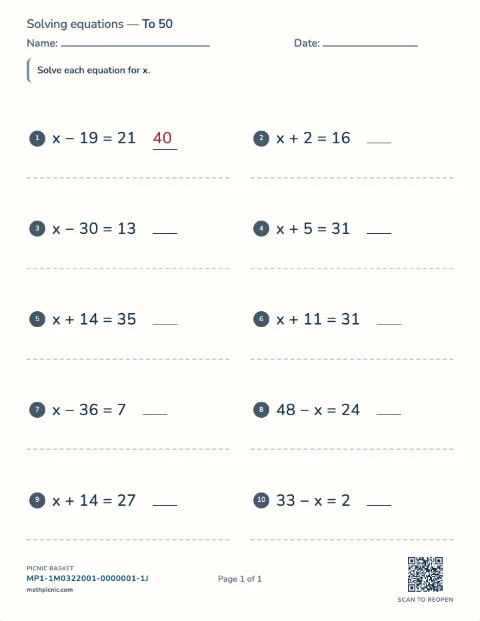
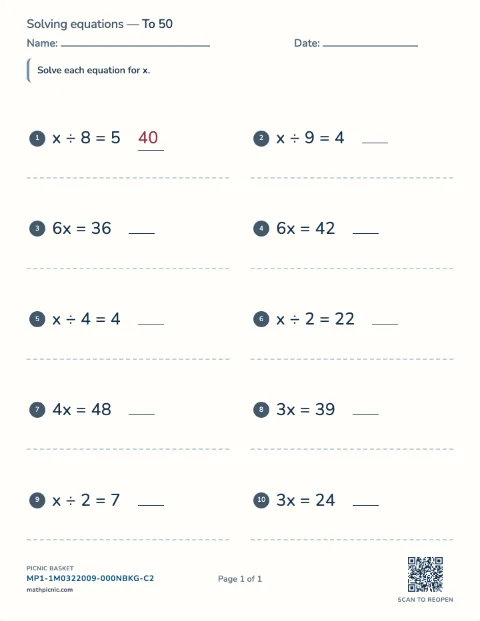
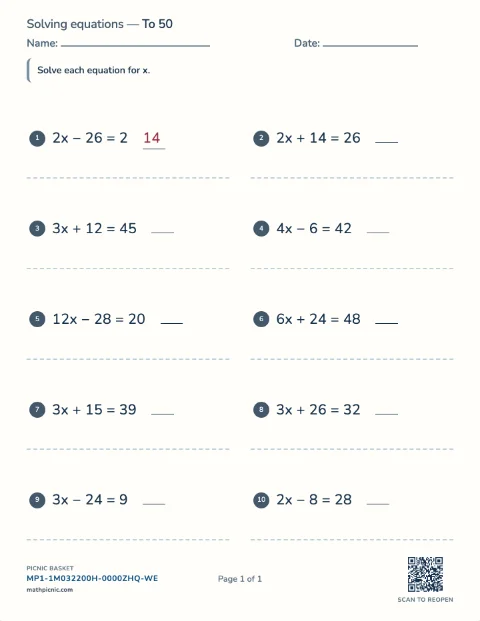
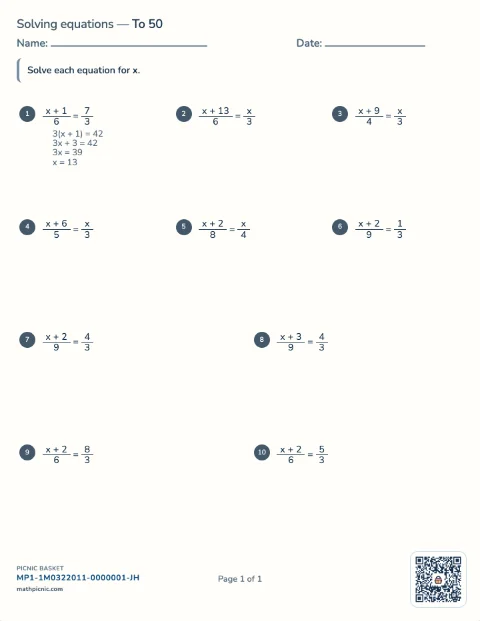
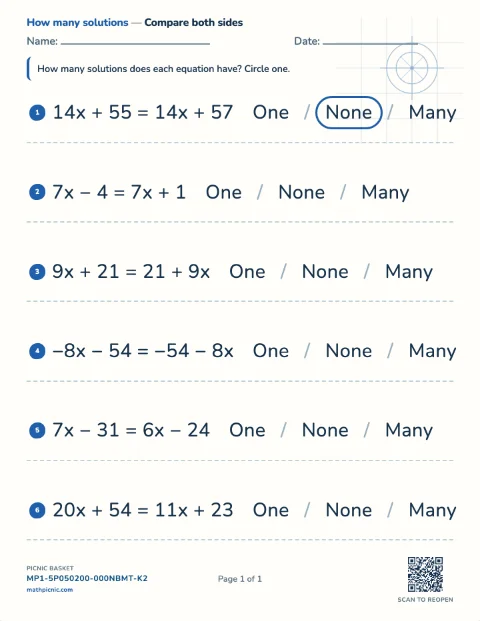
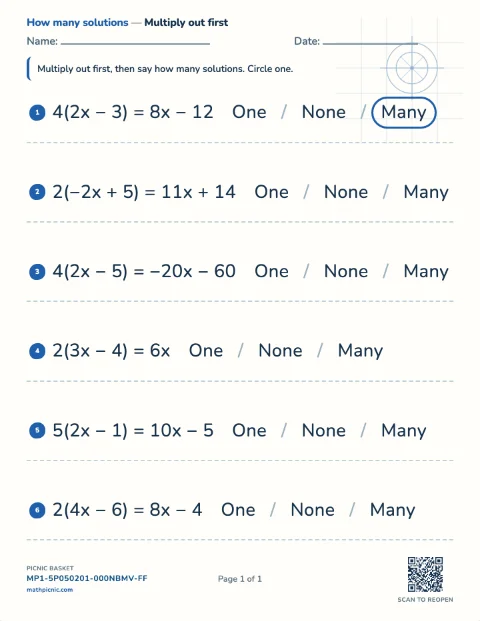
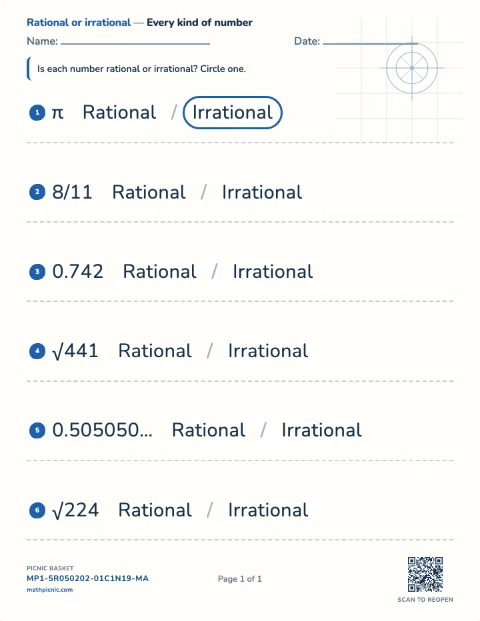
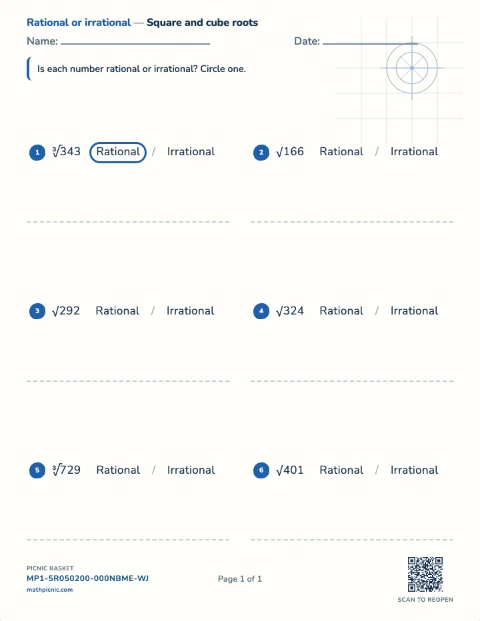
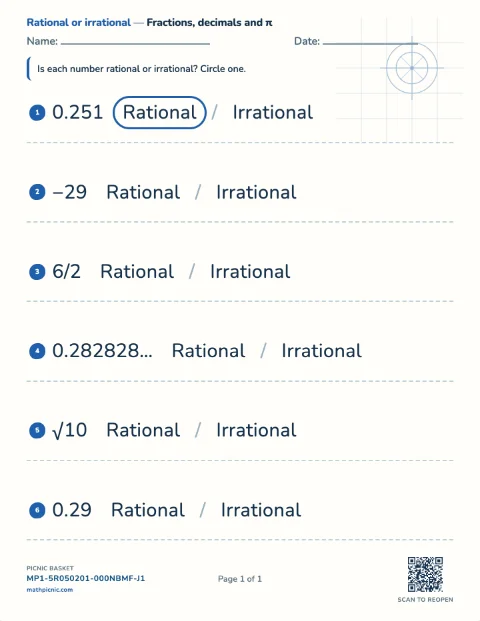
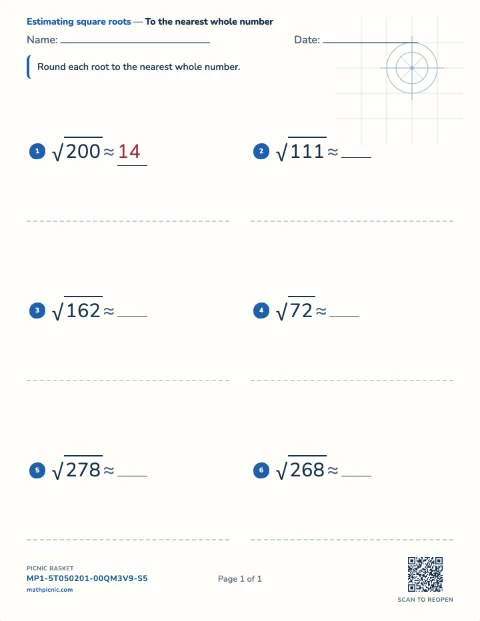
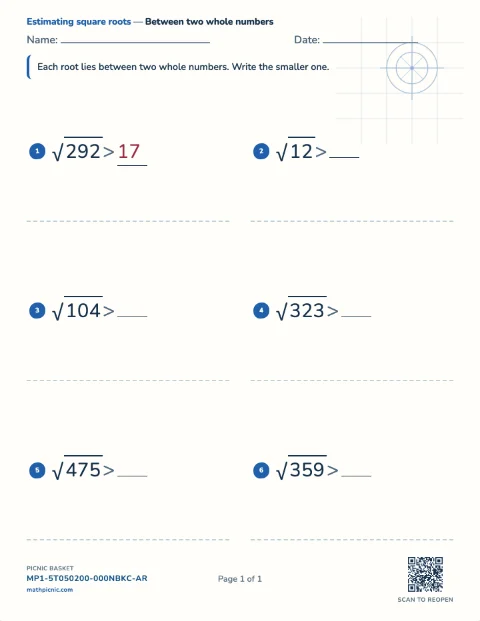
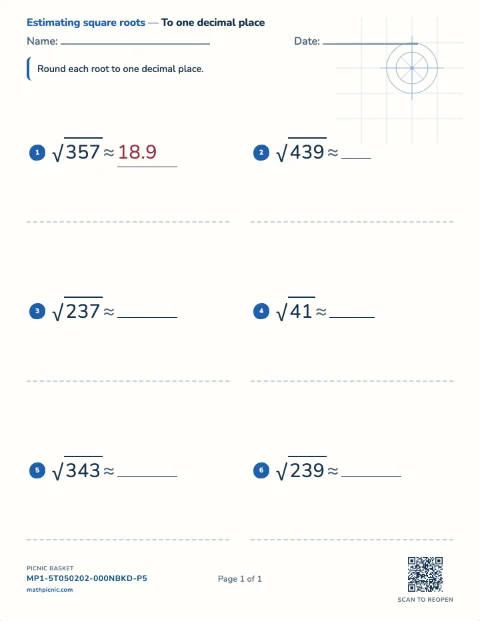
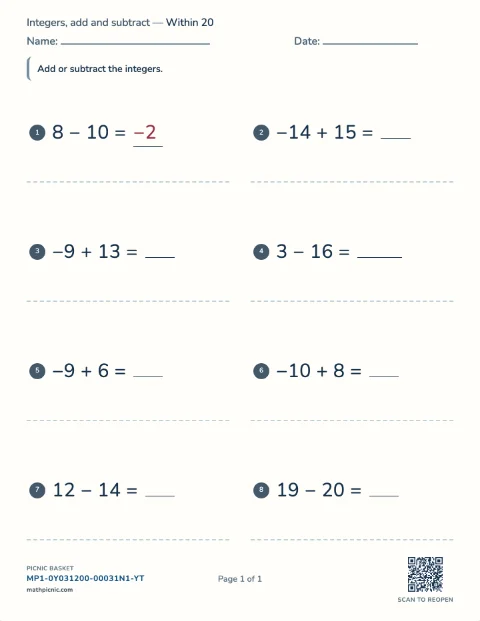
Children work multi-digit addition, subtraction, multiplication, and long division, evaluate expressions with parentheses, and find factors, GCF, and LCM.Number & operations 52 sheets
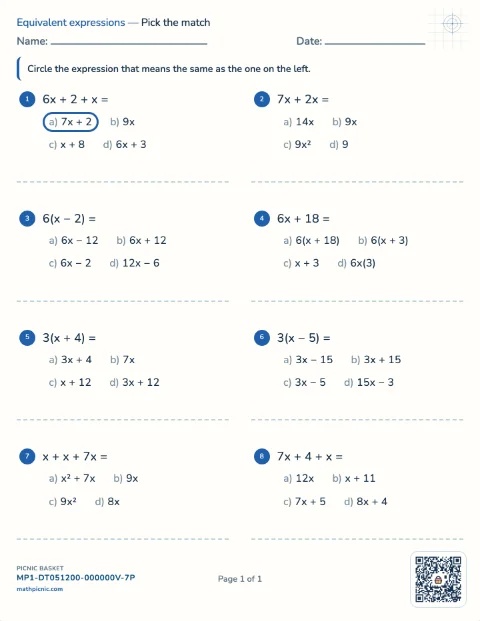
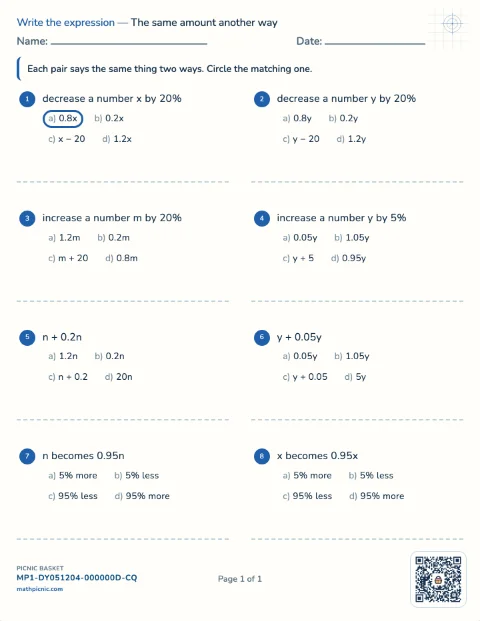
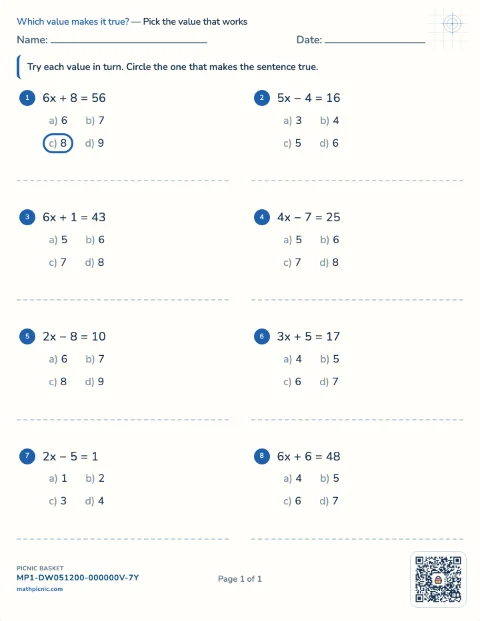
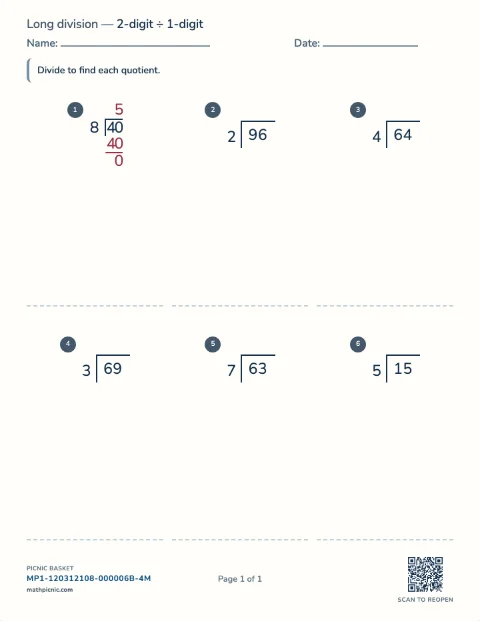
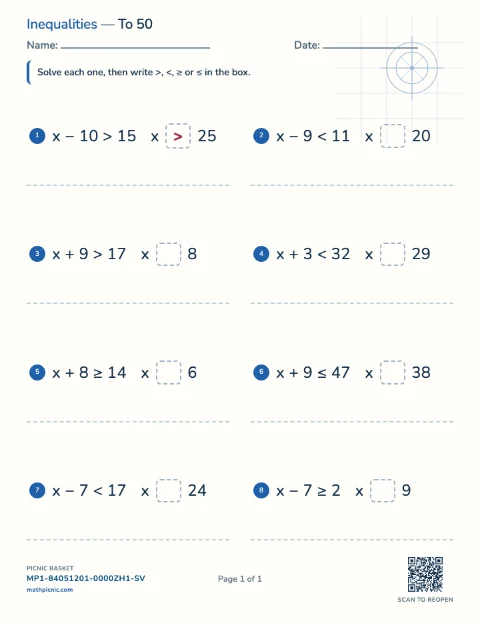
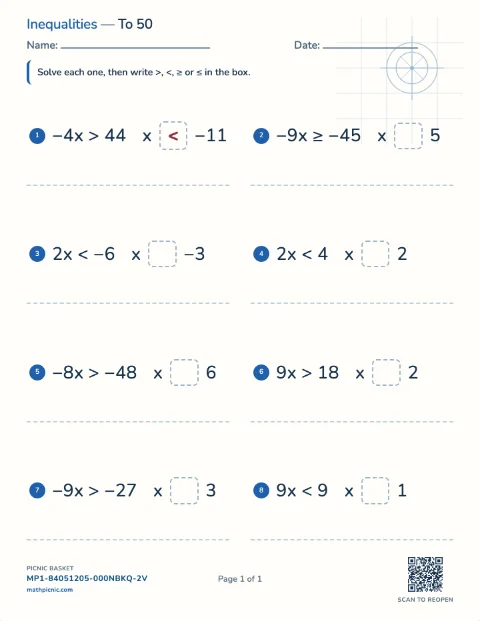
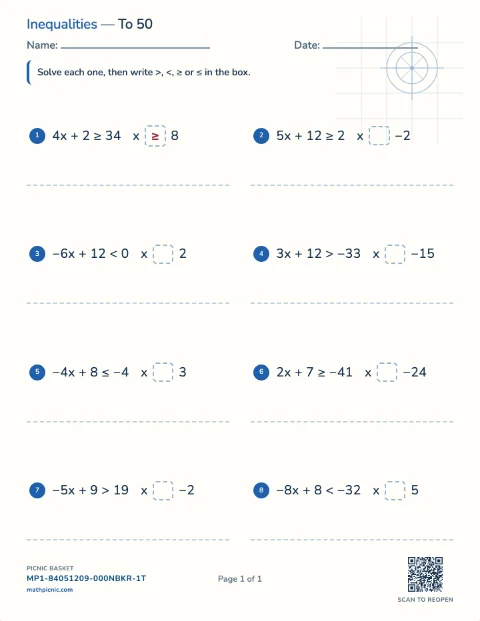
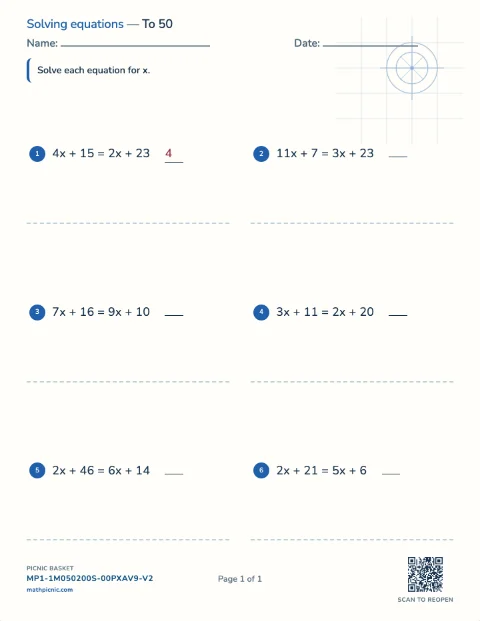
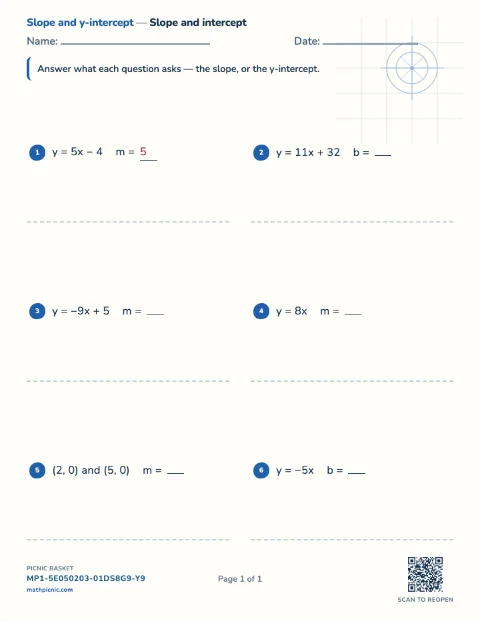
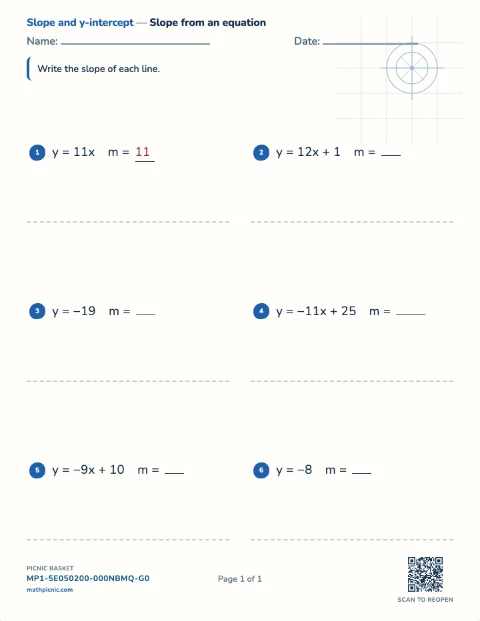
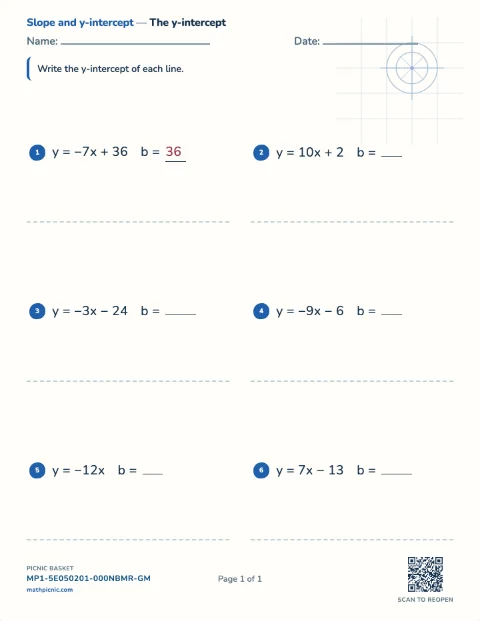
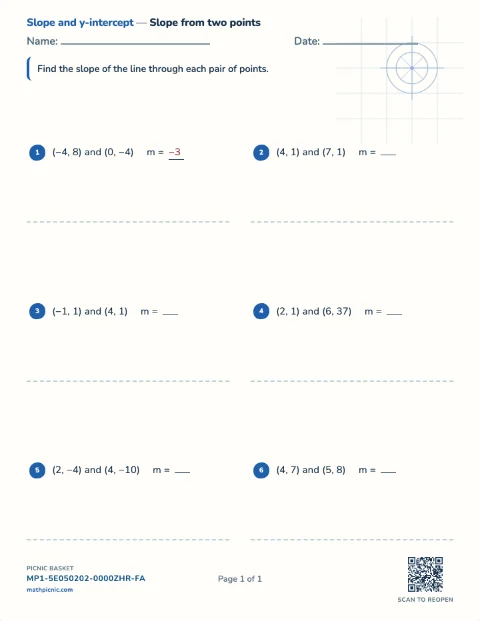
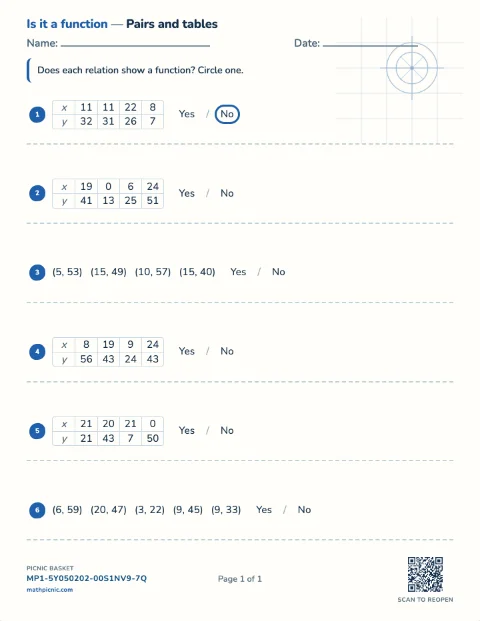
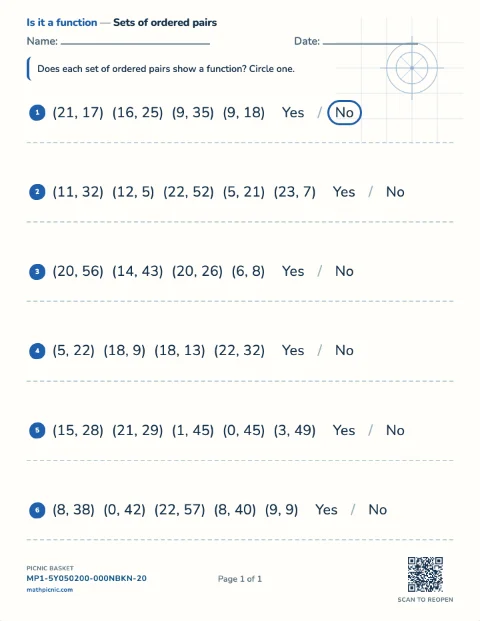
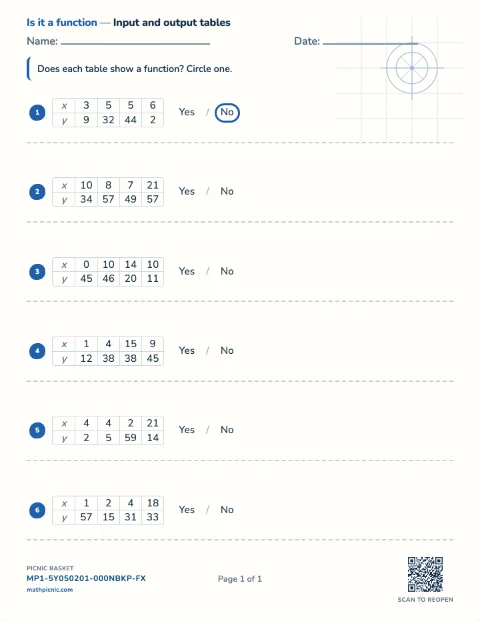
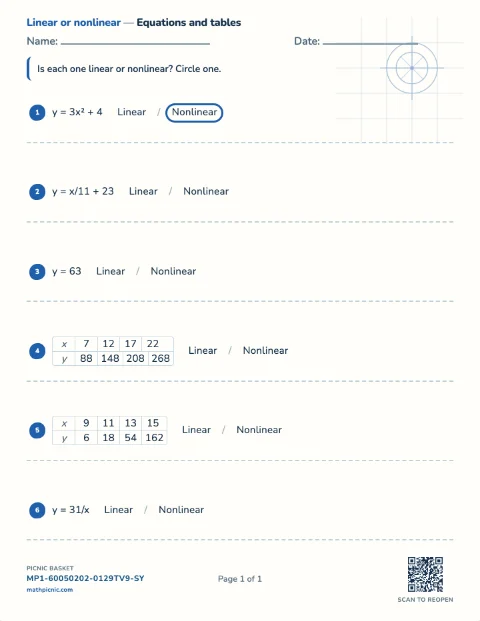
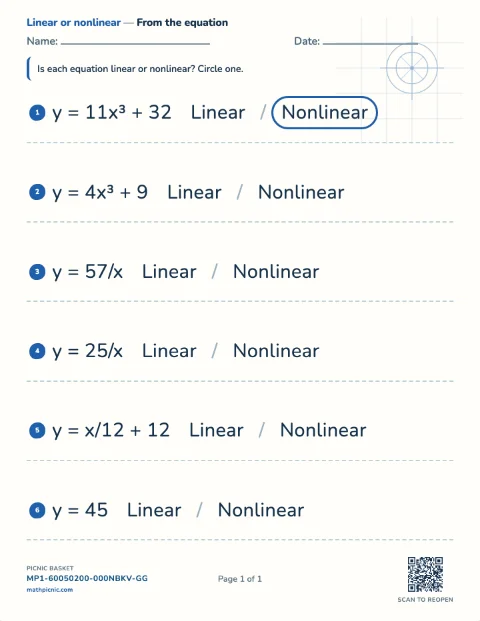
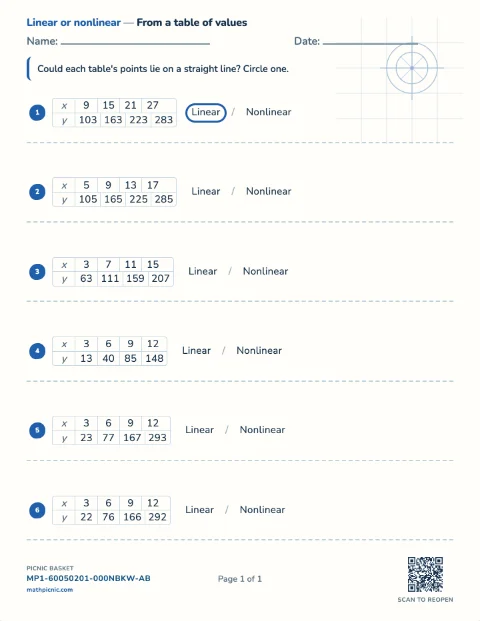
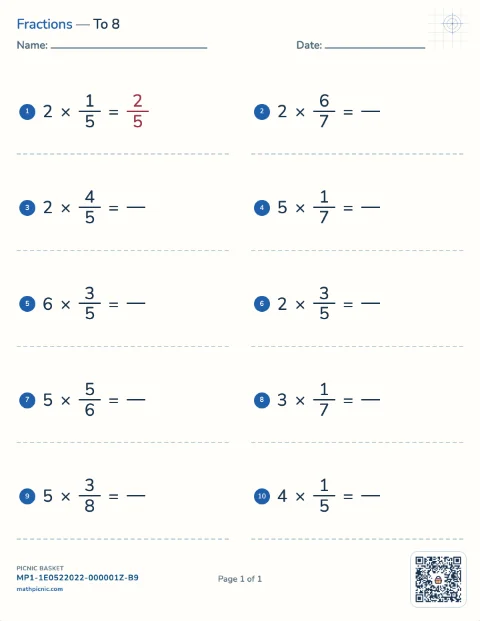
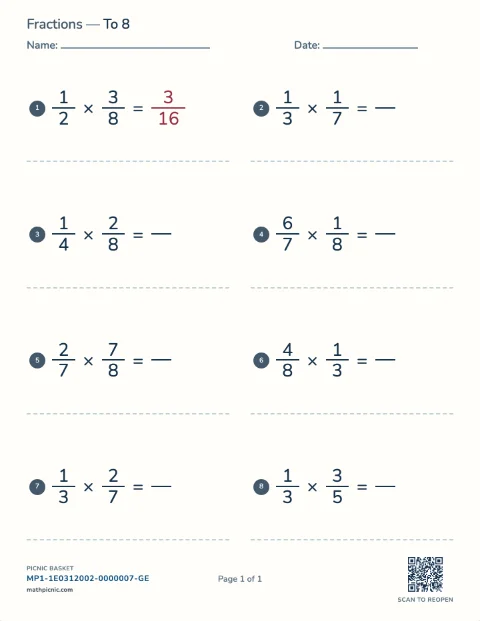
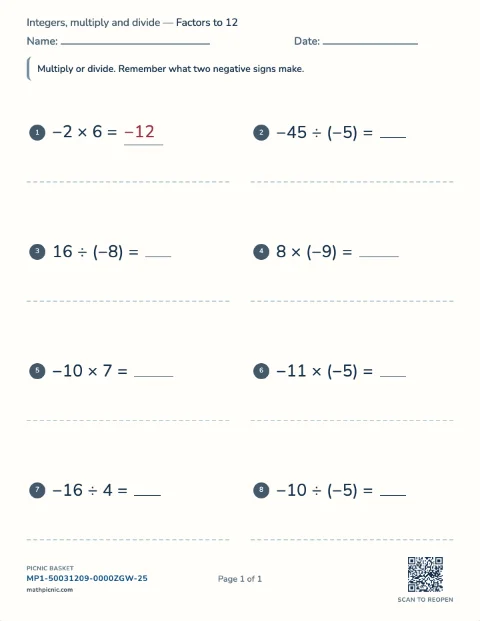
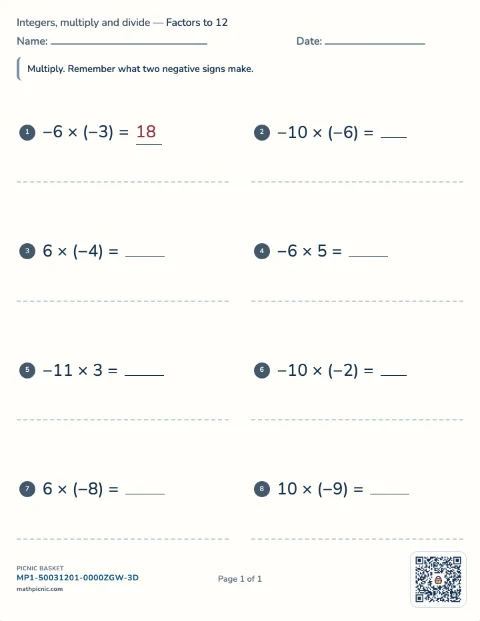
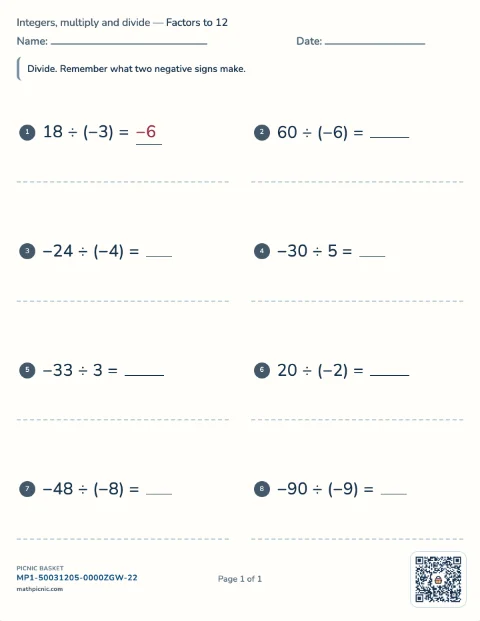
Grade 8–9 · take it apart
Algebra 1 practice
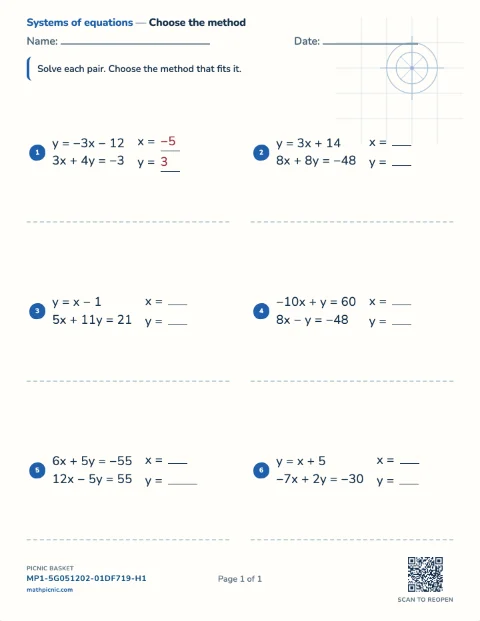
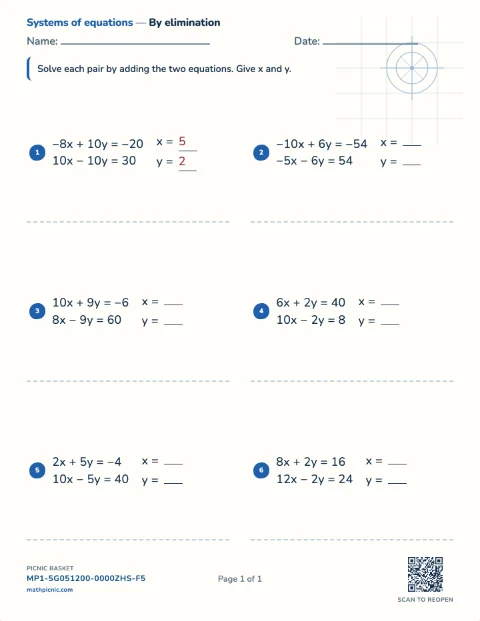
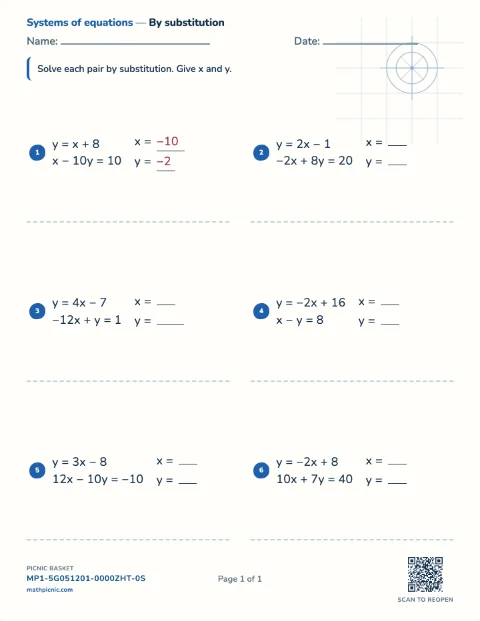
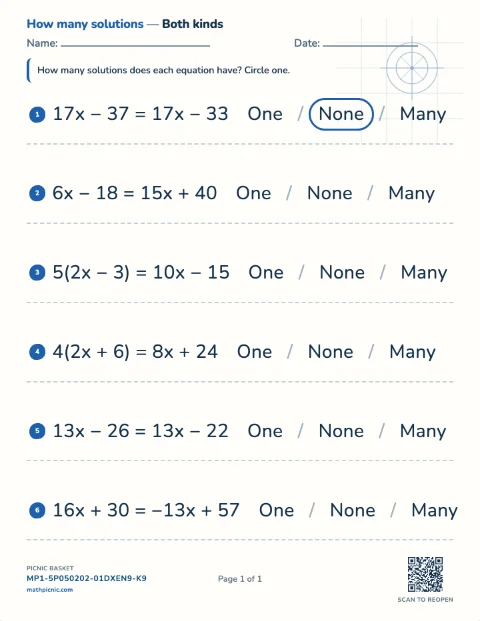
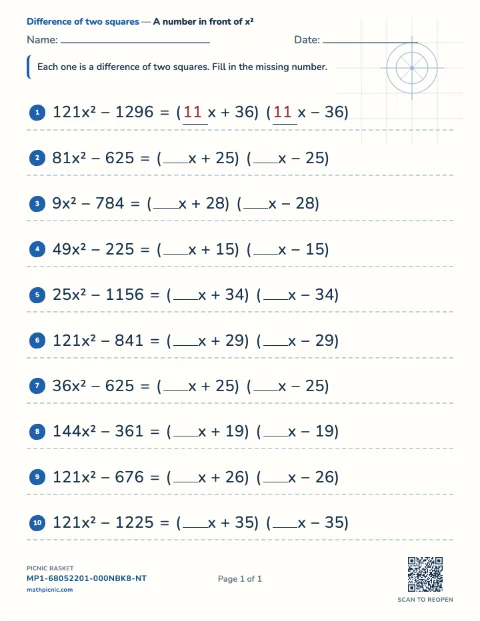
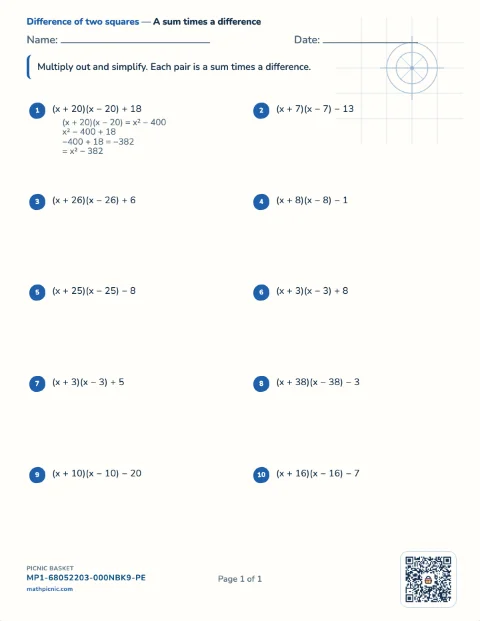
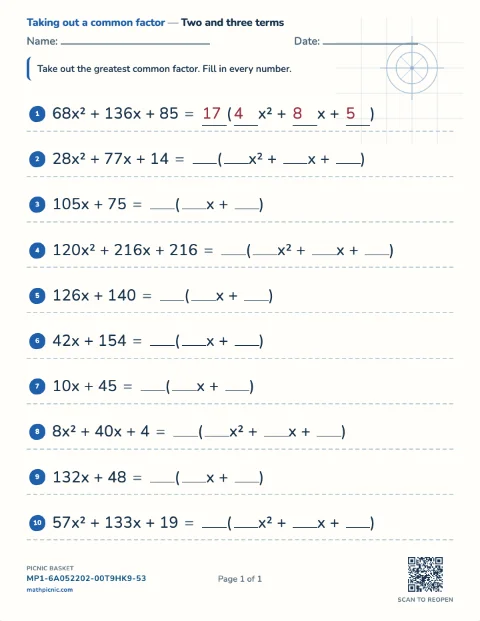
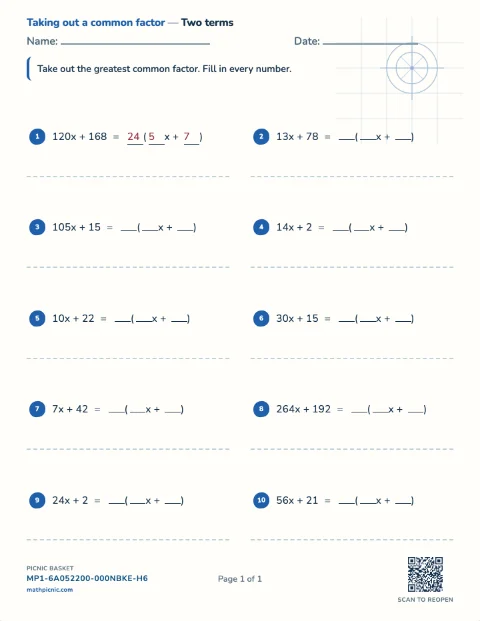
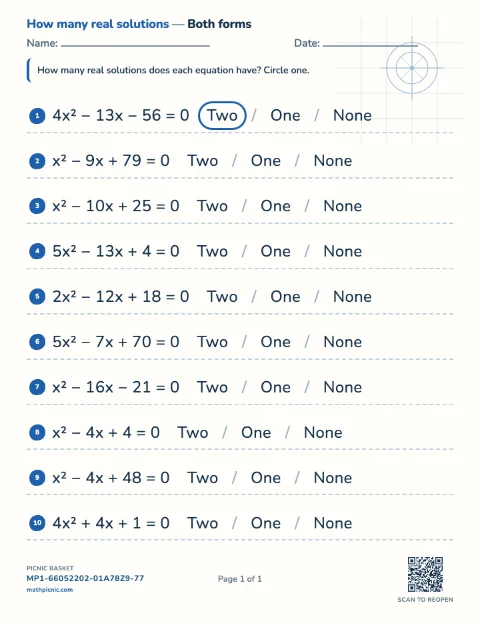
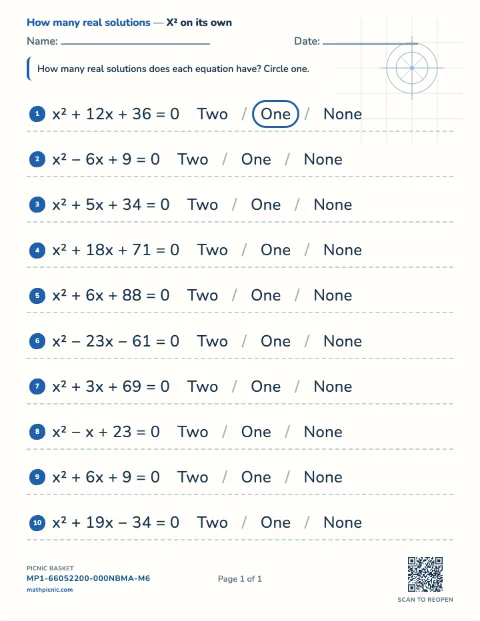
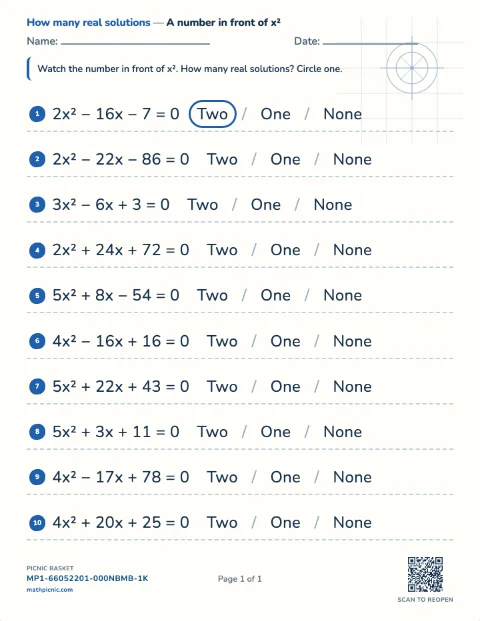
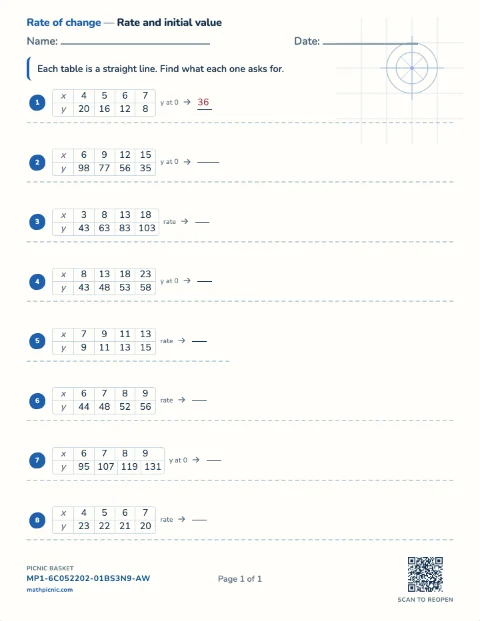
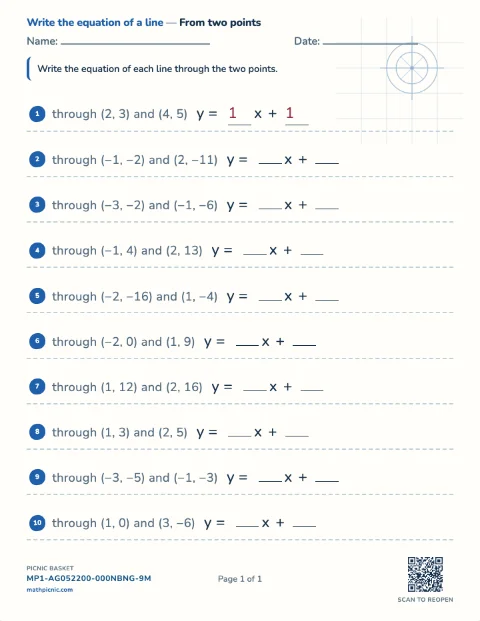
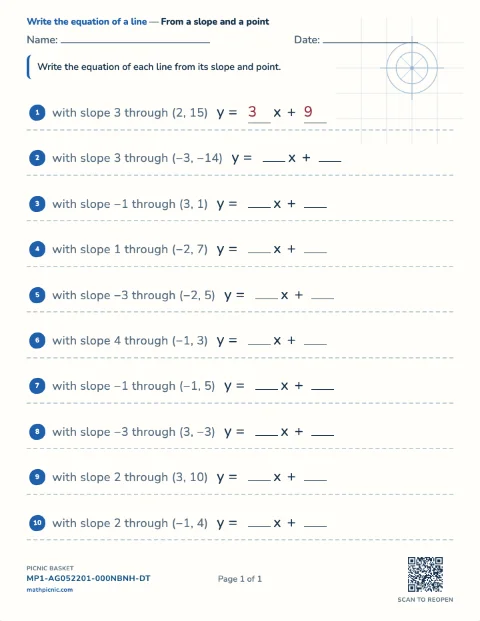
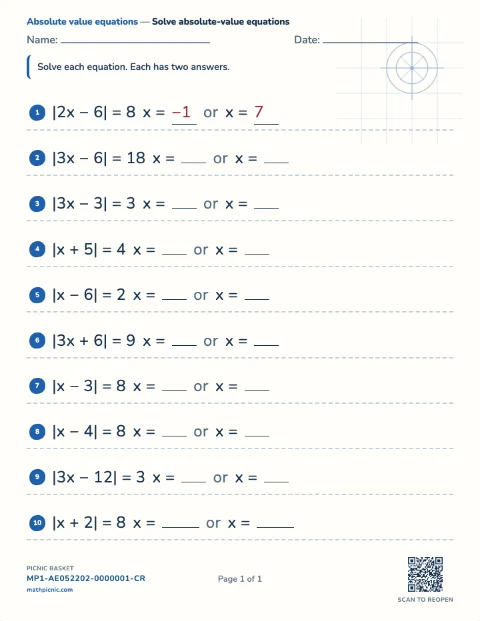
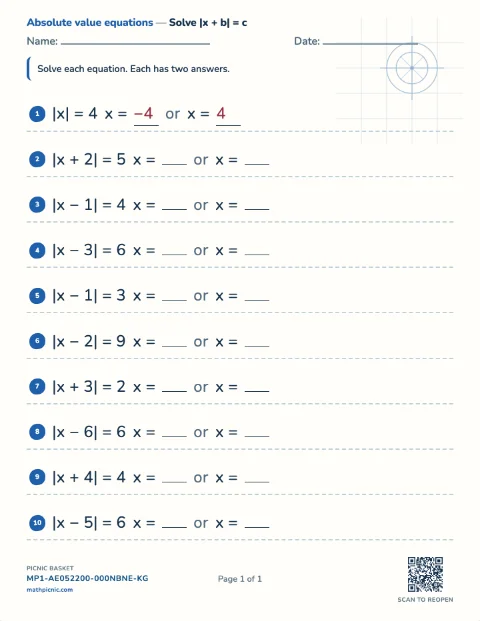
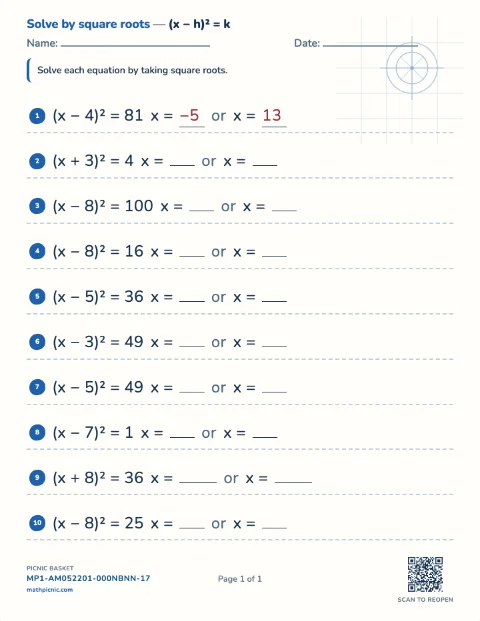
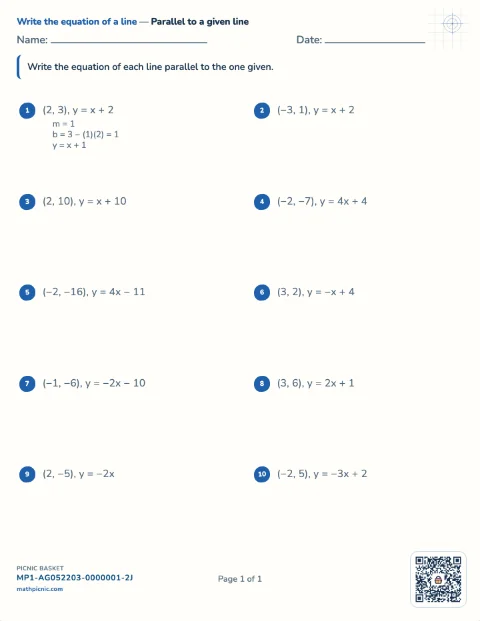
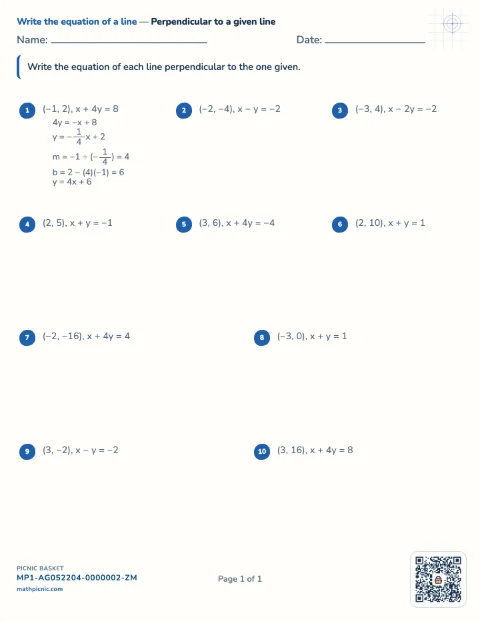
Students take a common factor out, spot a difference of two squares, factor x² + bx + c, solve the quadratics that makes solvable, and use the discriminant to say how many real answers there are.Algebra 1 56 sheets
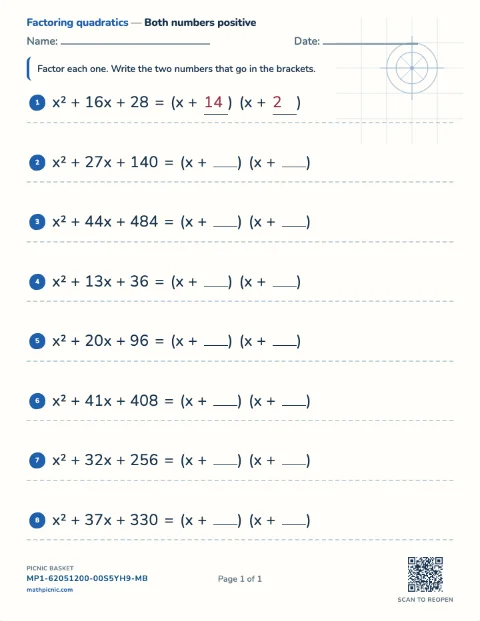
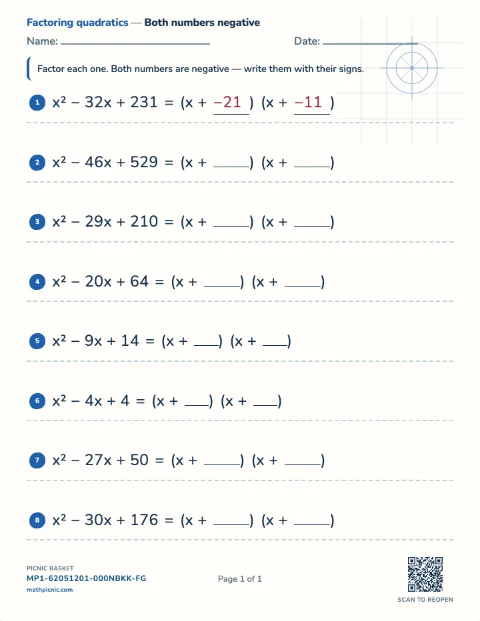
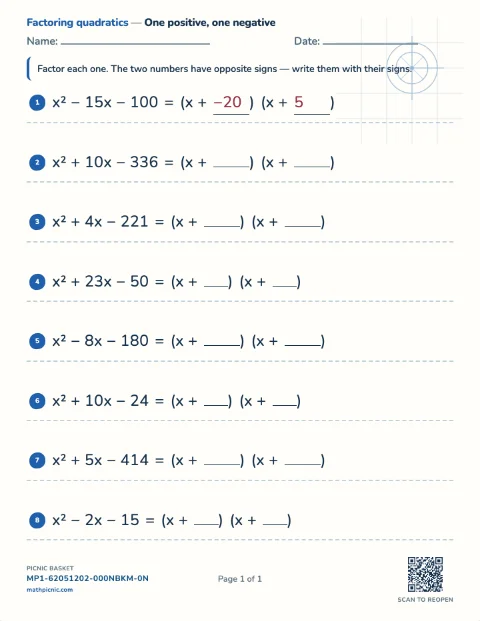
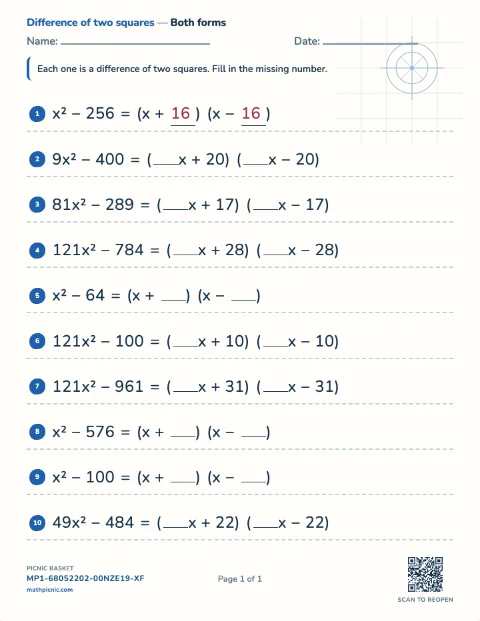
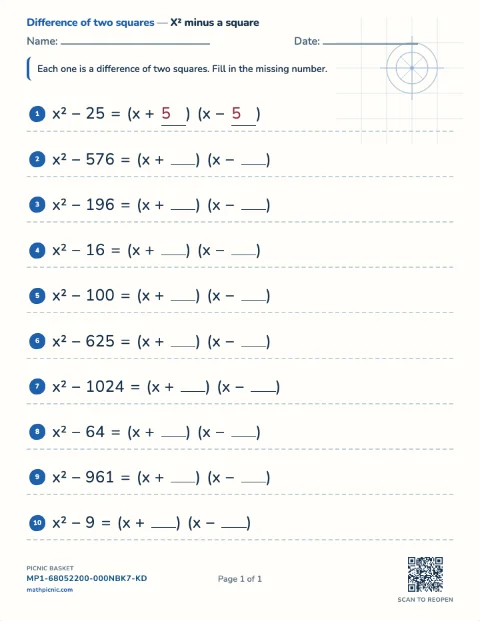
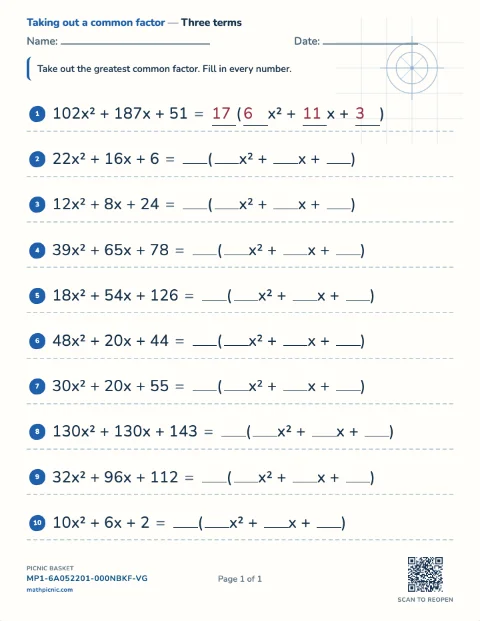
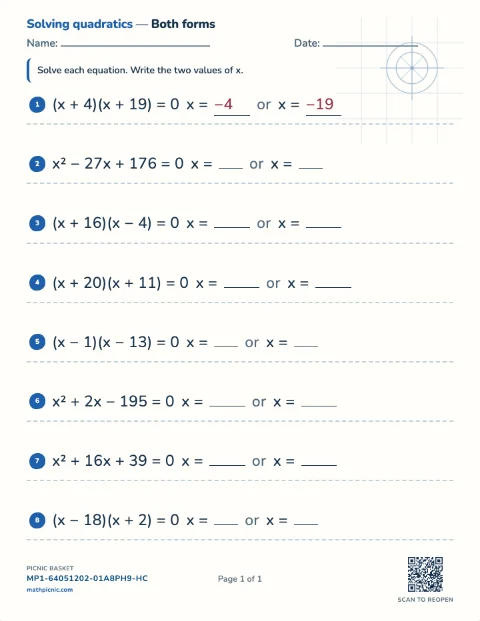
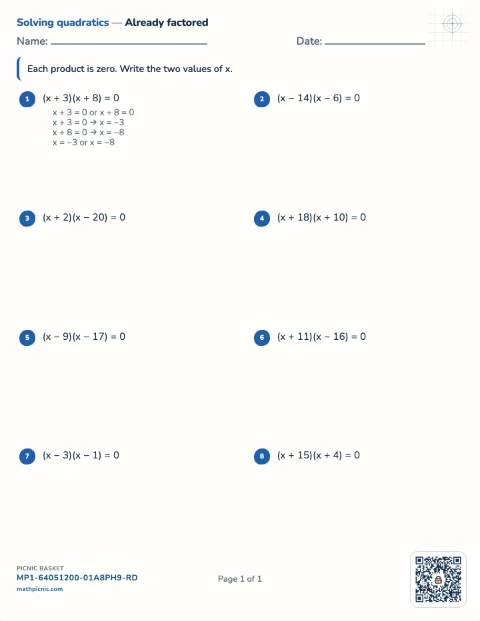
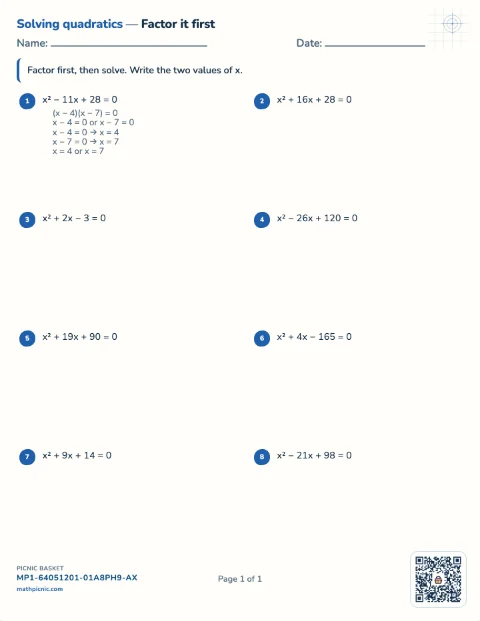
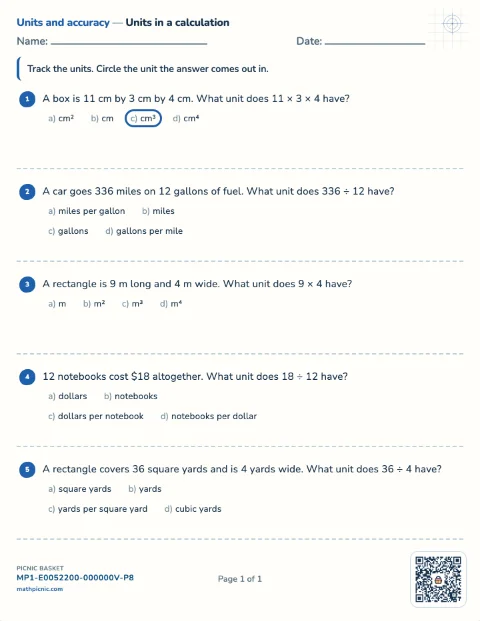
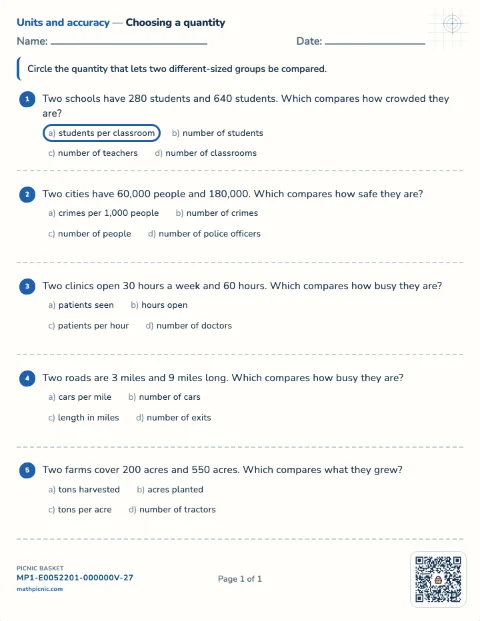
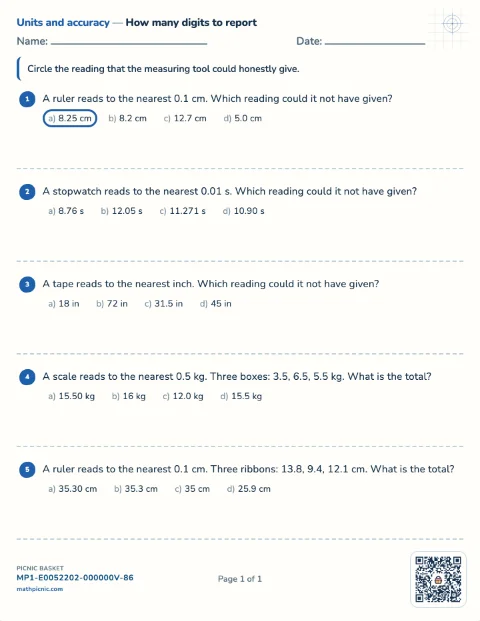
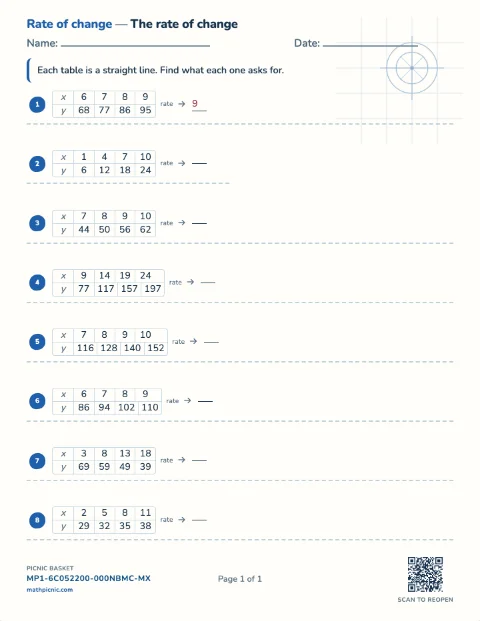
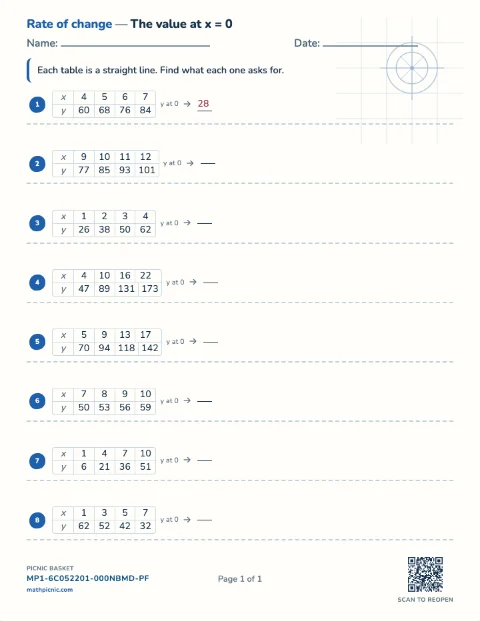
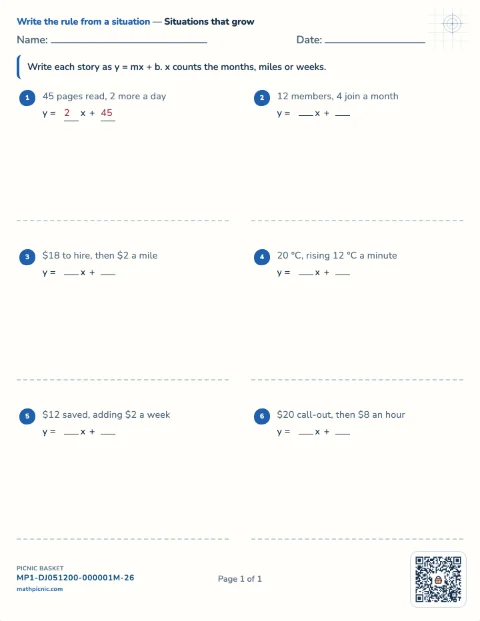
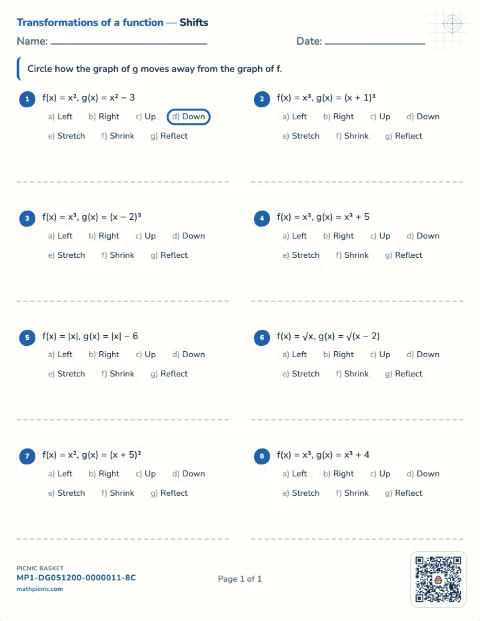
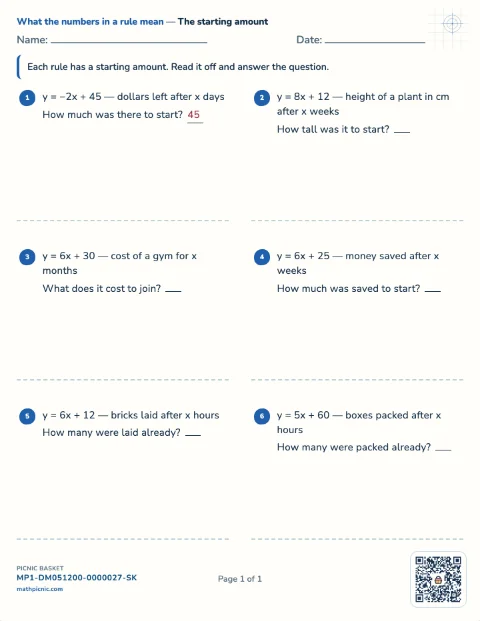
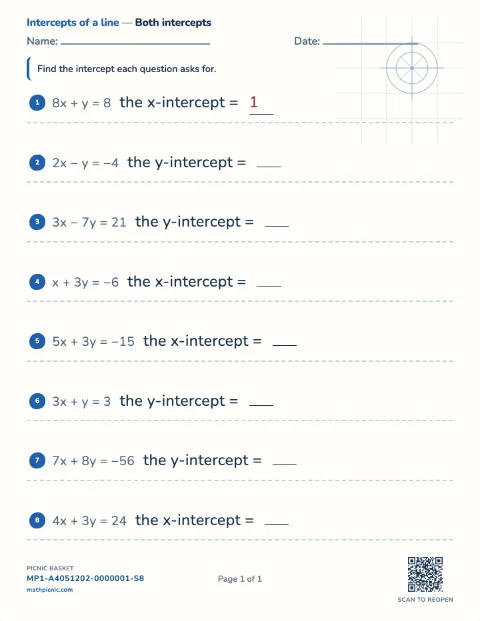
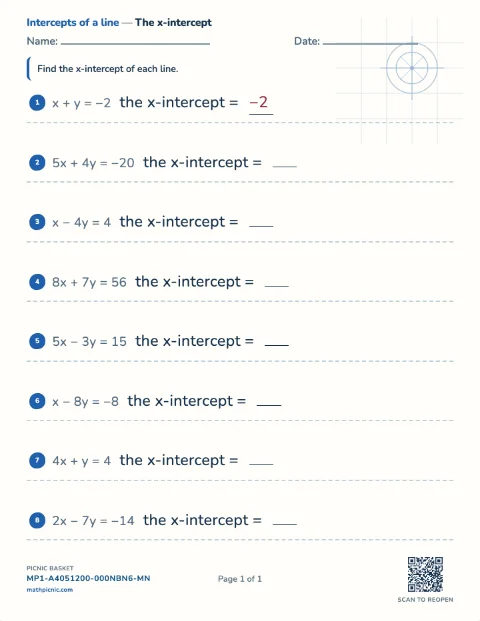
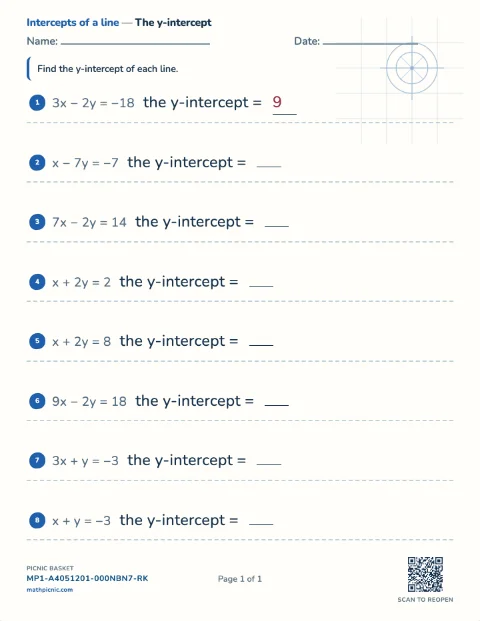
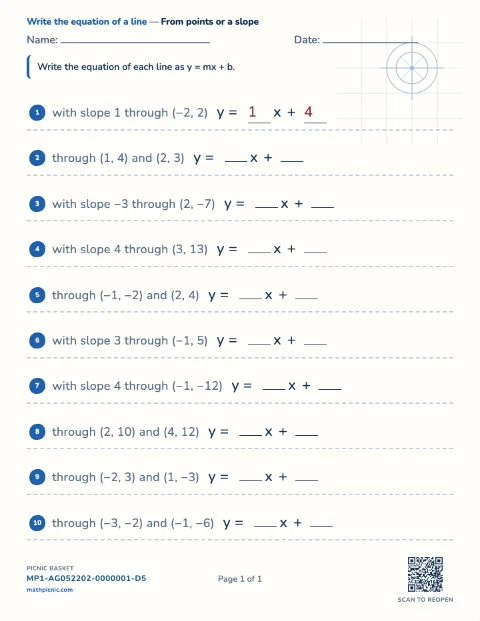
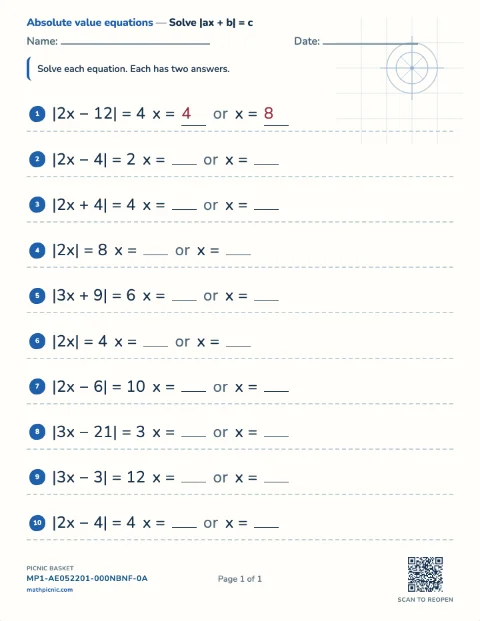
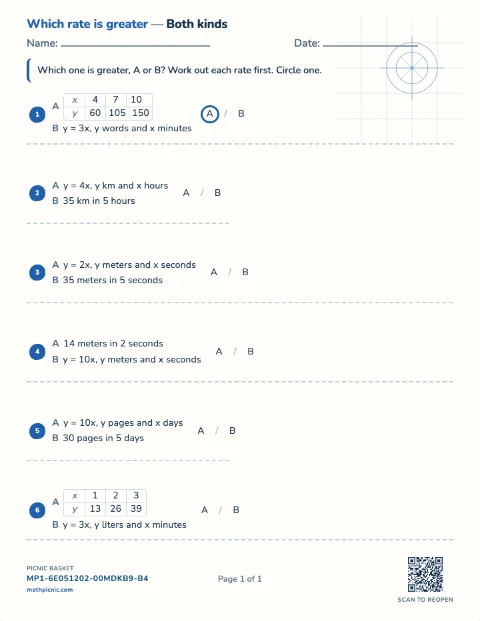
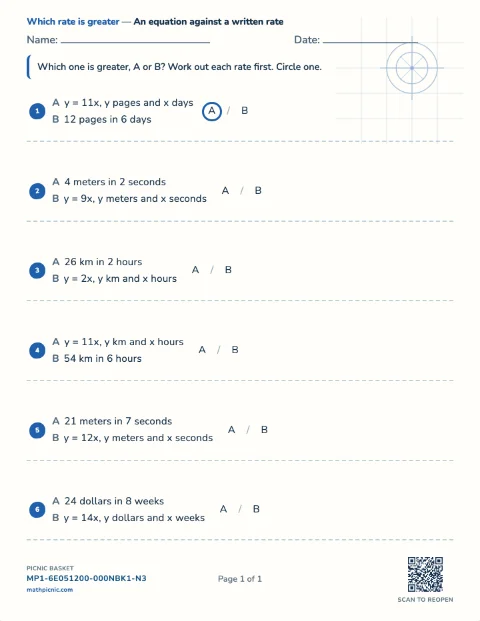
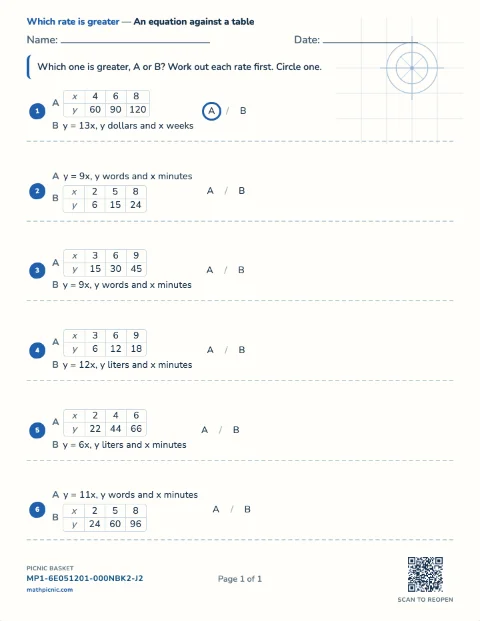
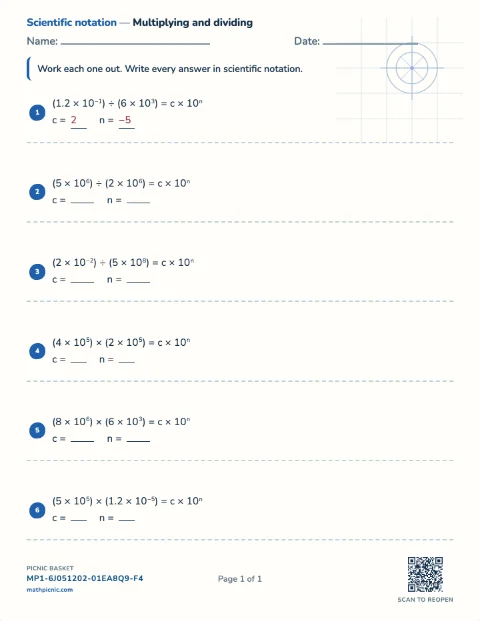
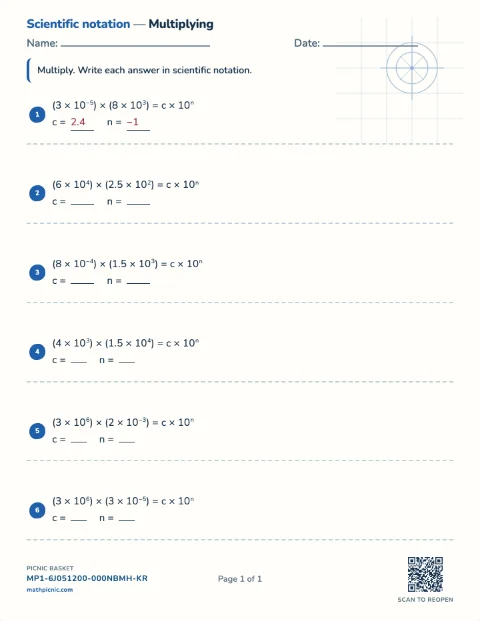
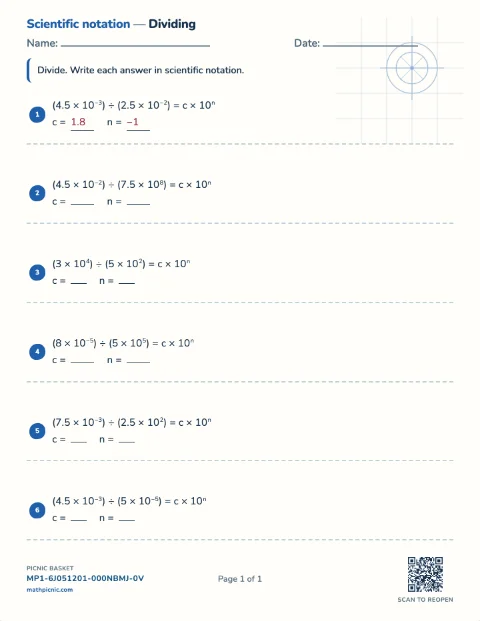
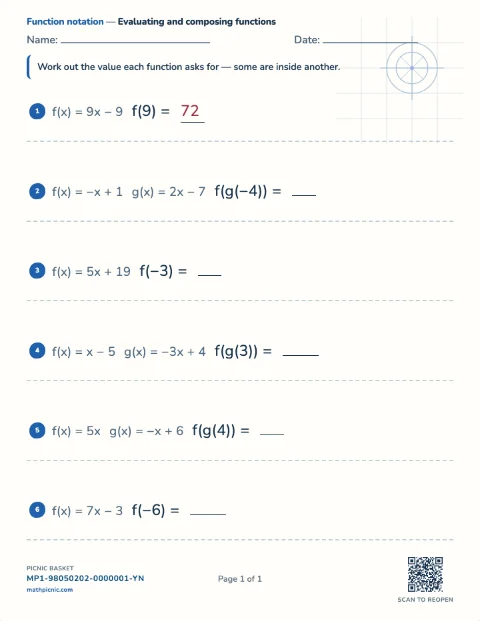
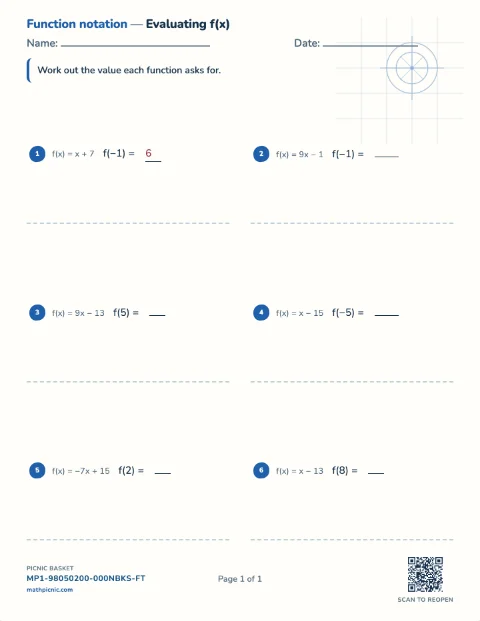
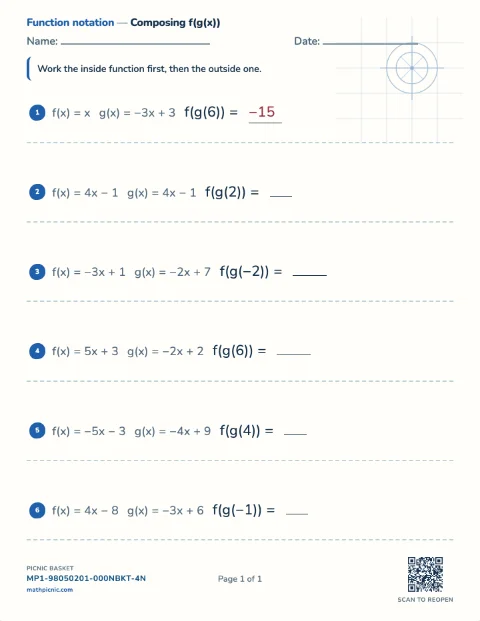
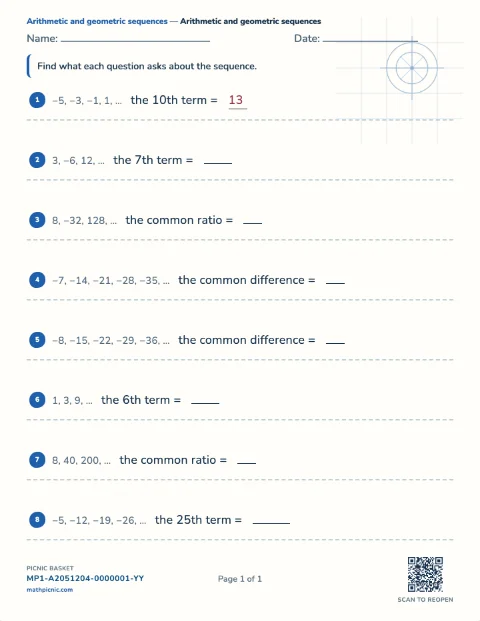
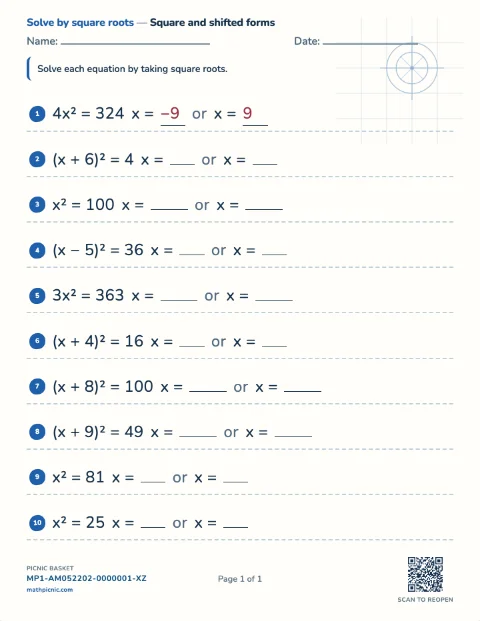
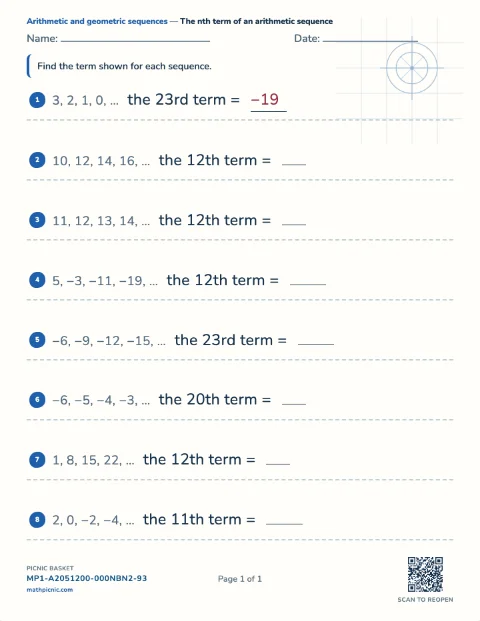
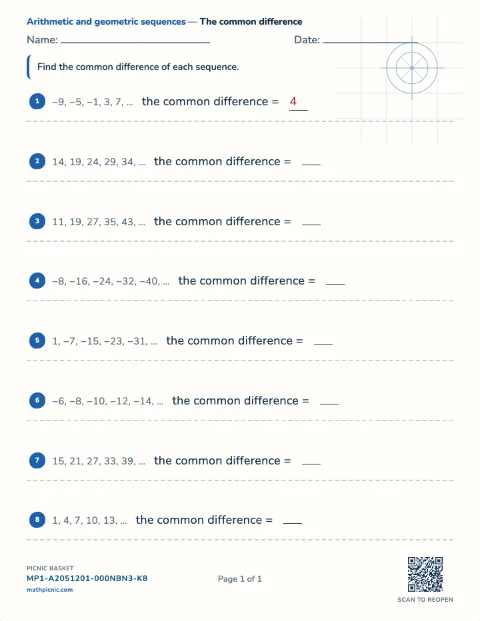
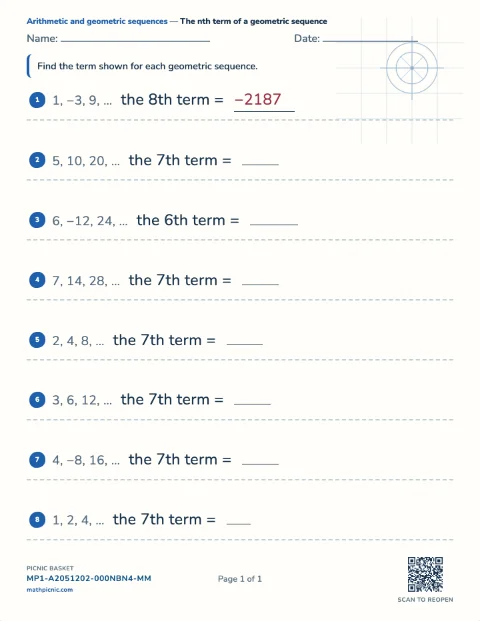
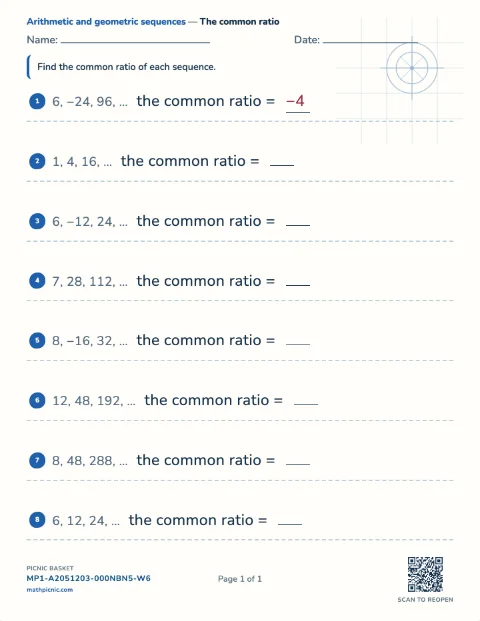
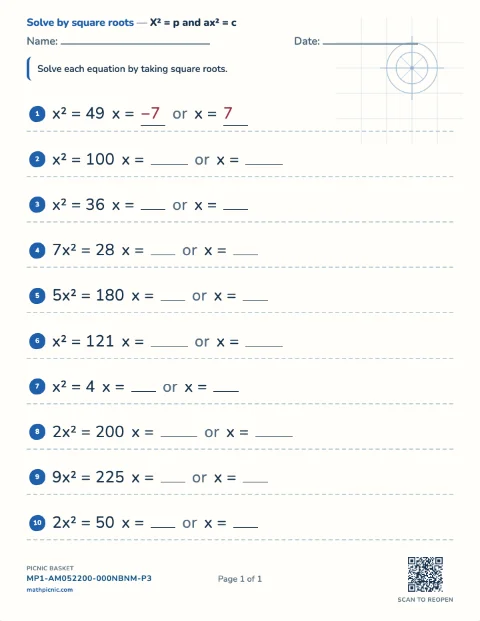
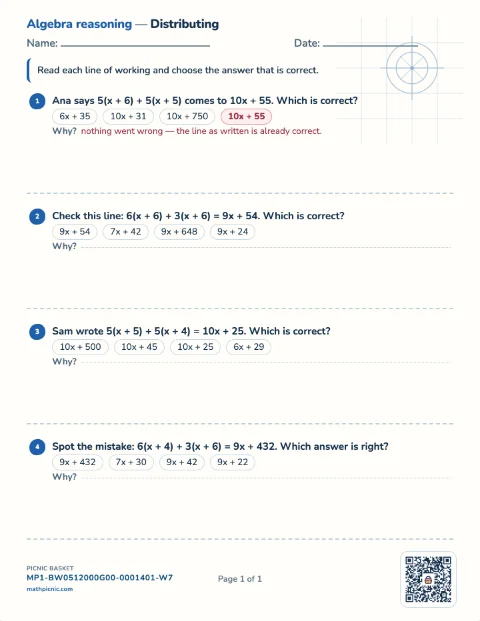
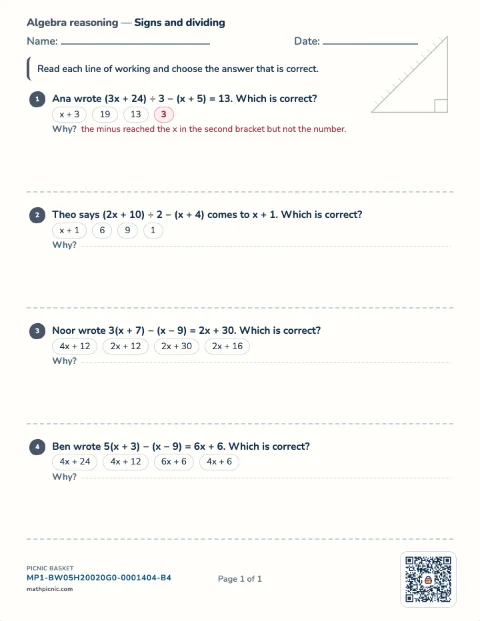
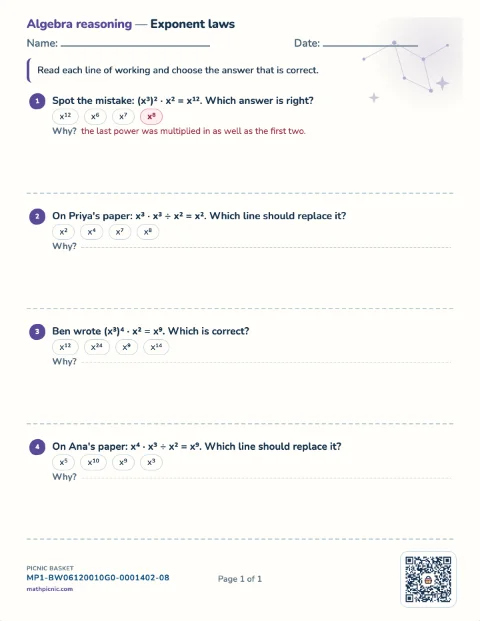
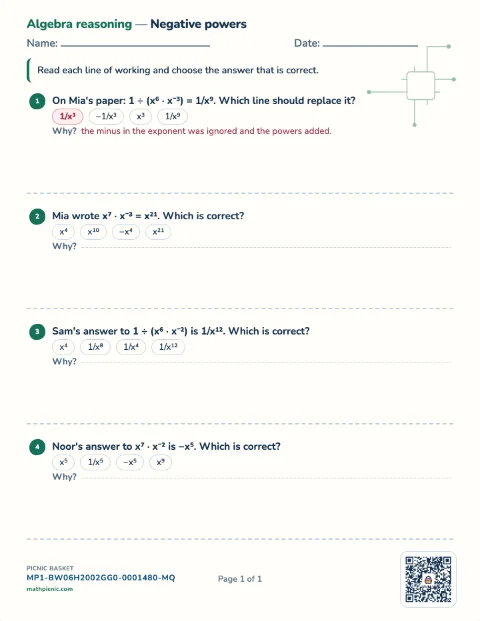
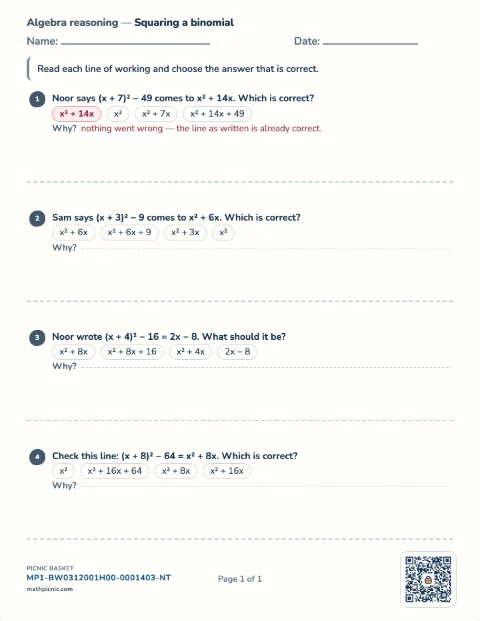
Algebra mistakes 9 sheets
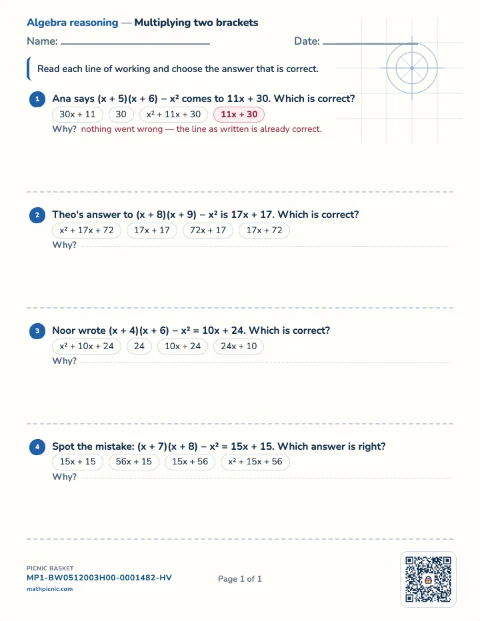
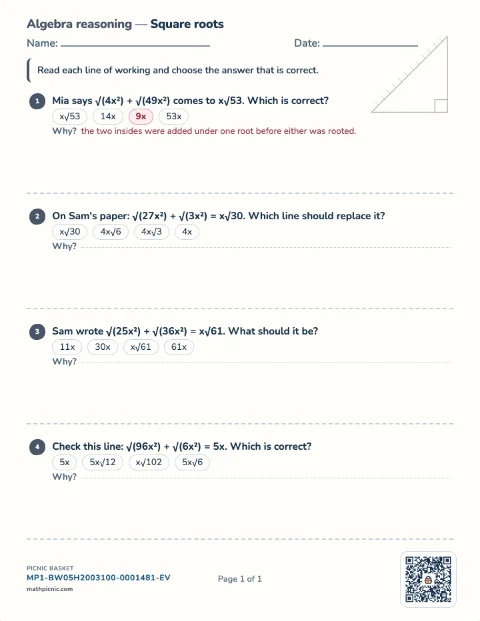
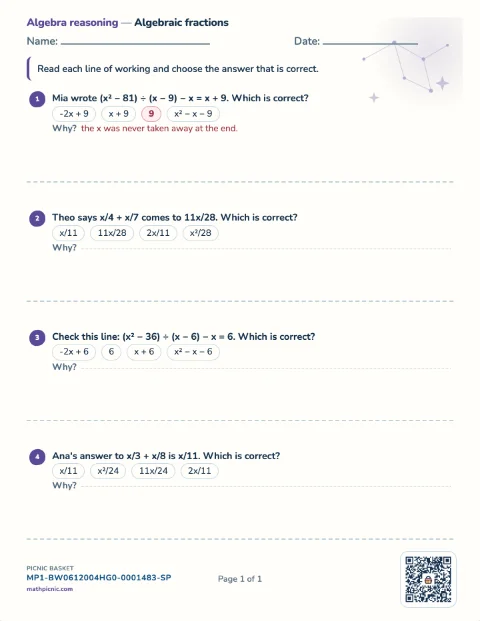
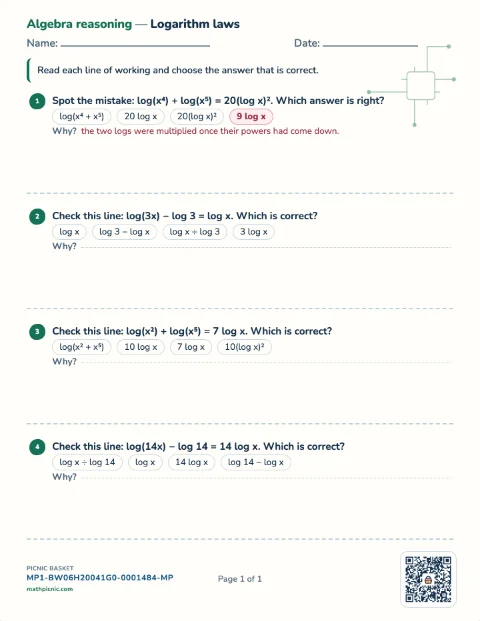

Grade 10–11 · the shelf above Algebra 1
Algebra 2 practice
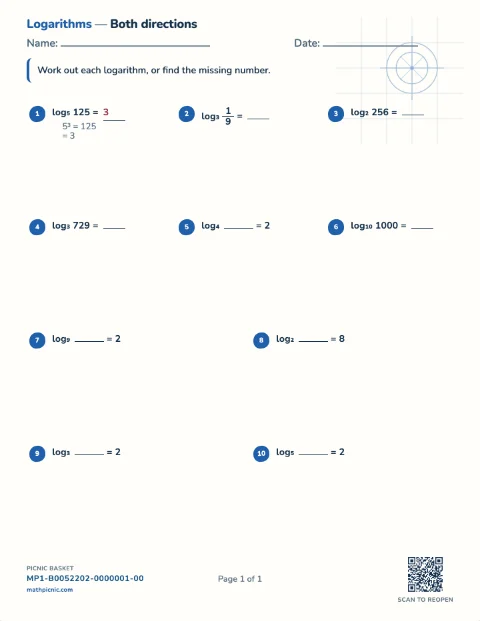
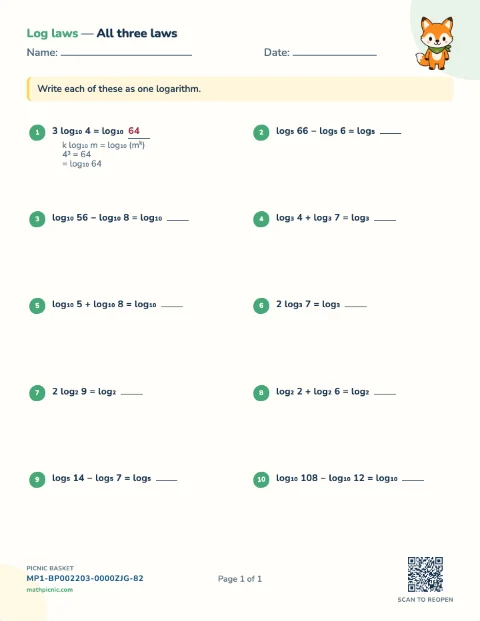
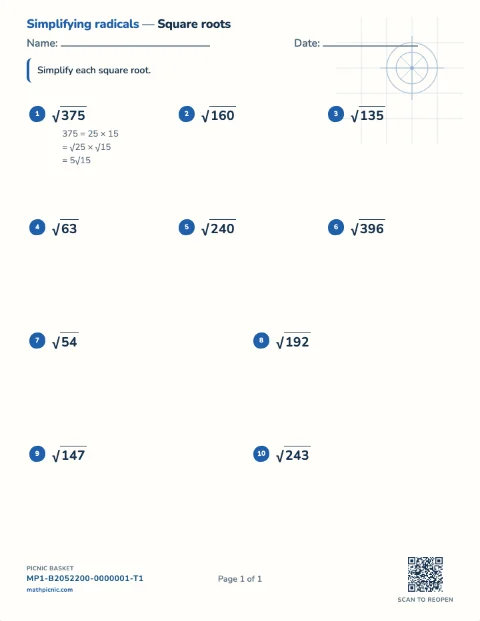
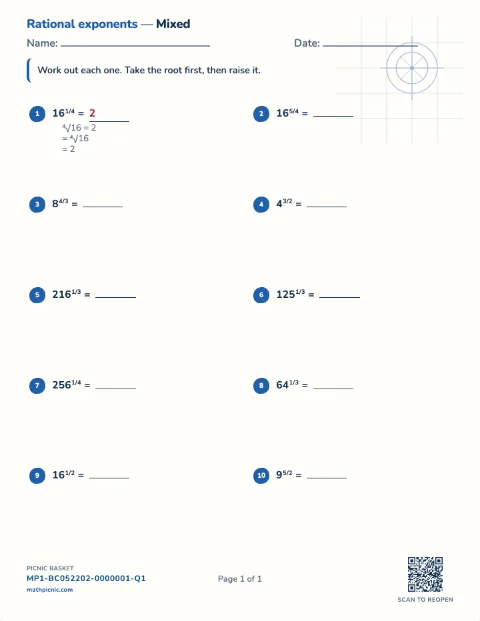
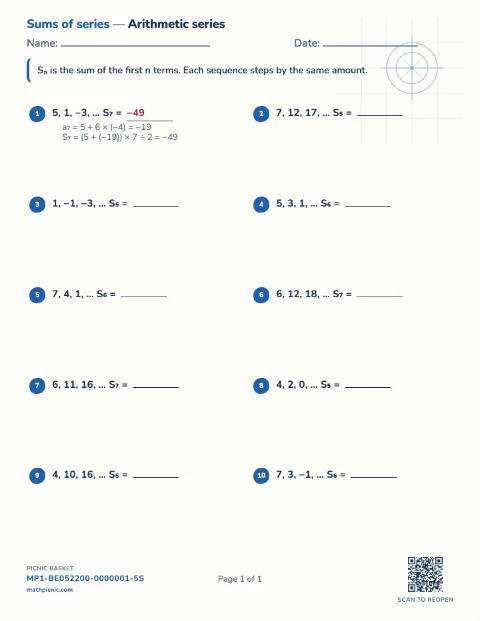
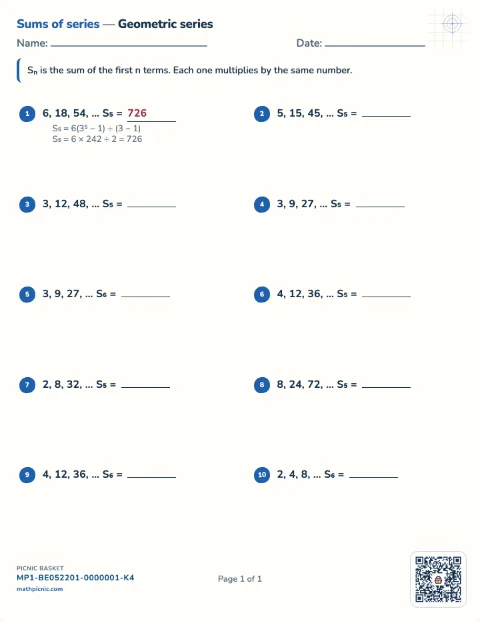
Students read a logarithm as the power it names, simplify a radical, add and multiply complex numbers, complete the square, divide a polynomial by a linear factor, cancel a rational expression, work a rational exponent, and add up a series. Every answer key prints the method.Algebra 2 16 sheets
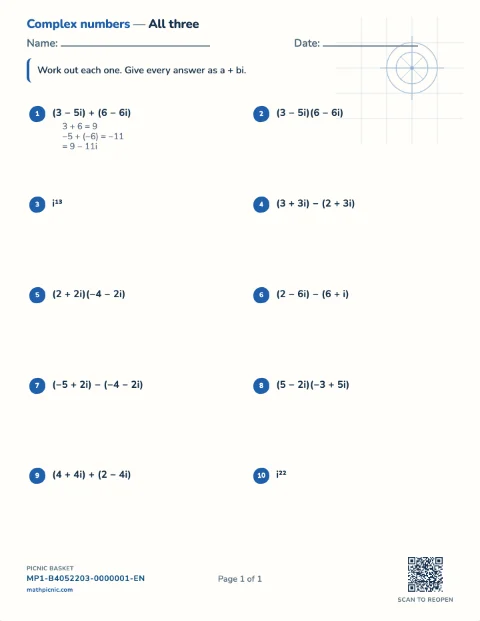
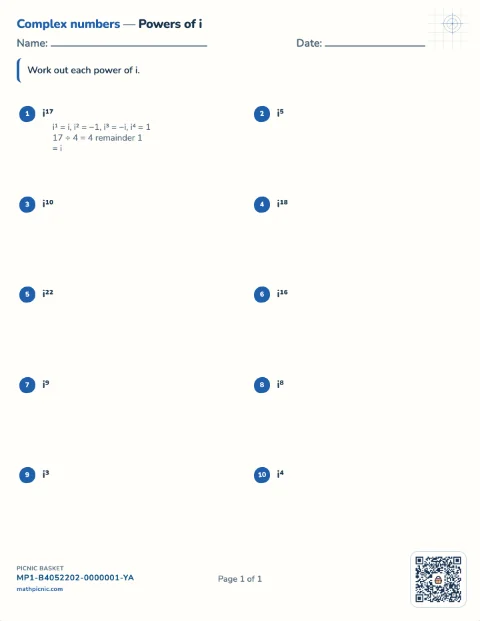
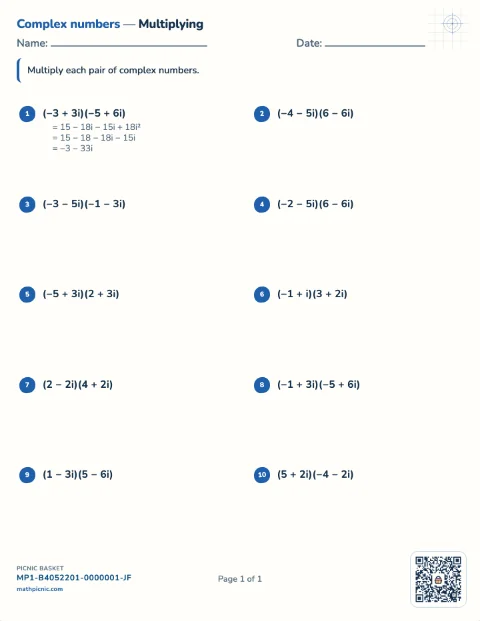
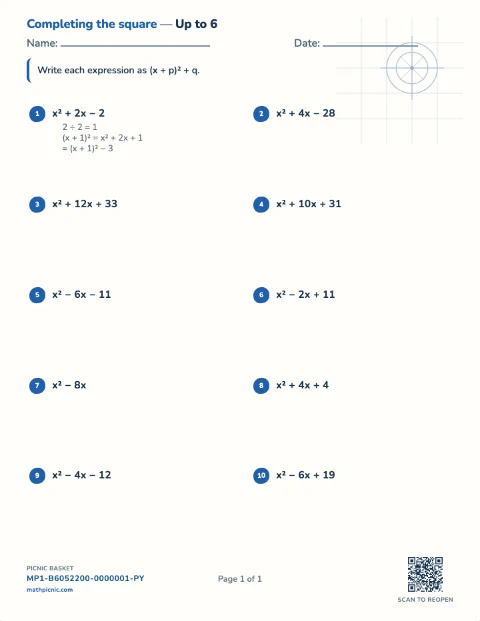
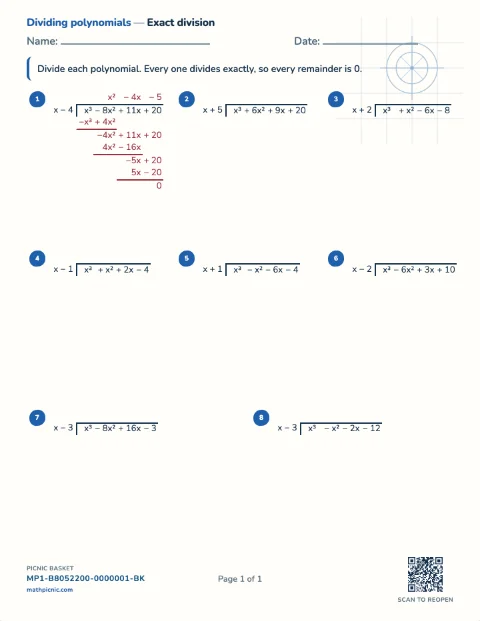
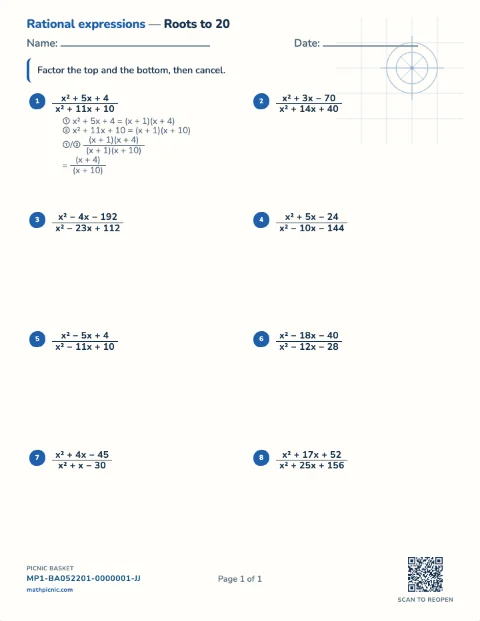
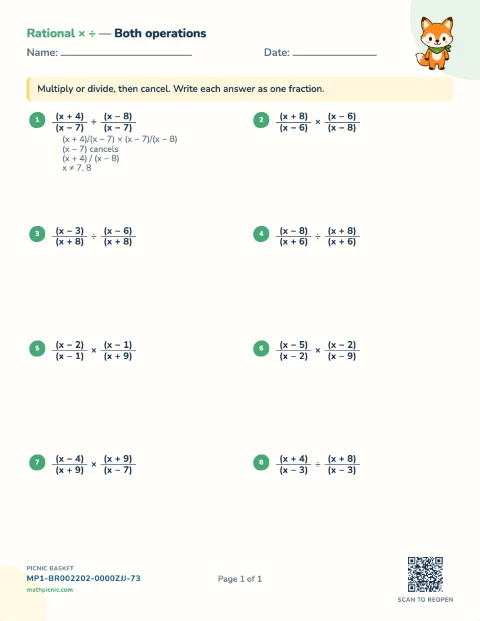
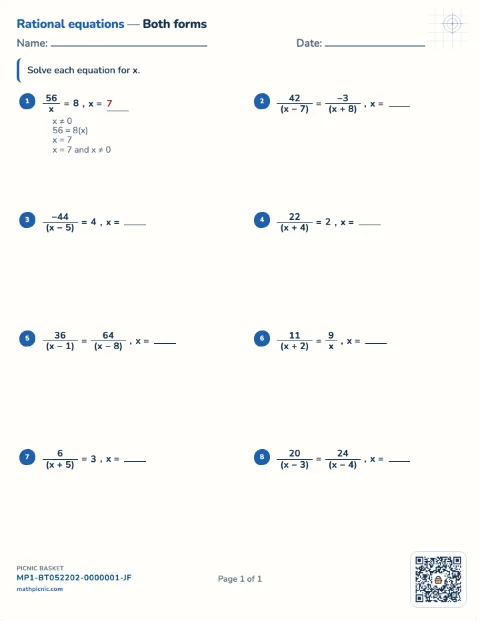


Grade 3–8 shape and measure
Geometry practice
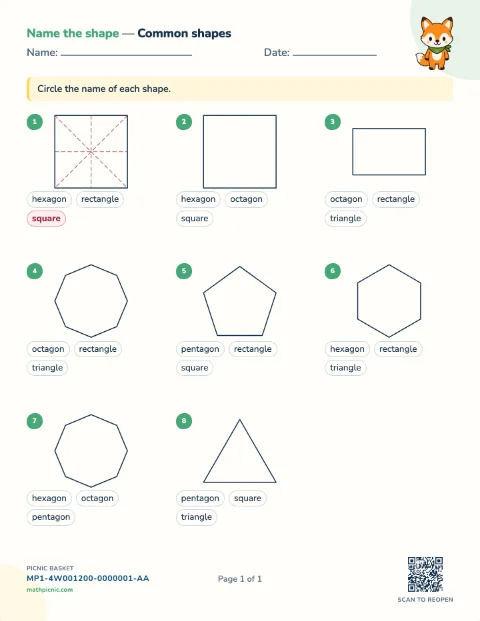
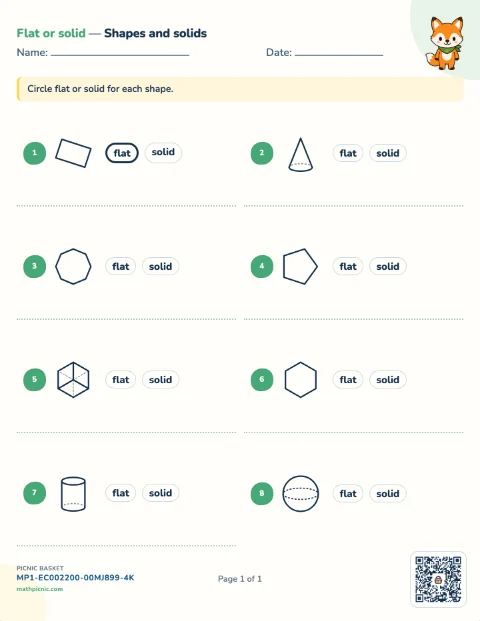
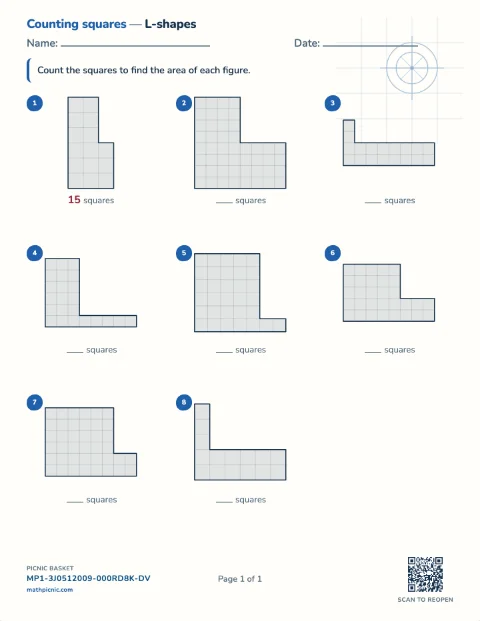
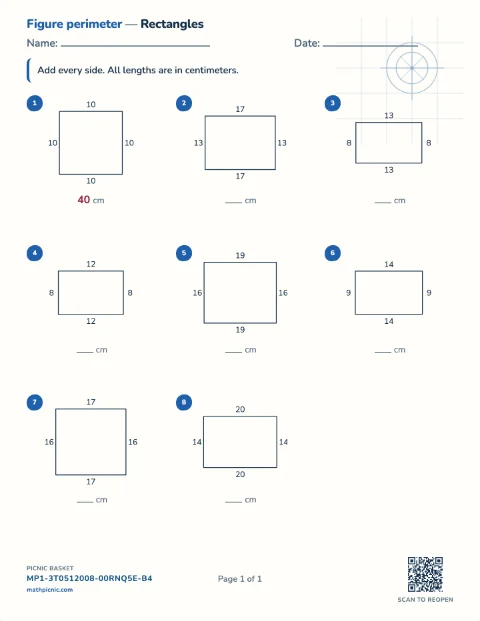
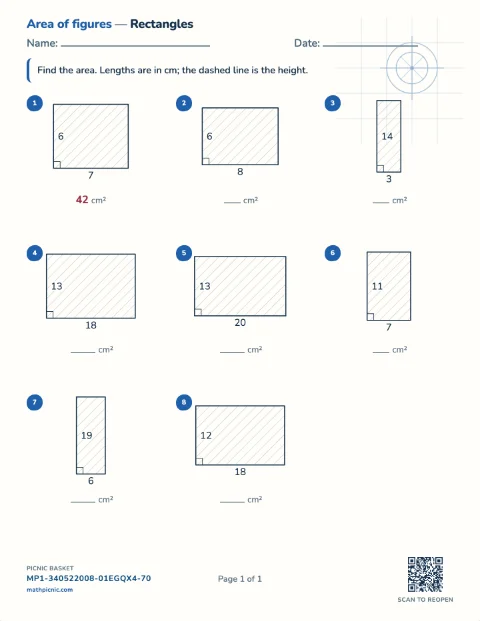
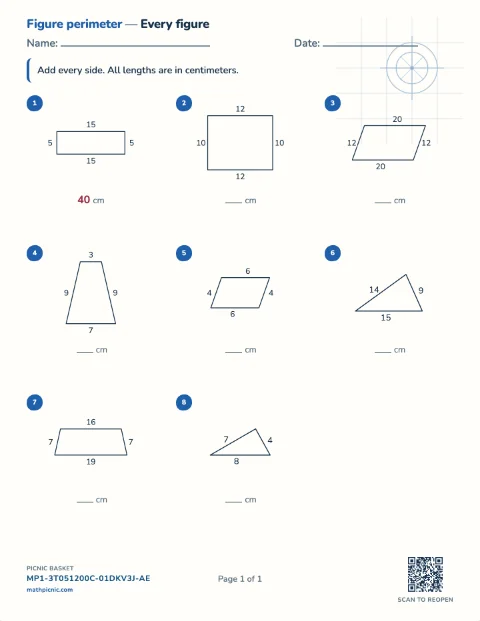
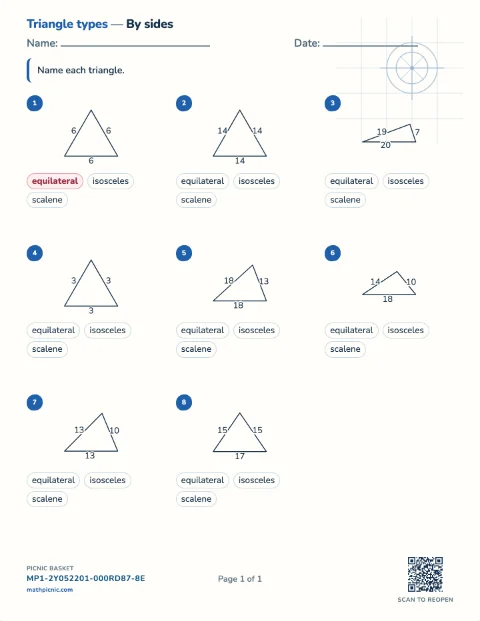
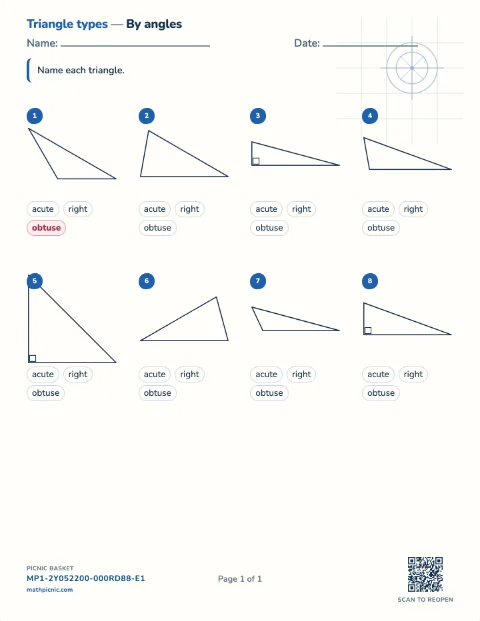
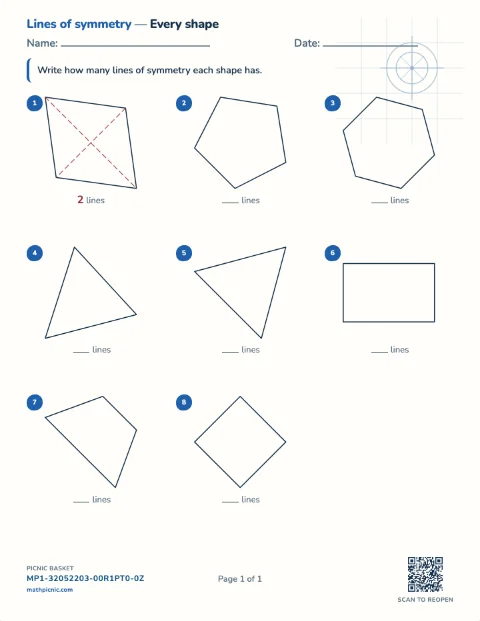
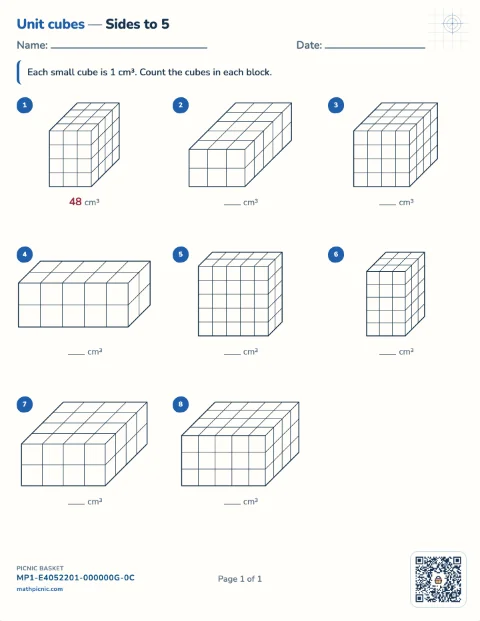
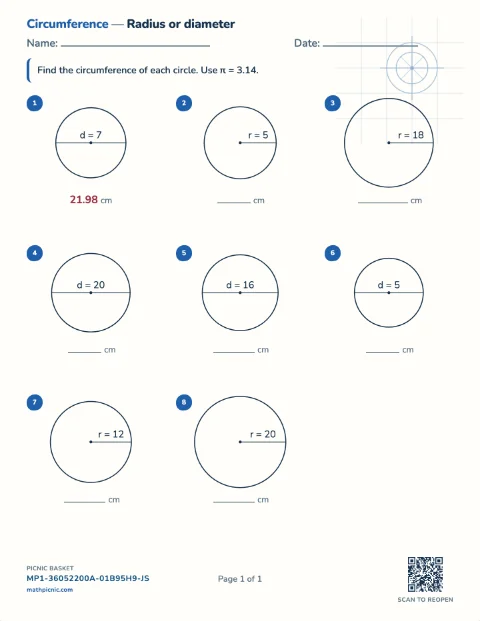
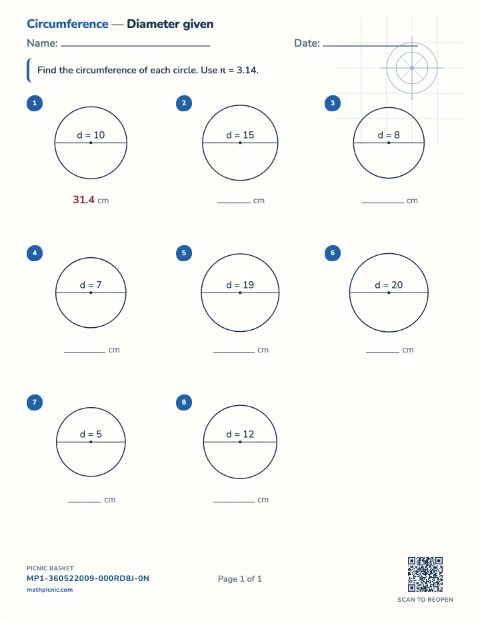
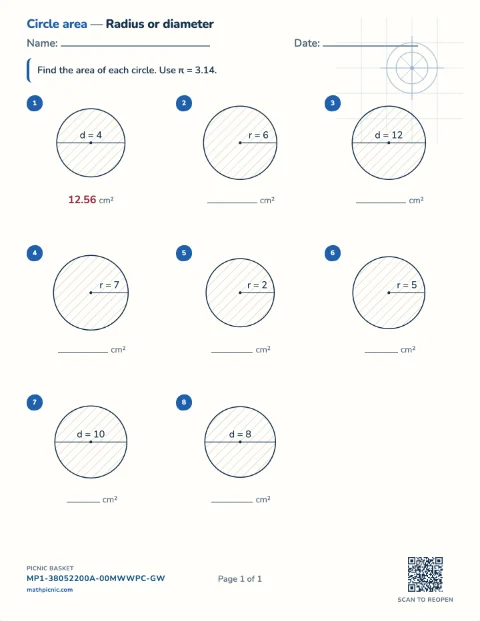
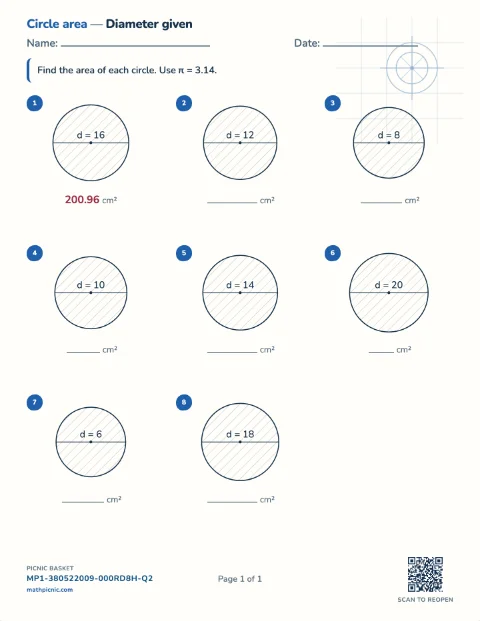
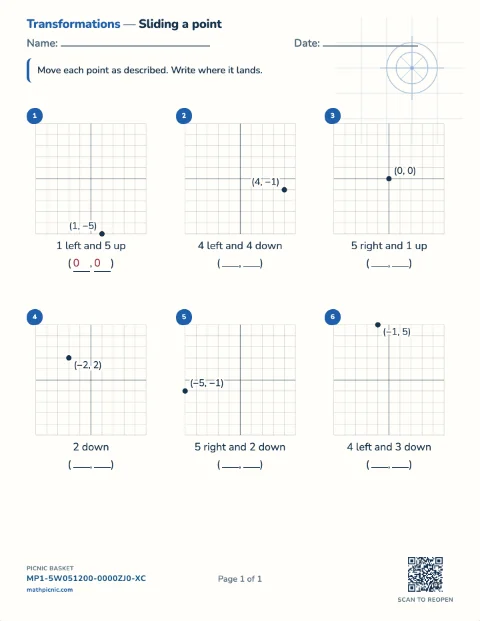
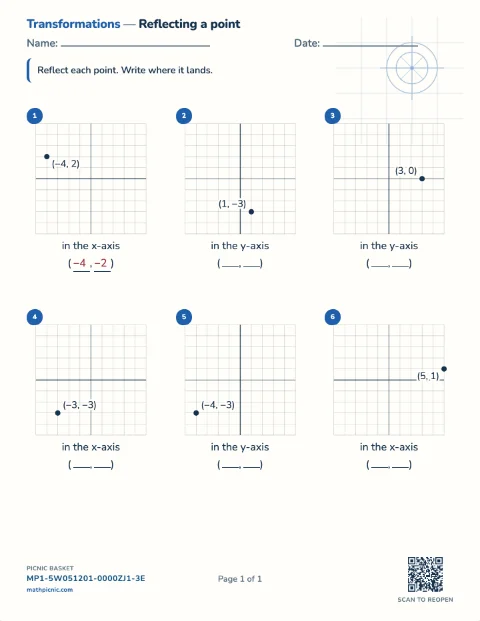
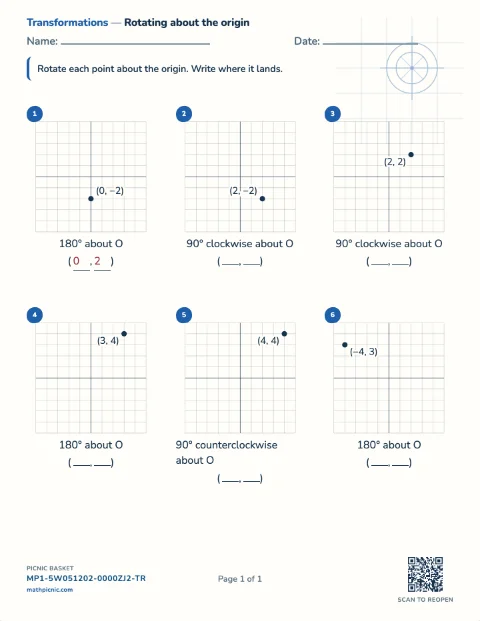
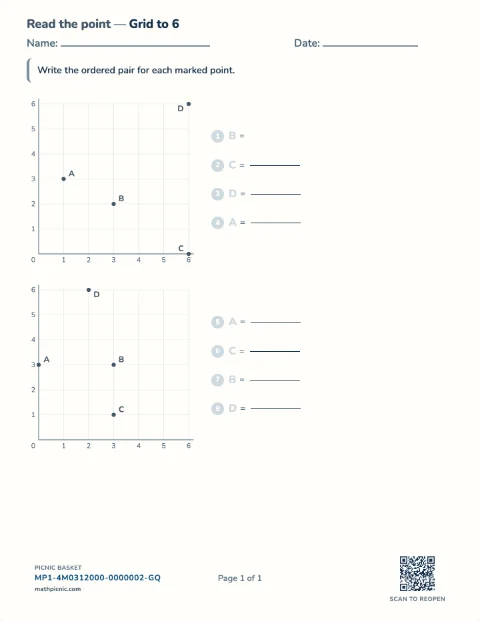
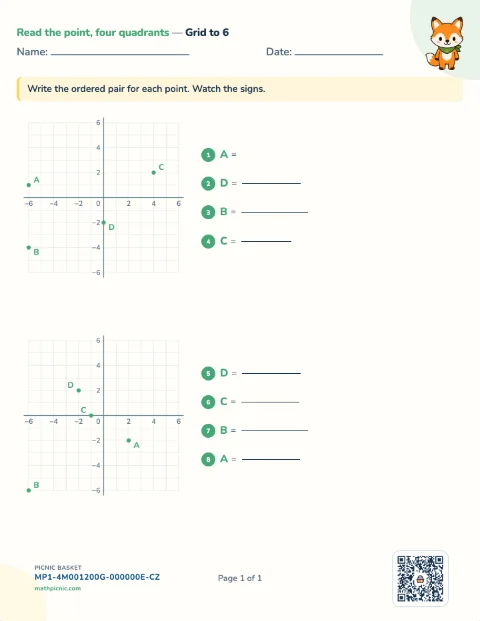
Children count unit squares, measure perimeter, area, volume and surface area, name angles and triangles, count lines of symmetry, and work with circles and the Pythagorean theorem.Shape & measure 84 sheets
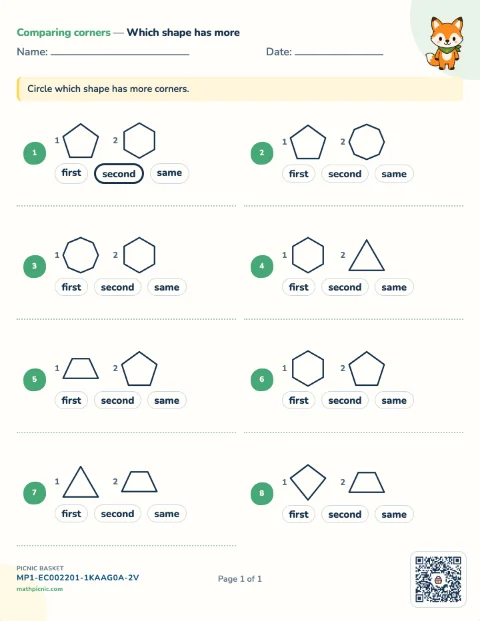
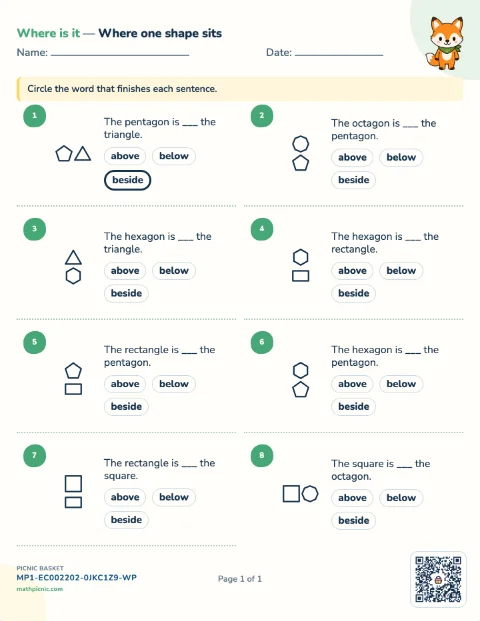
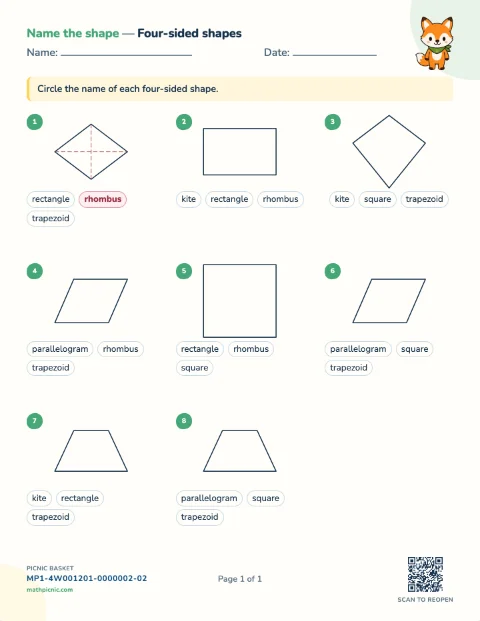
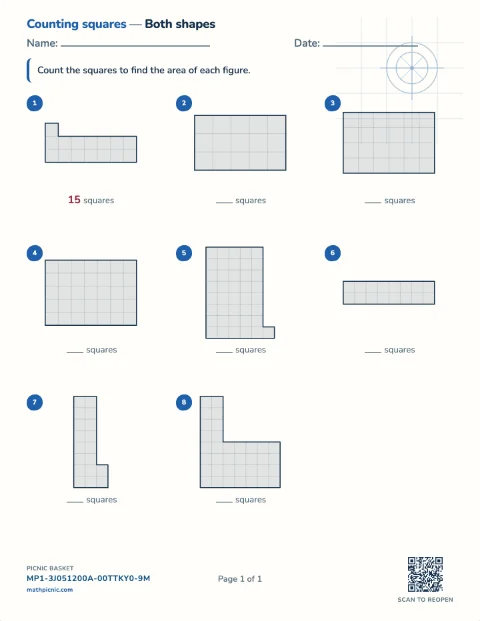
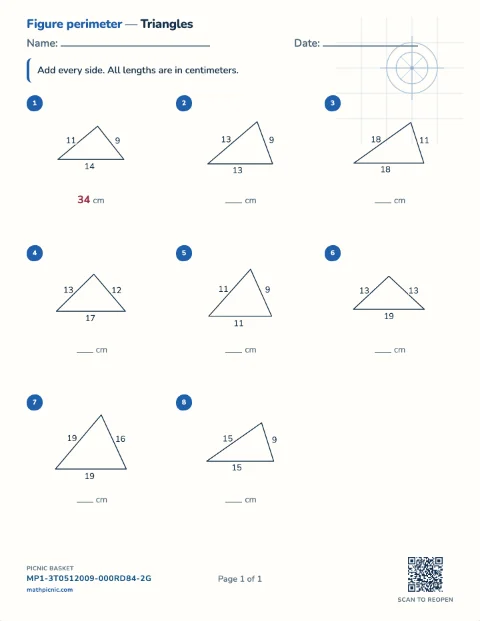
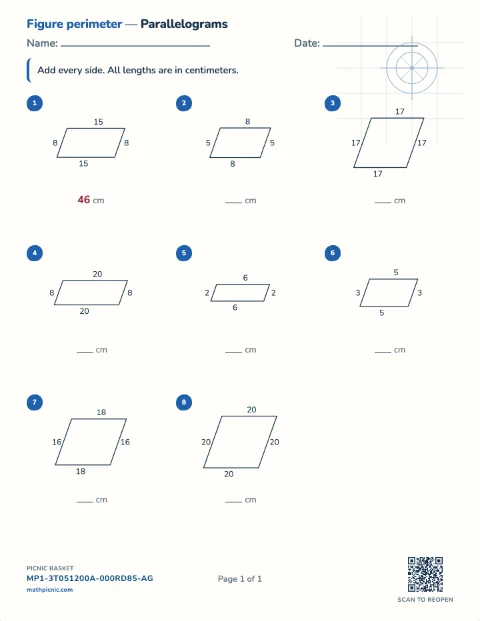
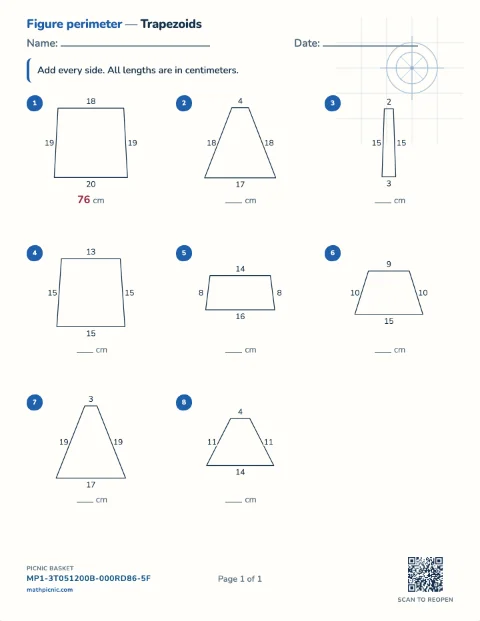
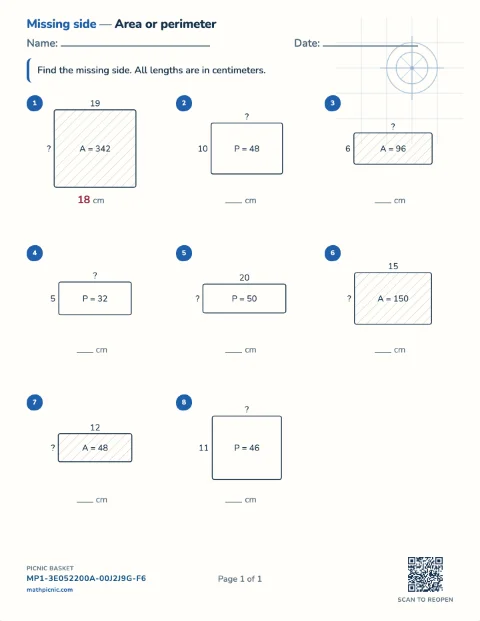
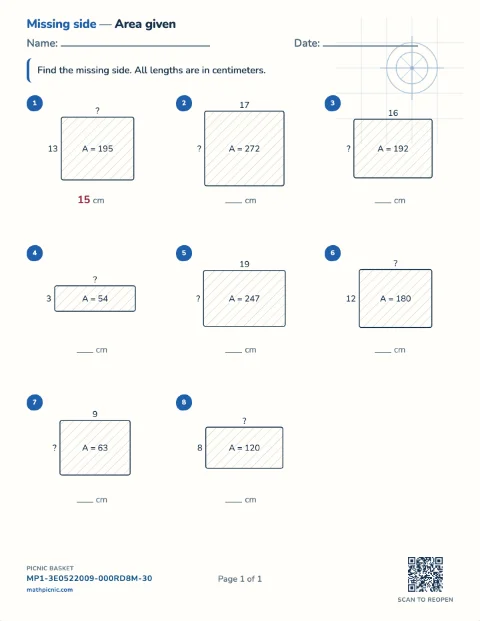
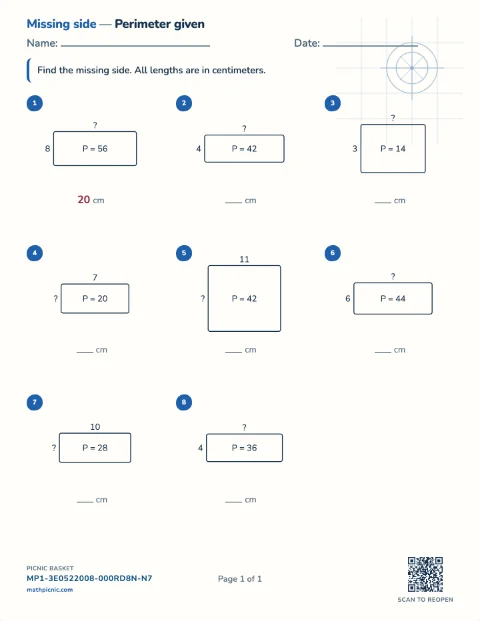
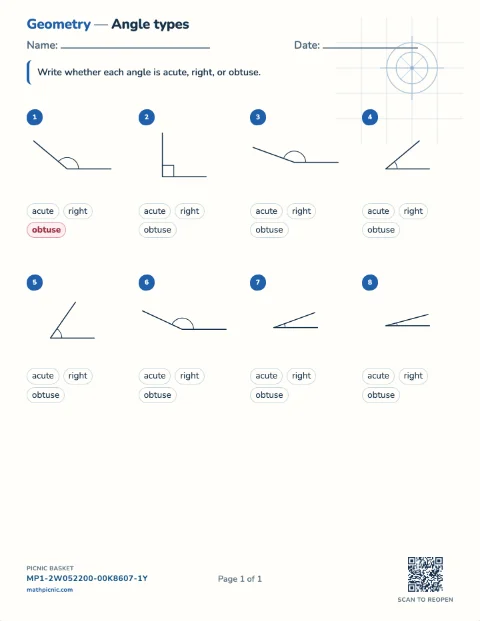
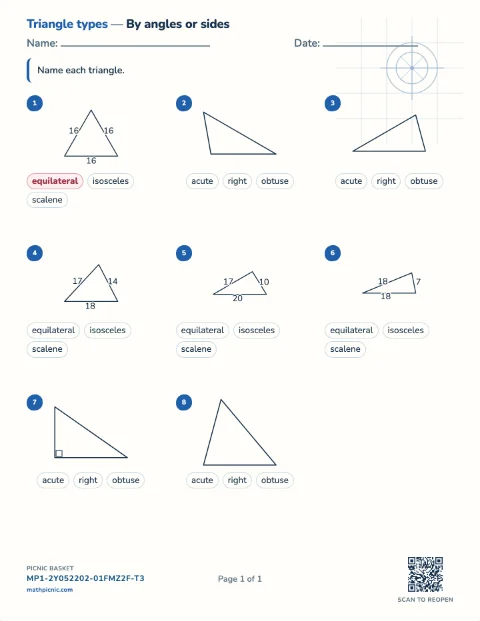


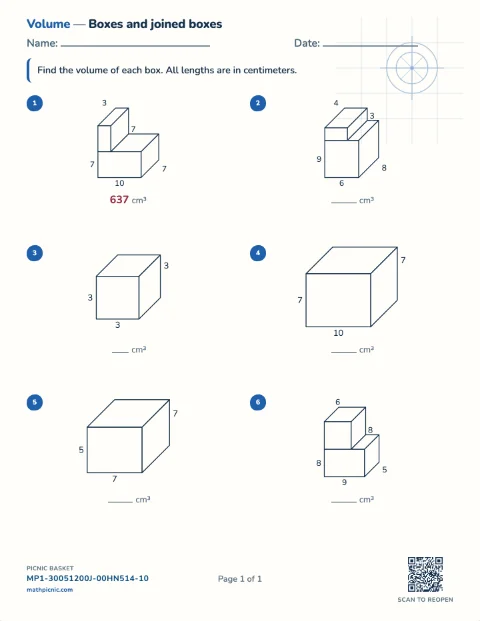
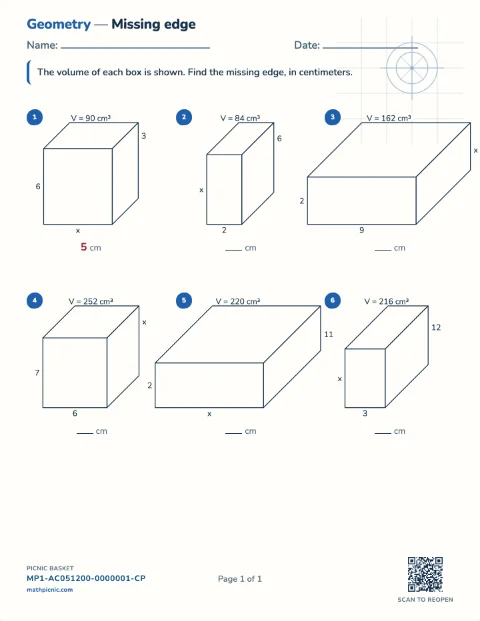
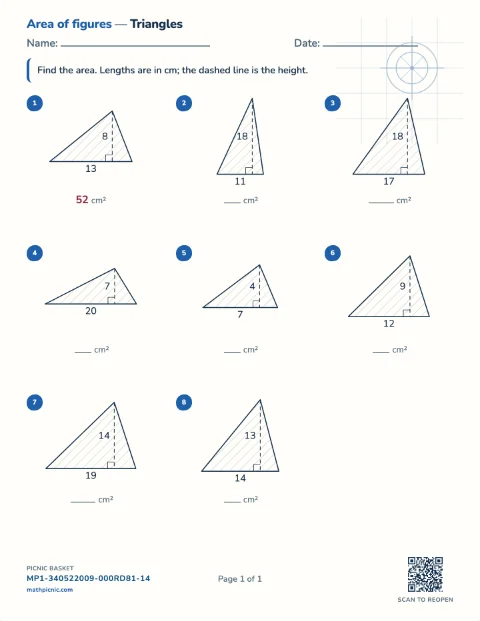
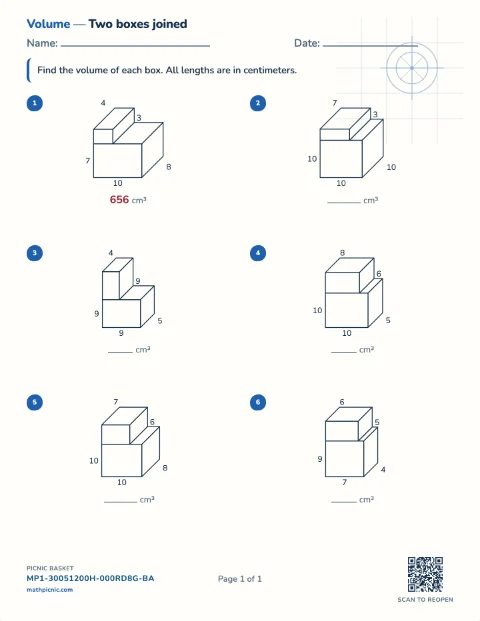
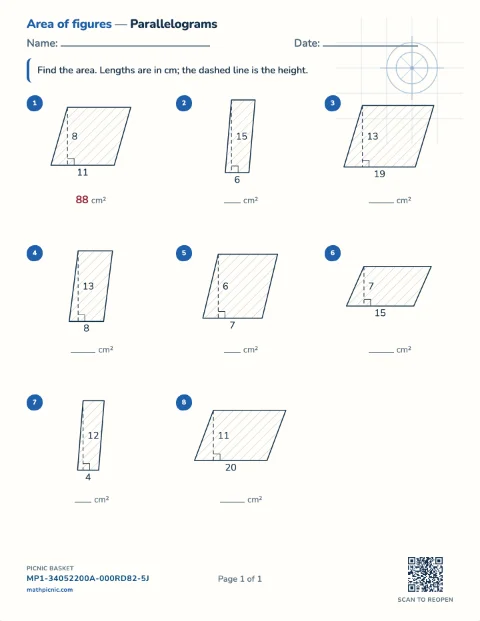
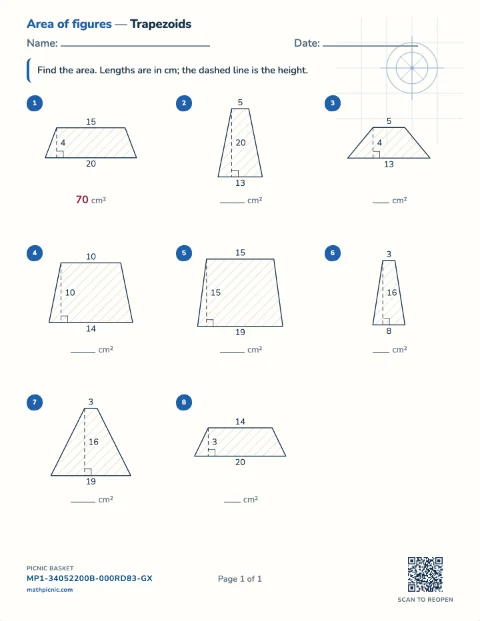
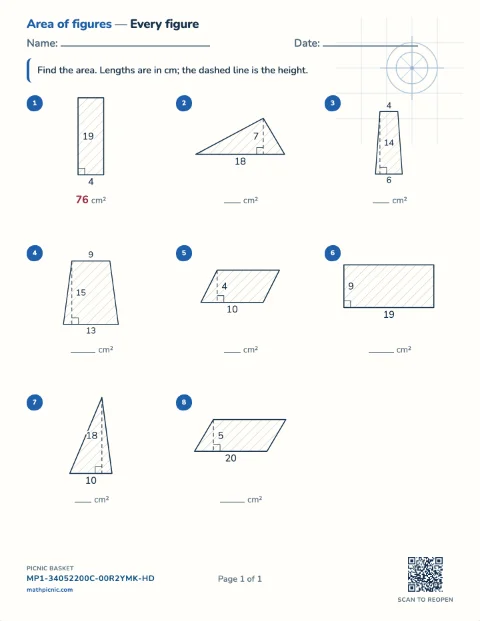
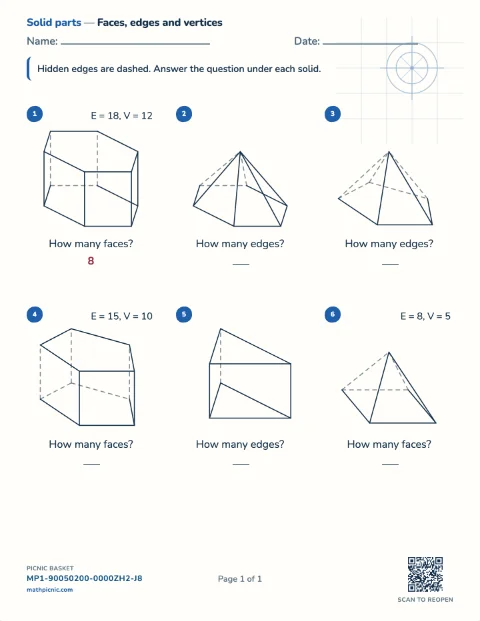
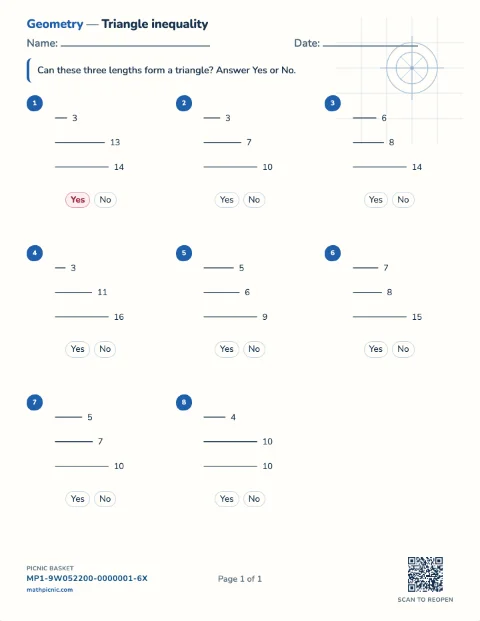
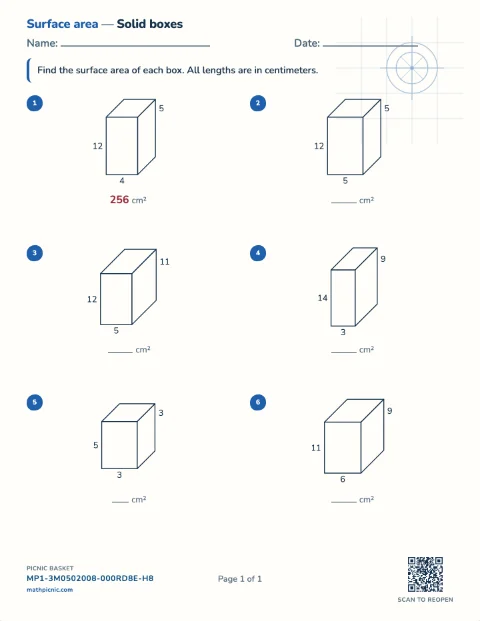
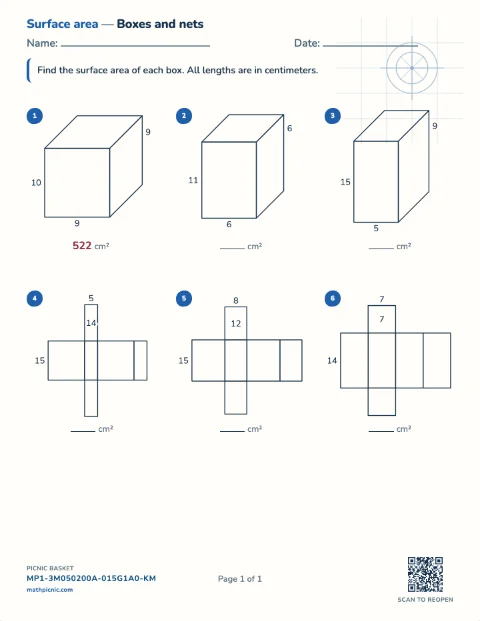
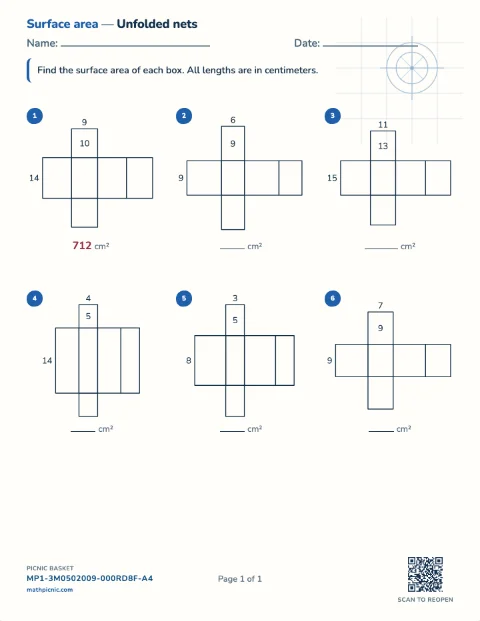

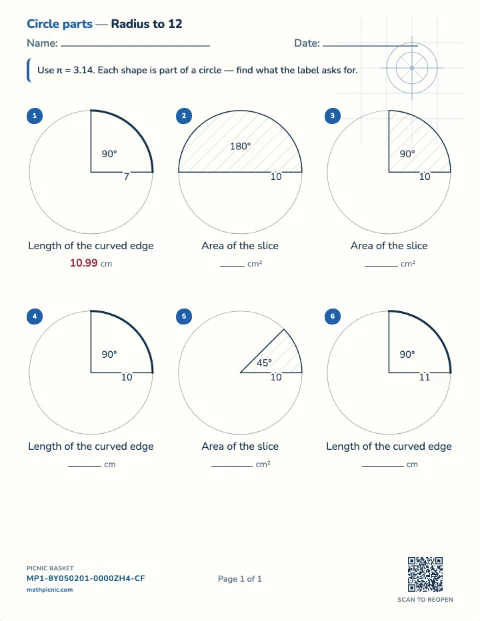
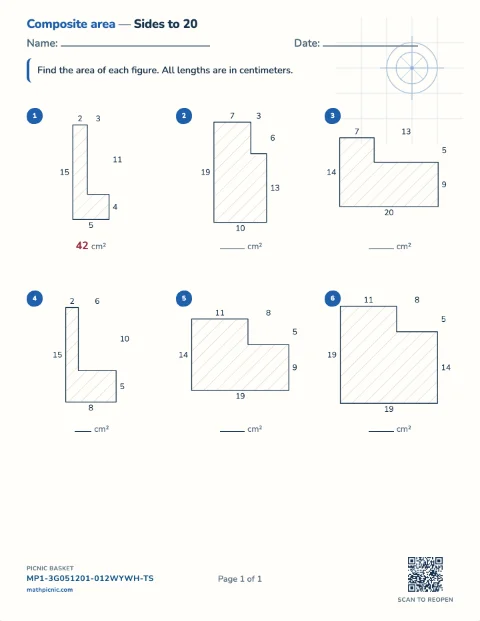
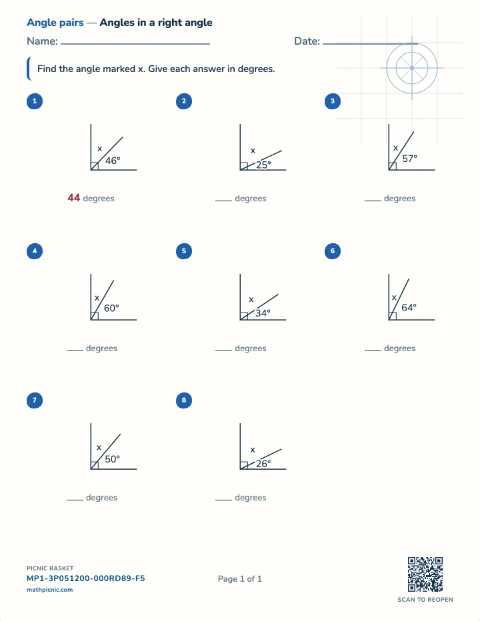
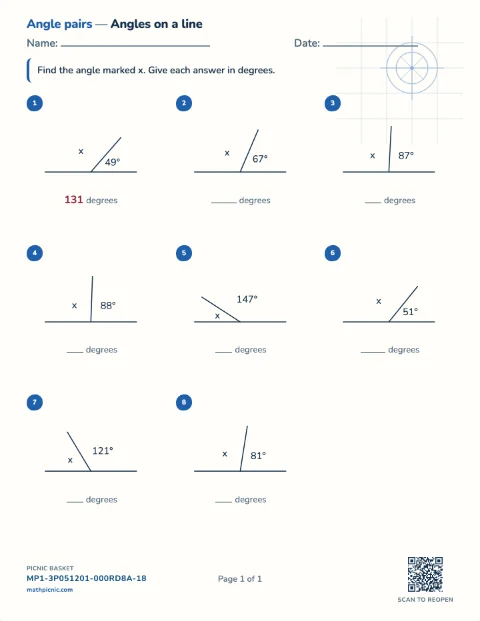
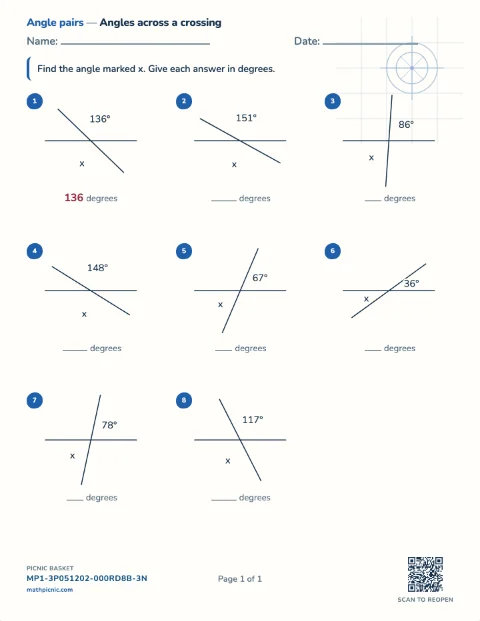
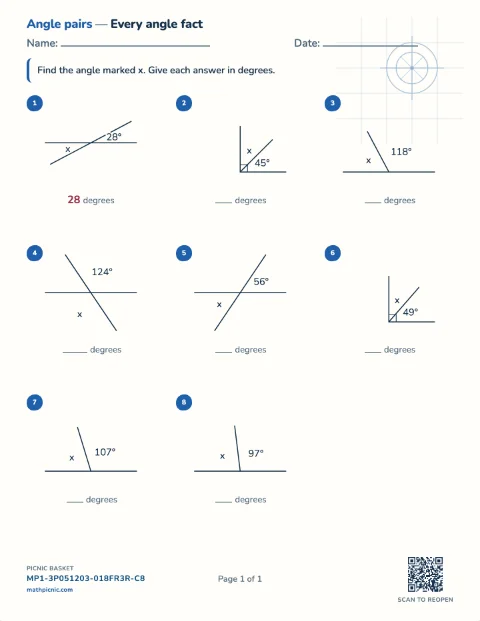
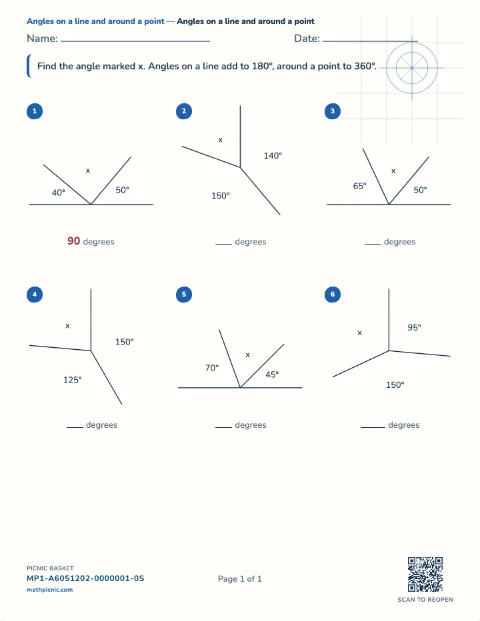
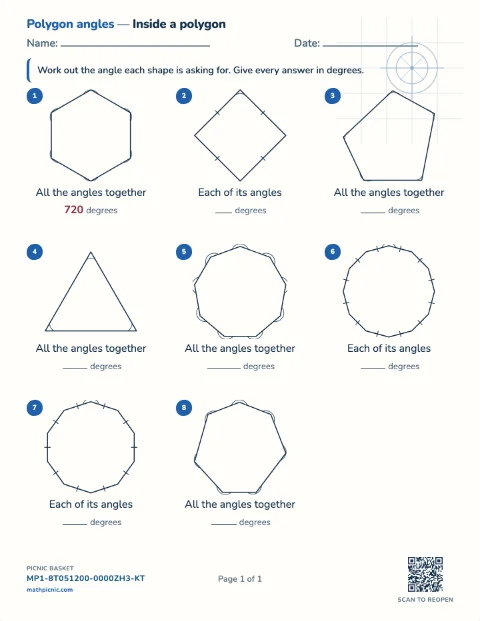
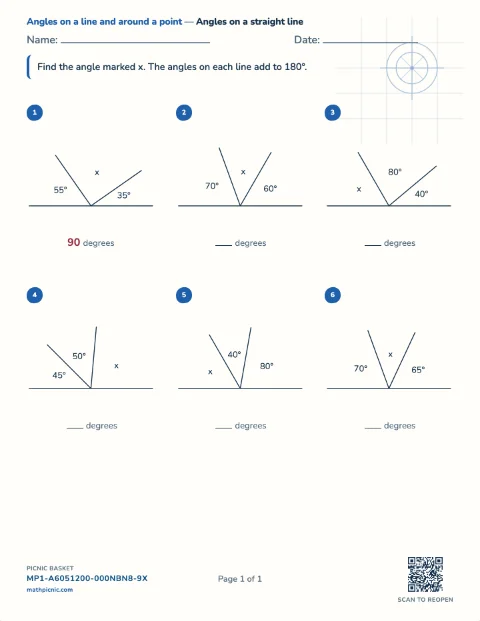
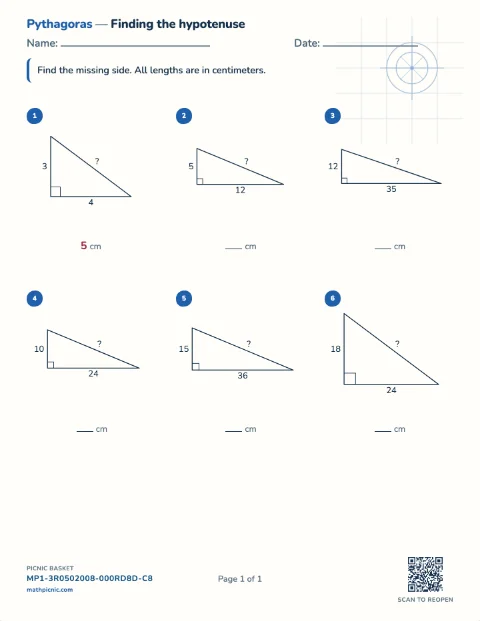
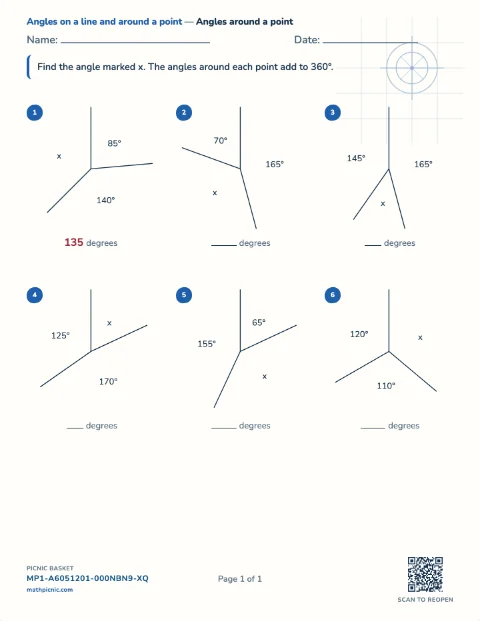
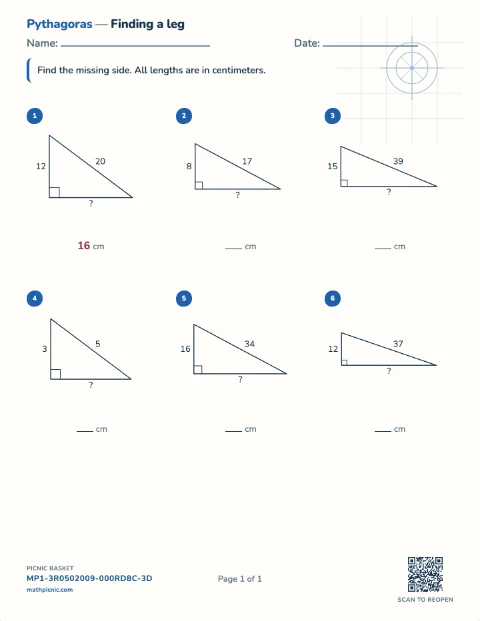
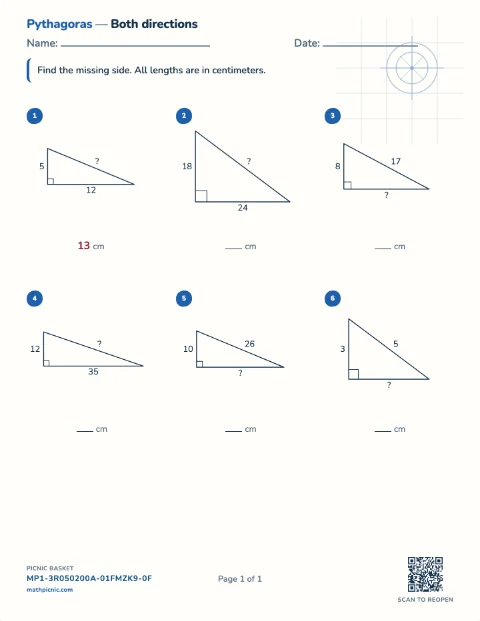
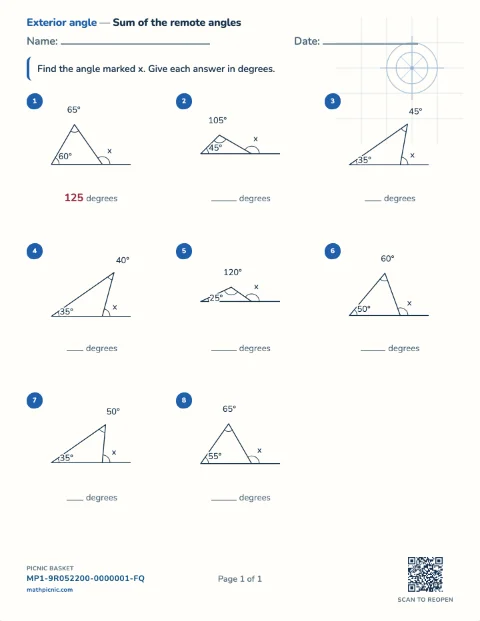
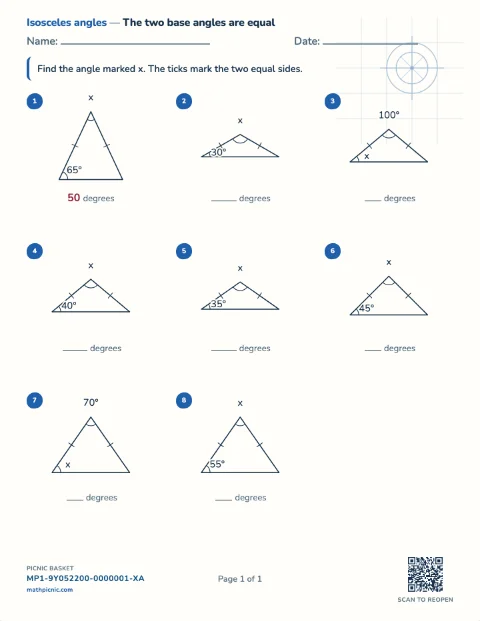
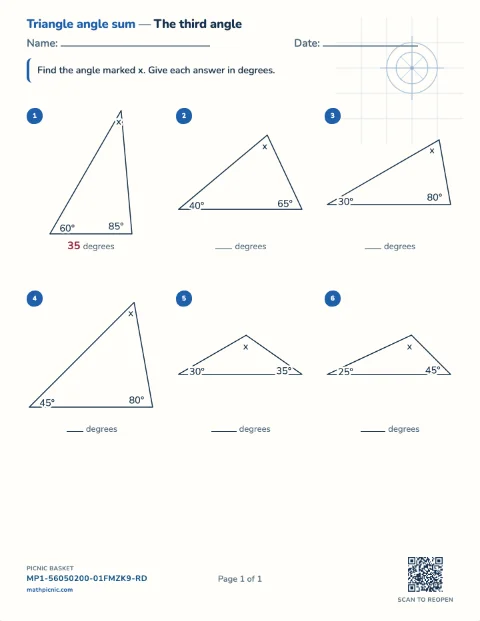
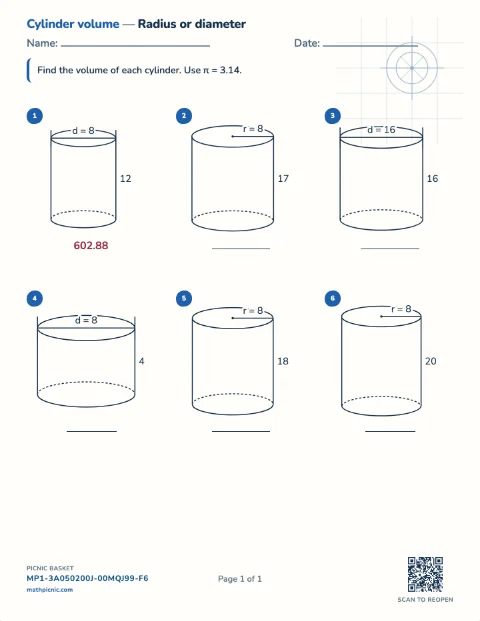
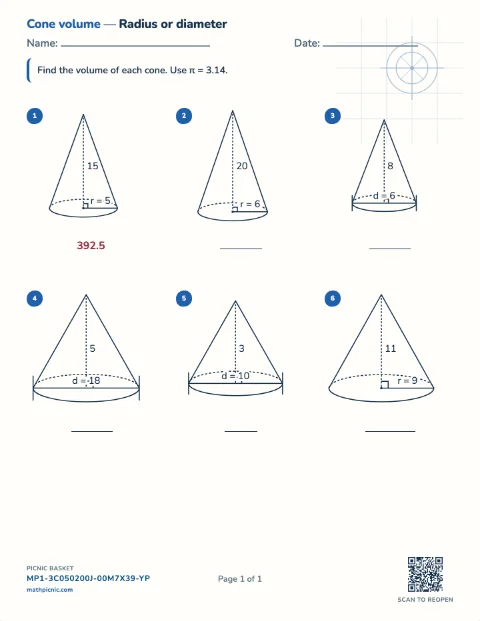
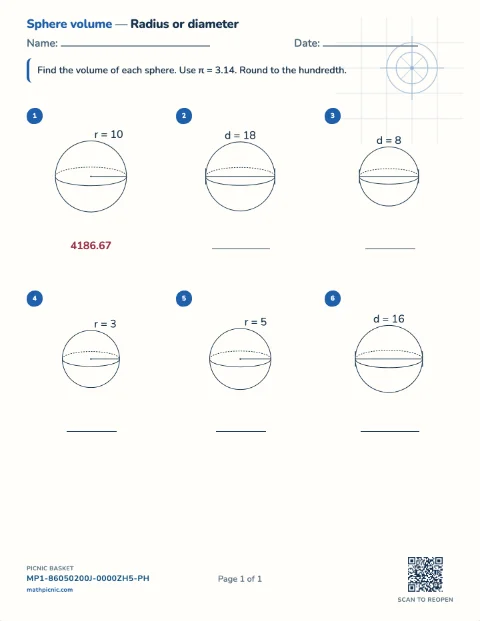
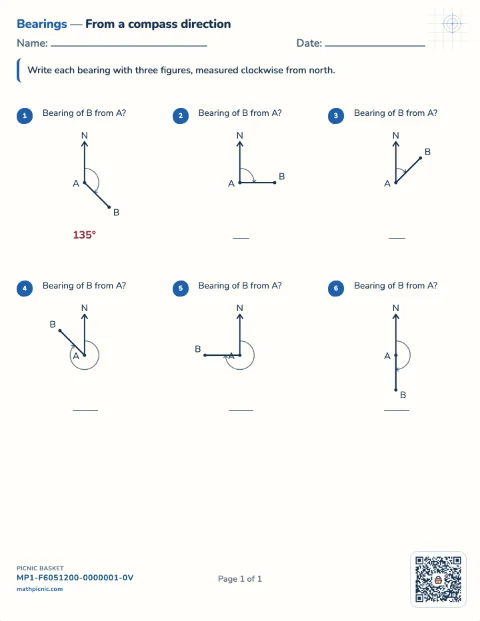
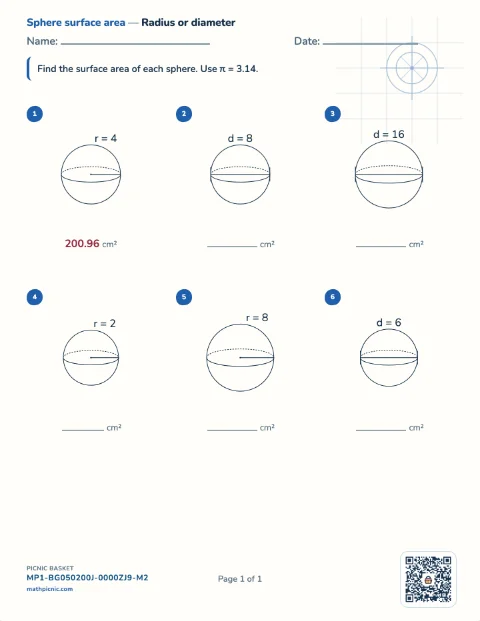
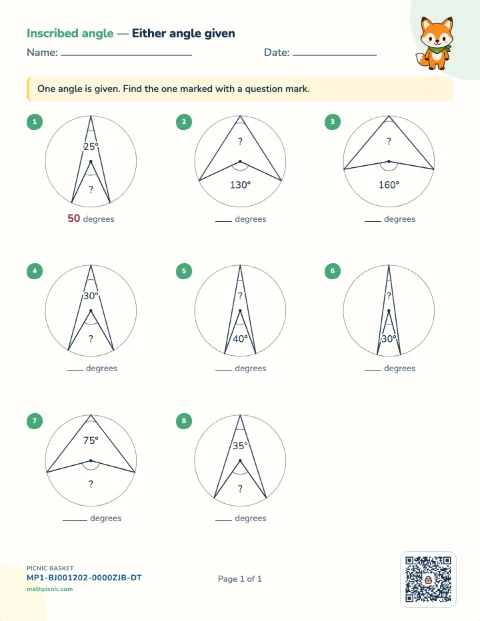
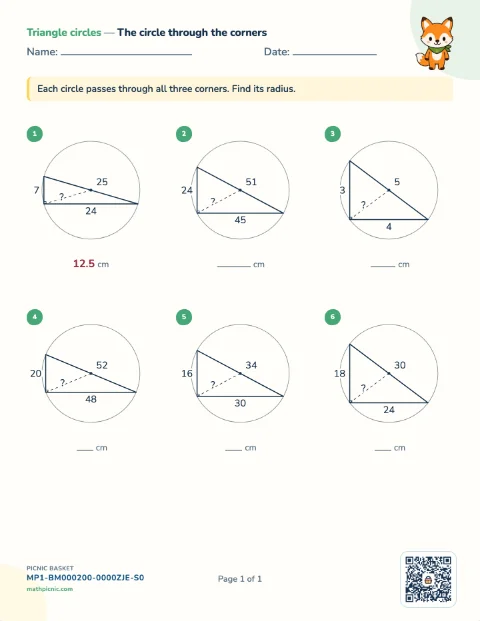
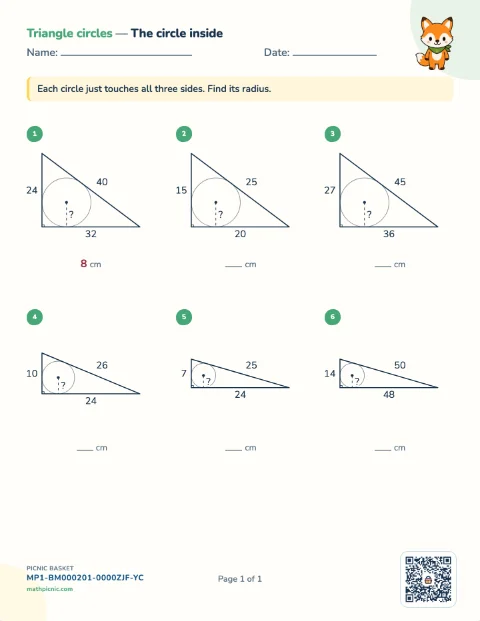
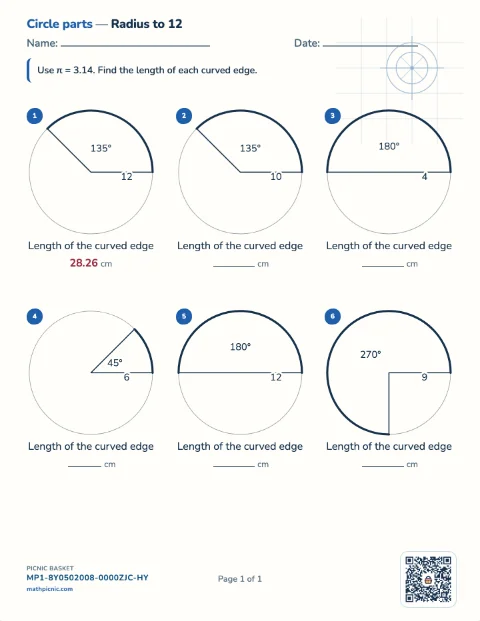
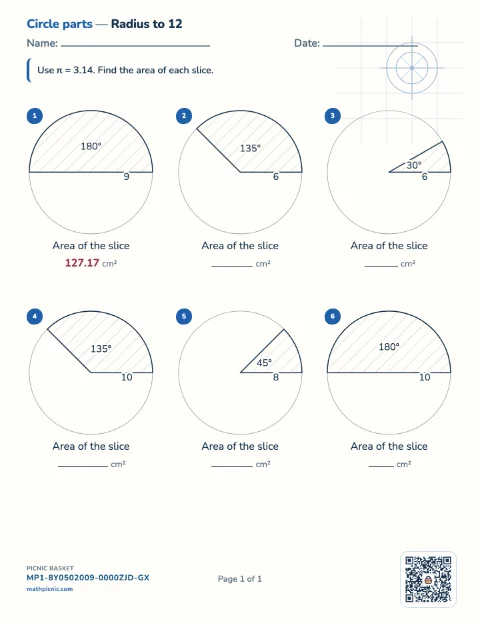
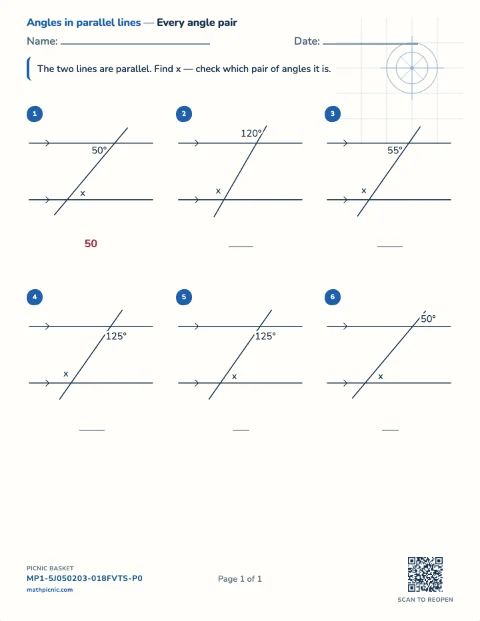
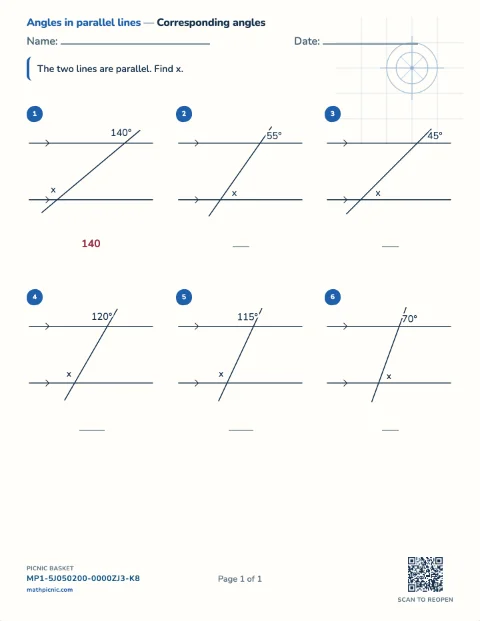
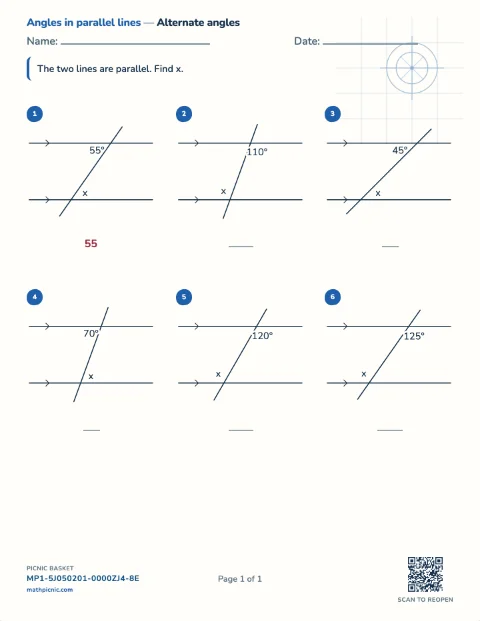
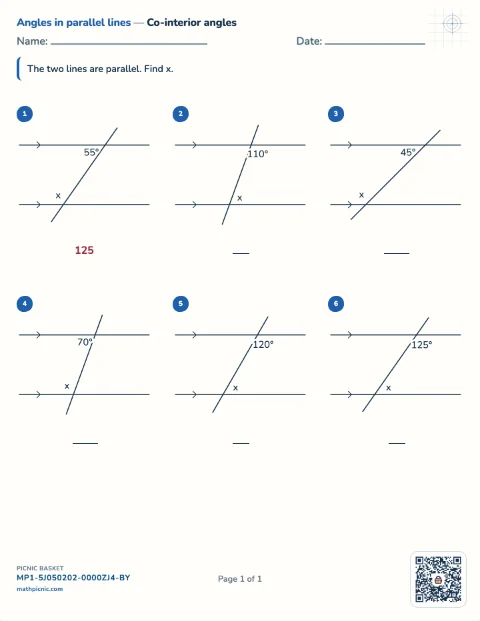
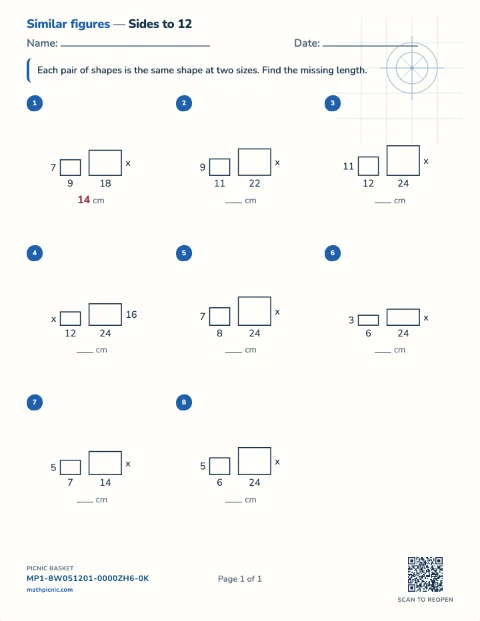
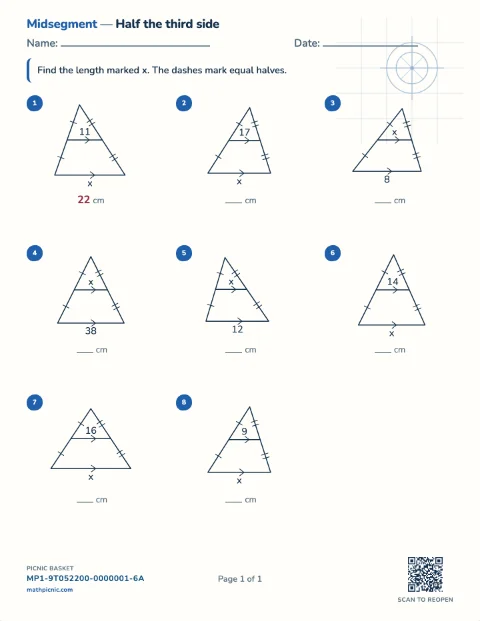
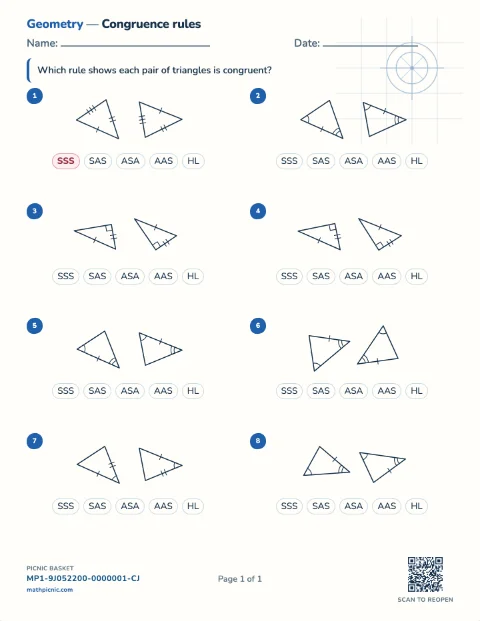
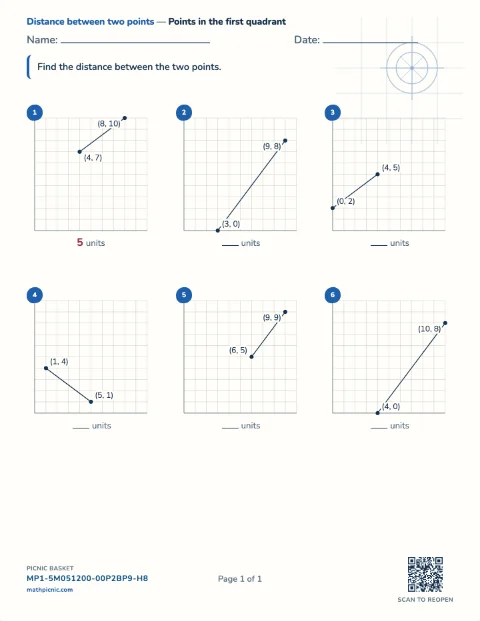
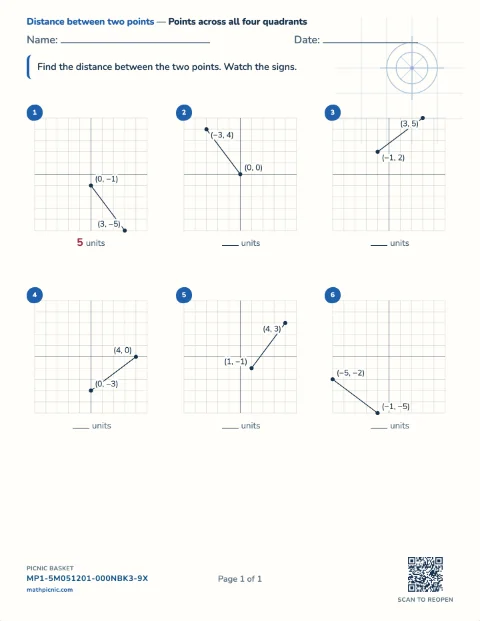
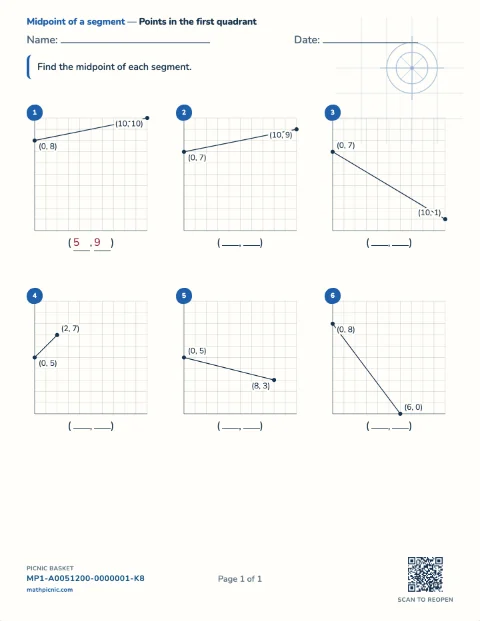
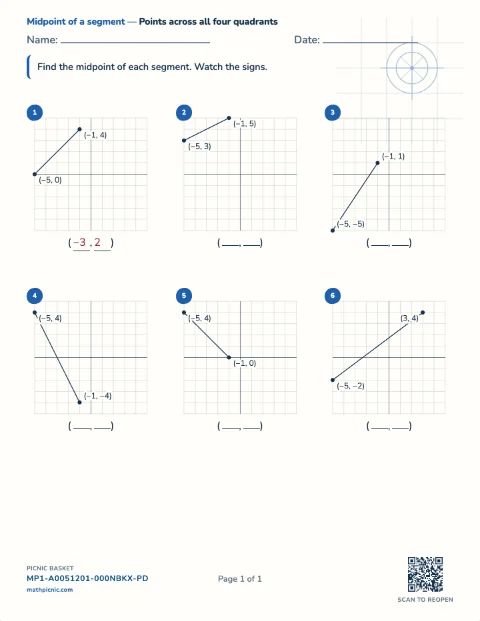
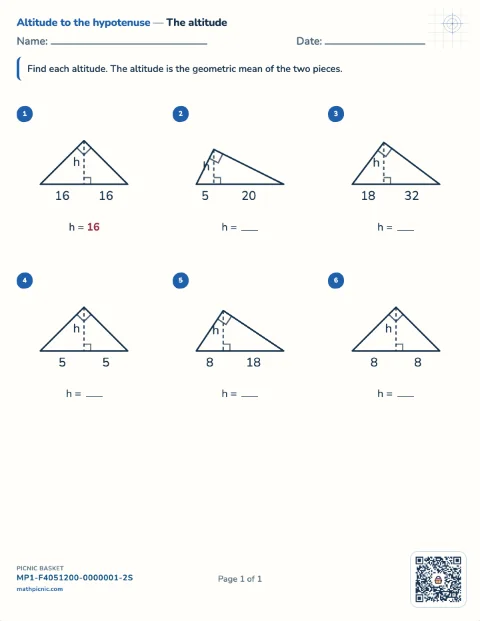
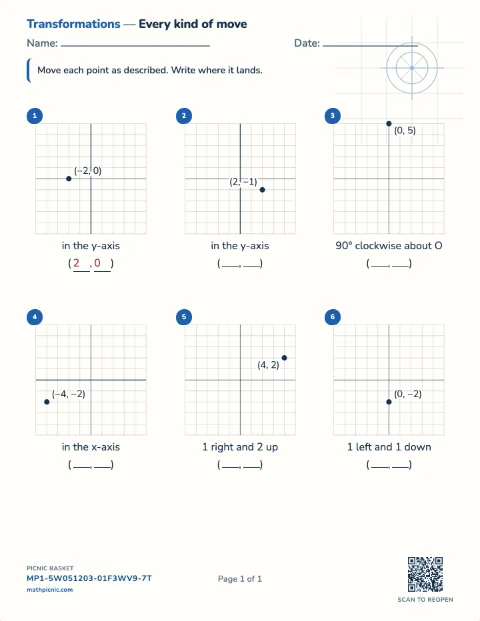
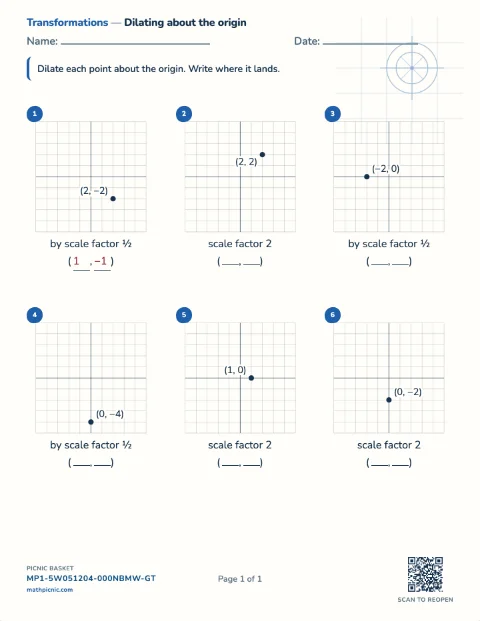
Grade 1–3 read a chart
Graph and data practice
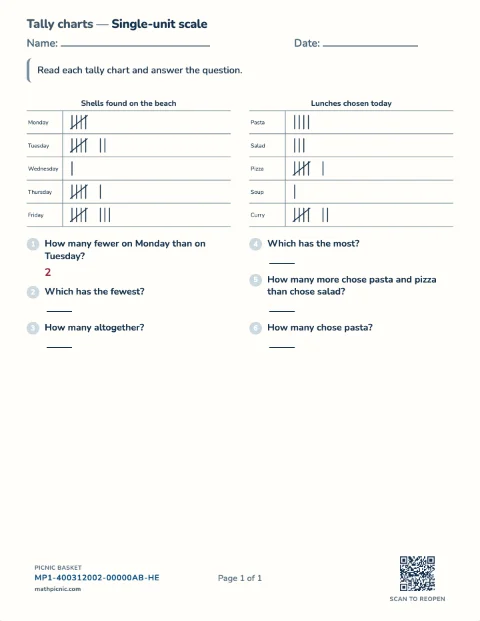
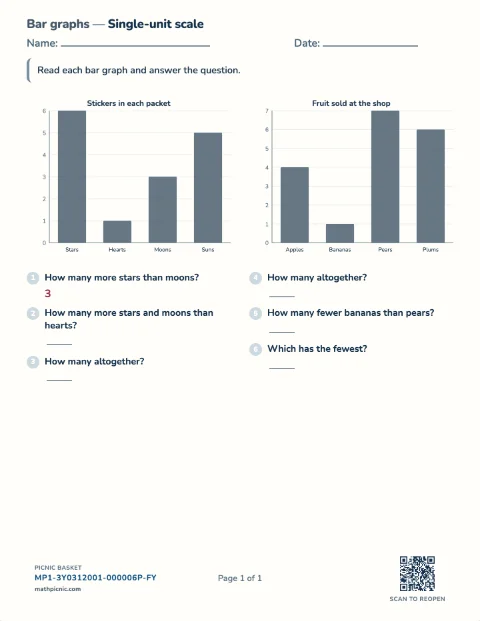
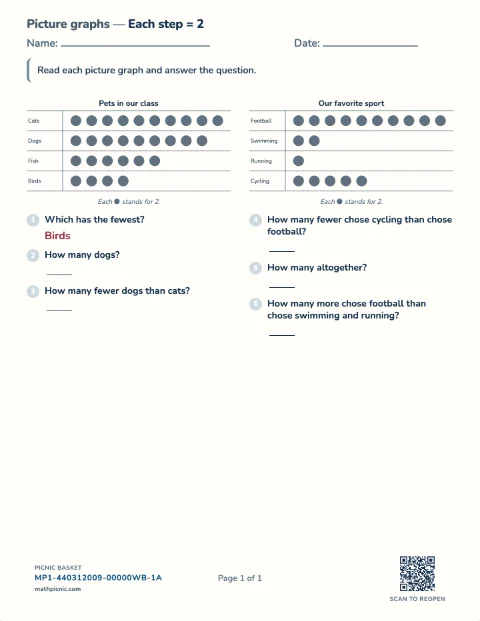
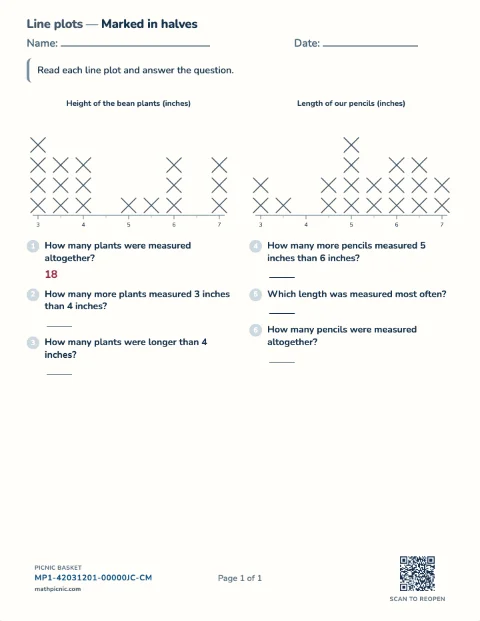
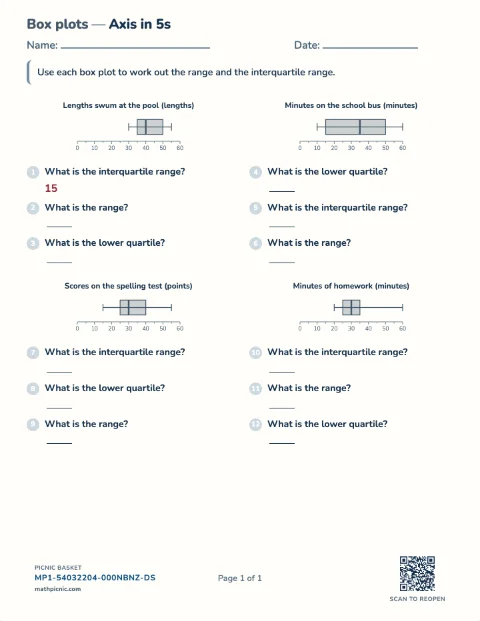
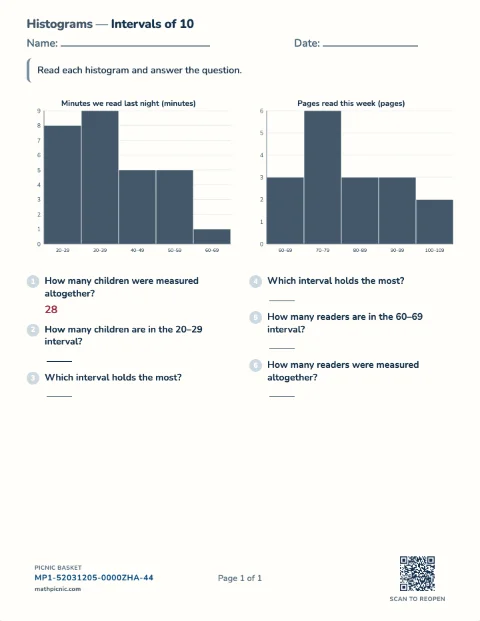
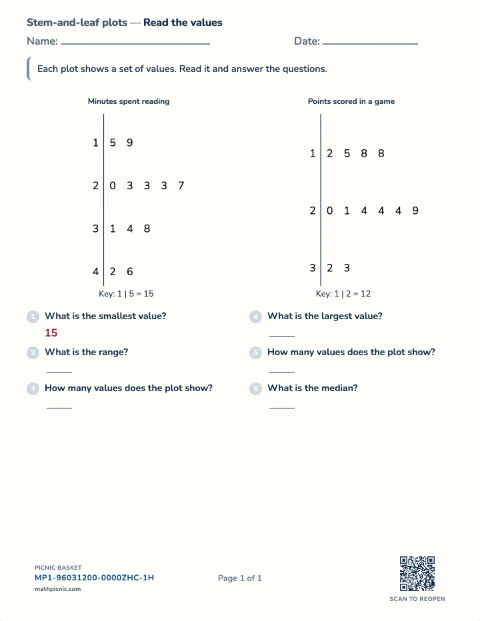
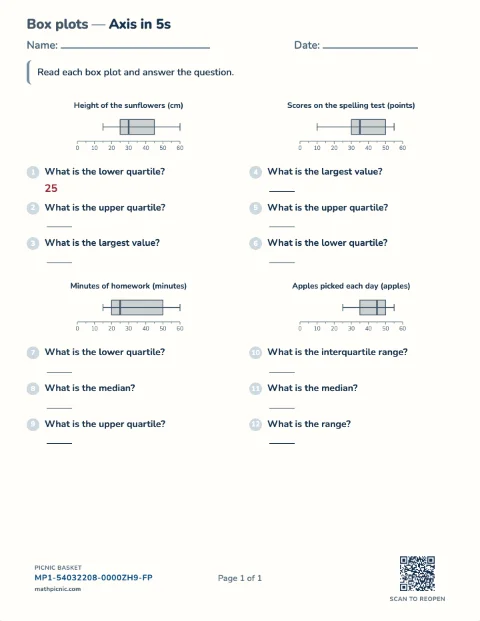
Children read tally charts, picture graphs, bar graphs, and line plots — how many, how many more, how many altogether — from a chart that is itself the question.Graphs and data 40 sheets



Three simple steps
Pick. Answer. Try again.
- 1Pick a sheetChoose a quick one here, or bring your own.
- 2Tap each answerBig number buttons keep the focus on the math.
- 3Try the tricky ones againMissed questions become a short follow-up round.
Practicing math on screen, without an app
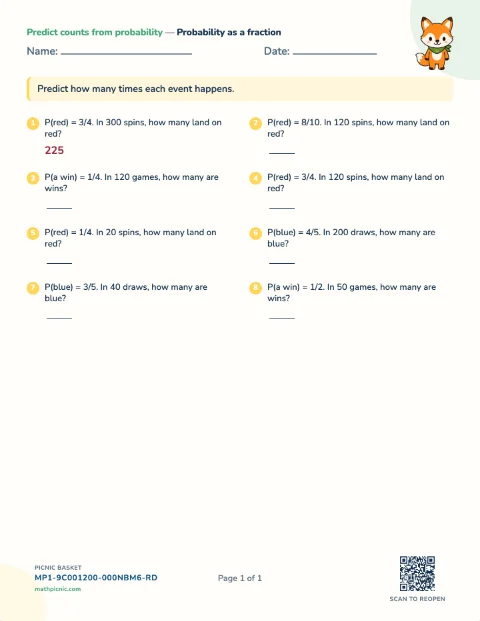
This is the same worksheet, not a different product. Most sheets the Math Picnic makers produce can be answered here: the same questions in the same order, the same pictures, the same layout — only the write-on blank becomes a button. A few are print-only, because their answer is a drawing, a clock face or a folded shape rather than something you can tap; those sheets say so in the maker. A child who practices a sheet on screen this afternoon and prints it on Saturday meets the same math in the same shape both times.
Screen suits some practice better than paper does. A ten-question round of times tables is marked the moment it is handed in, which is worth more than the same round marked at bedtime; a waiting room has no printer; and a six-year-old will do six questions on a phone that they would not sit down to on paper. Paper still wins where the writing is the point — column addition, long division, anything where the working out is most of the answer — which is why every sheet here prints too.
What happens when a child gets stuck
“I don't know this one yet” is a real answer, not a wrong one. Tapping it leaves the question unmarked and puts it in the retry round, so a child never has to guess to move on. When the sheet is handed in, the questions that were missed or skipped come back as a short second round, each with a couple of look-alikes beside it — six wrong out of ten becomes an eighteen-question retry, not the ten all over again. That is the whole reason to practice on screen rather than print twice.
Nothing here needs an account, and nothing is stored about who answered. The sheet and the result both live in the page's own web address, so a refresh or a back button keeps the round, and closing the tab is the whole of logging out. Saving is opt-in and local: a picnic basket keeps the sheet's short code in this browser, and the code is all it keeps.
Want a different sheet?
Choose the skill, level, and character.
Make a one-page worksheet, then choose Practice online.